BestCode Next Series 8 Technical Manual October 2022 Page 269 of 290
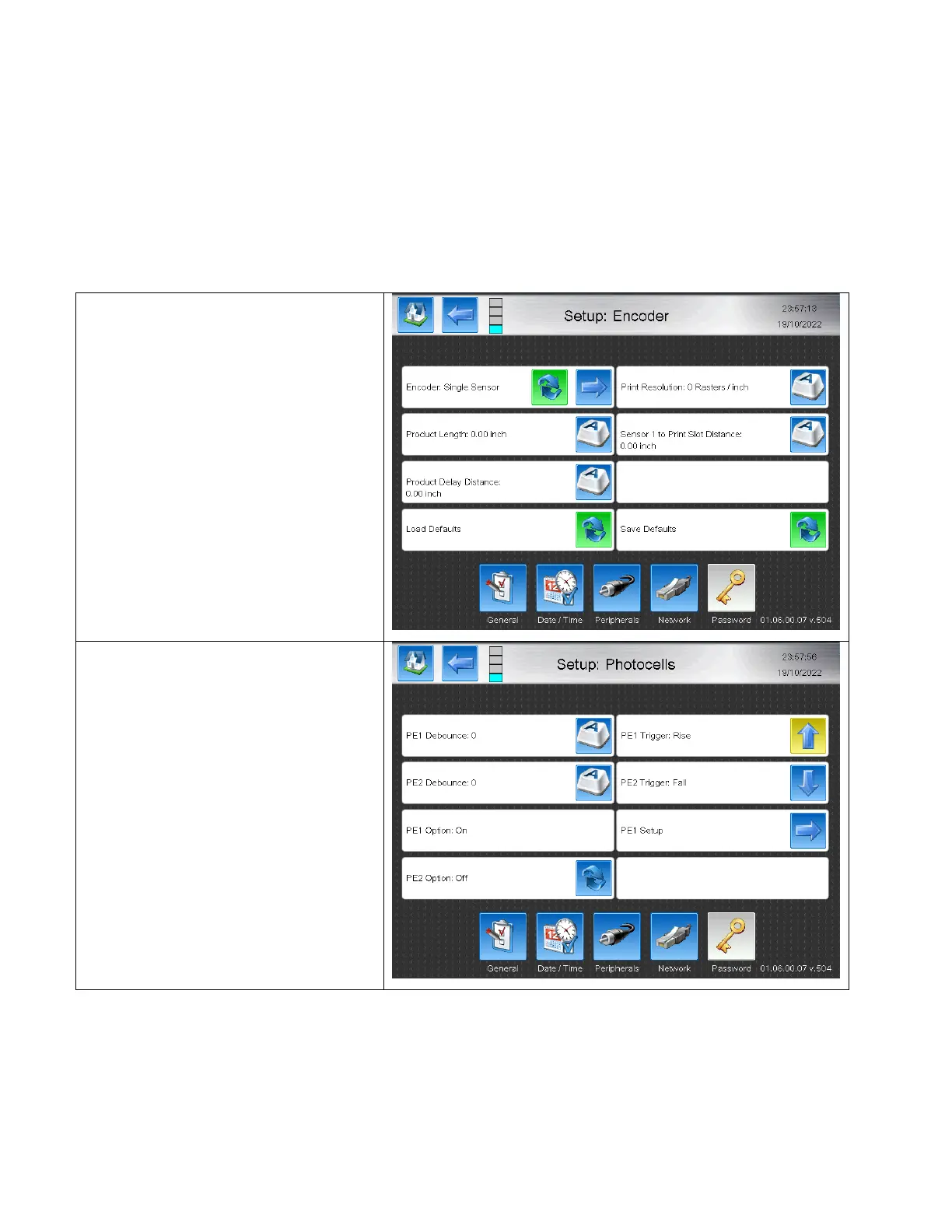
Auto Encoding Setup
Single Sensor AutoEncoding
The Single Sensor AutoEncoding mode is used only in the “Normal” print mode (Not Autoprint / Repeat / Advanced / or
Auto Select), for automatically sensing the line speed of the product and adjusting the Delay and Width to ensure the
print occurs at the same location. The single Sensor AutoEncoding mode requires that the products be the same length
each time for the accuracy of line speed measurement. Different length products can be used in general, but the
message settings must either be changed, or a different message with unique settings for that product must be
selected.
Software Setup



 To Next Page