30 User Manual • Basic-Step
Viper Climate and Production Computer
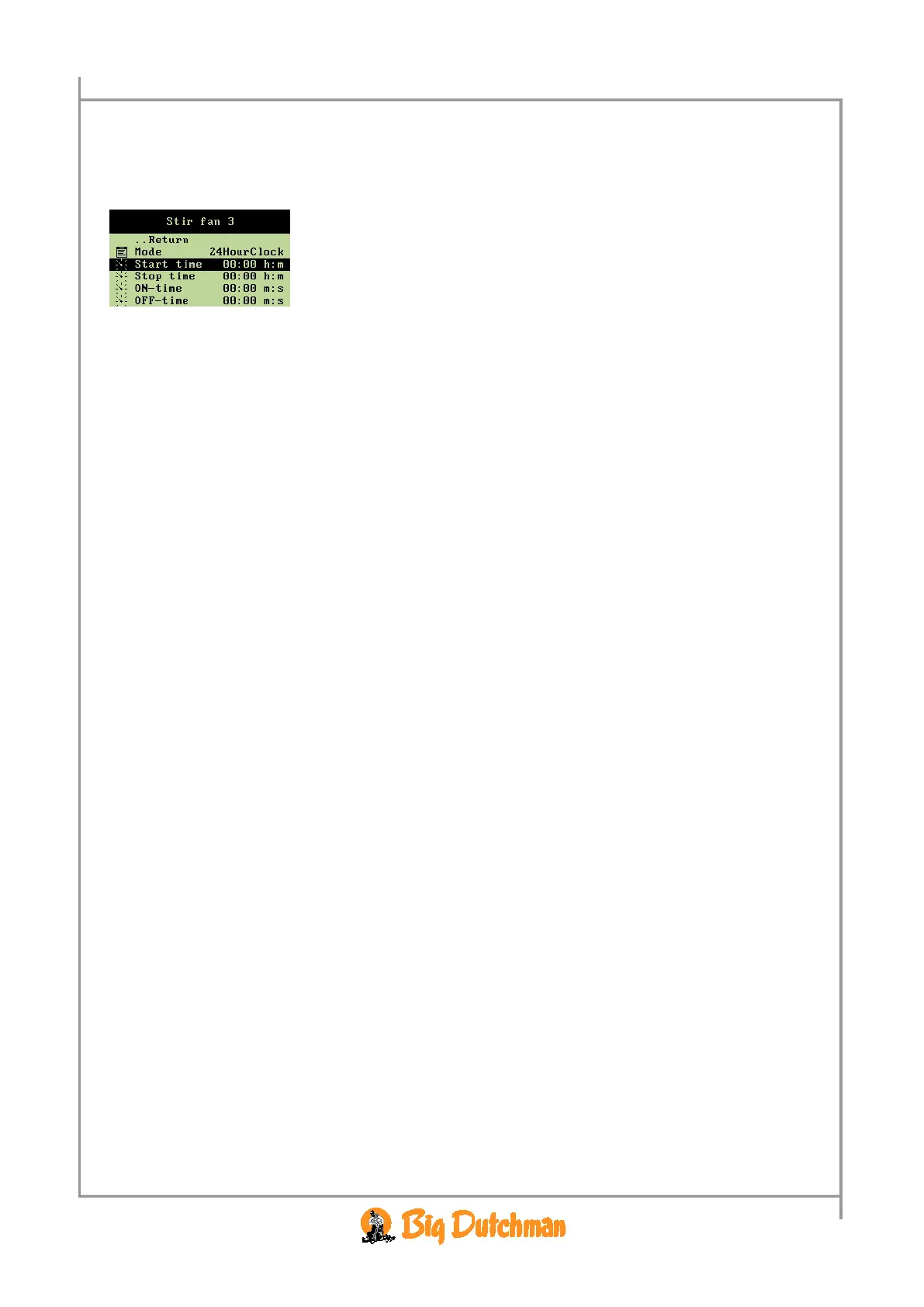
2.2.8.1.3.1 Setting an Active Interval for the Stir Fan
When you want to... set an interval for the stir fan, open the
Climate/Stir fan menu, and
→ select
Start time, and press
→ set an interval
The
Stop time should be set in the same way.
2.2.8.1.3.2 Setting of ON and OFF-Time for Stir fan
The setting is carried out in the same way as for temperature regulation. See section 2.2.8.1.2.4.



 To Next Page