User Manual • Basic-Step 29
Viper Climate and Production Computer
2.2.8.1.2.3 Setting the Temperature for Stir Fan
One temperature sensor The computer activates the stir fan when the inside temperature deviates
from
Temperature setpoint with the number of degrees set in the
Stir fan temperature menu.
Two temperature sens. The computer activates the stir fan when the temperature difference
between the two sensors exceeds the number of degrees set in the
Stir
fan temperature
menu.
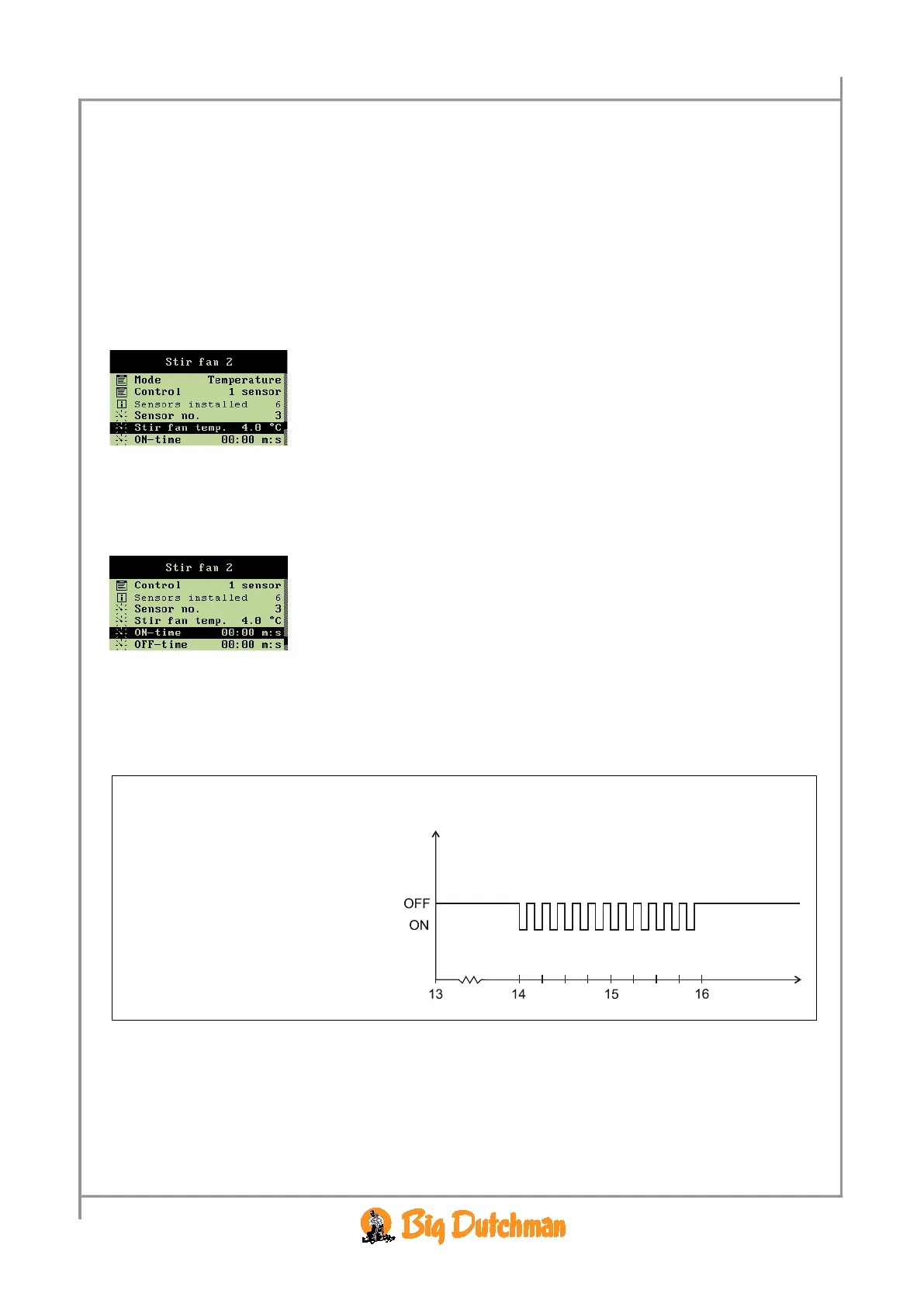
When you want to... set a temperature for the stir fan, open the
Climate/Stir fan menu, and
→ select
Stir fan temperature, and press
→ set a number of degrees/a temperature
2.2.8.1.2.4 Setting of ON and OFF-Time for Stir Fan
When you want to... set a runtime for the stir fan, open the
Climate/Stir fan menu, and
→ select
ON-time, and press
→ set an interval
The
OFF-time should be set in the same way.
2.2.8.1.3 24-Hour Regulation of the Stir Fan
When the stir fan is to operate in connection with a 24-hour clock, you have to make the time setting
as to when it should start and stop within the ON/OFF-time.
Example 4: 24-hour clock regulation
Stop time 16:00 h:m
Time



 To Next Page