28 User Manual • Basic-Step
Viper Climate and Production Computer
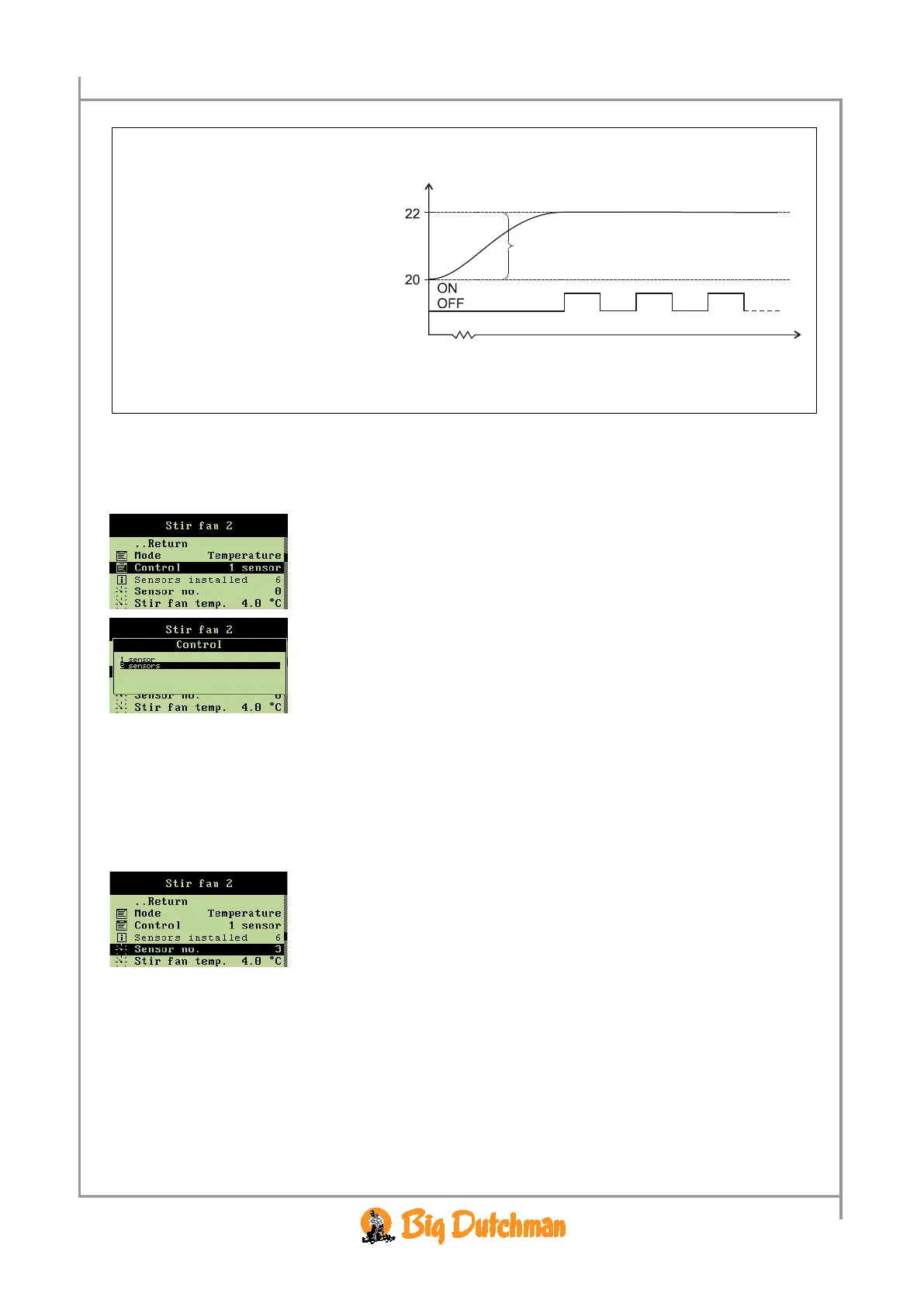
Example 3: Temperature sensor regulation
Time
One sensor: Stir fan temp. is a deviation from Temperature setpoint.
Two sensors: Stir fan temp. is a temperature difference between the two sensors.
2.2.8.1.2.1 Setting the Way of Control
When you want to... opt for a way to control, open the
Climate/Stir fan menu, and
→ select
Control, and press
→ set the number of temperature sensors
2.2.8.1.2.2 Selecting Temperature Sensor
You have to select according to which of the installed temperature sensors Viper should regulate the
stir fan.
When you want to... select temperature sensor, open the
Climate/Stir fan menu, and
→ select
Sensor no., and press
→ select temperature sensor
The High/low temp. sensor no. should be set in the same way, when the Viper regulates
according to two temperature sensors.
NB If you select a sensor number higher than the number of sensors actually installed, Viper will
not accept the setting.



 To Next Page