BIGTREETECH Pi 2 User Manual
27
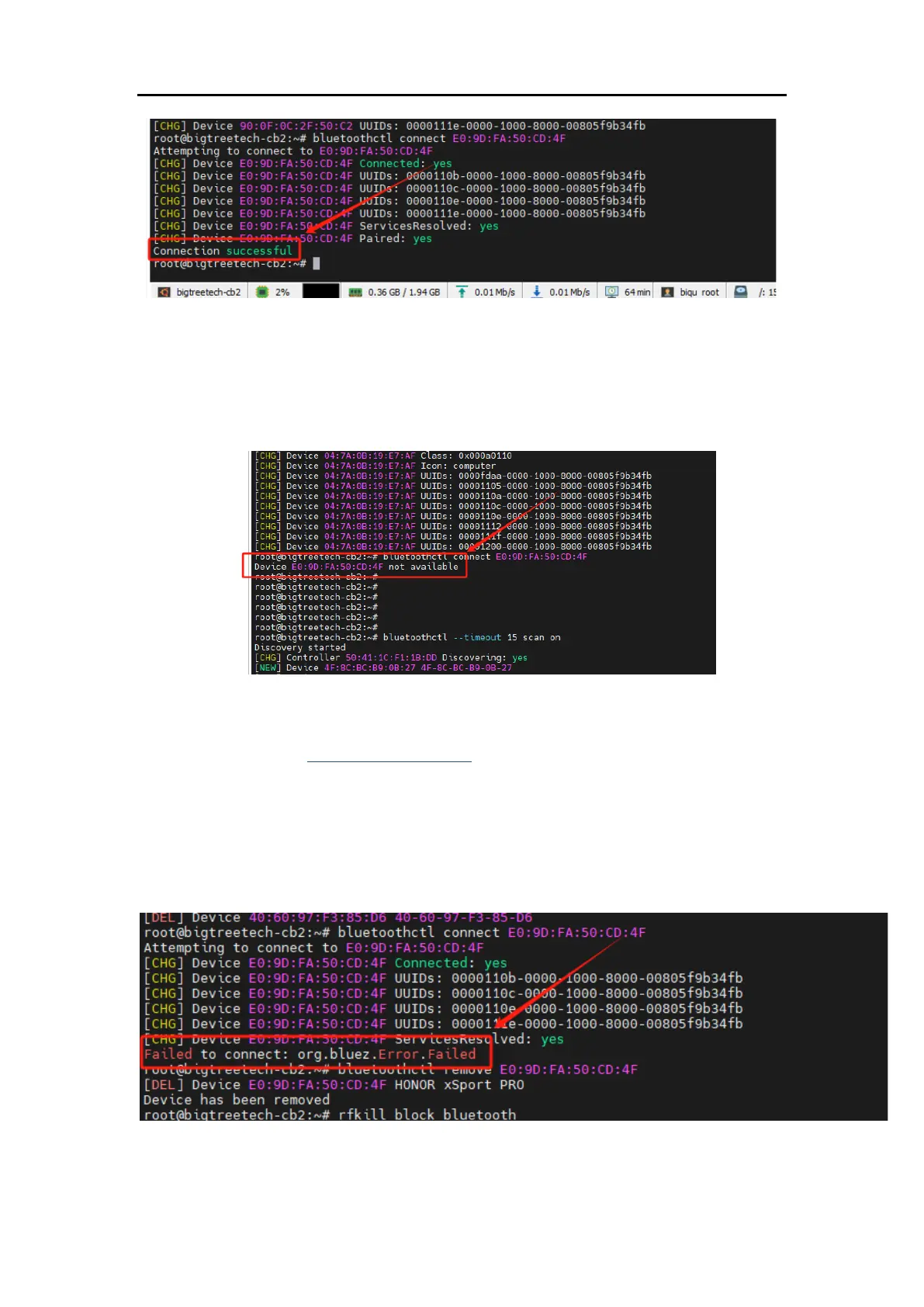
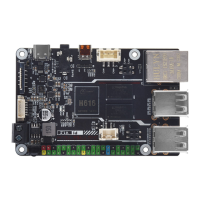
⑴ If there's an issue while connecting, as shown below, please restart the
Bluetooth device and repeat steps 1 and 2 to connect.
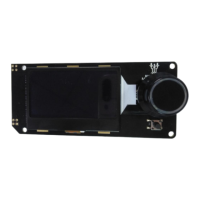
⑵ If there's an issue while connecting, as shown below, please enter the
following commands and then repeat steps 1 and 2:
bluetoothctl remove E0:9D:FA:50:CD:4F (Your Bluetooth device's
corresponding MAC ID)
rfkill block bluetooth
sleep 3s
rfkill unblock bluetooth
pulseaudio -k
pulseaudio –start
4. If you exit voice playback during the use of Bluetooth and cannot reuse it,
manually delete the corresponding playback process. Use the ps command to





 To Next Page