147
Remote System Log
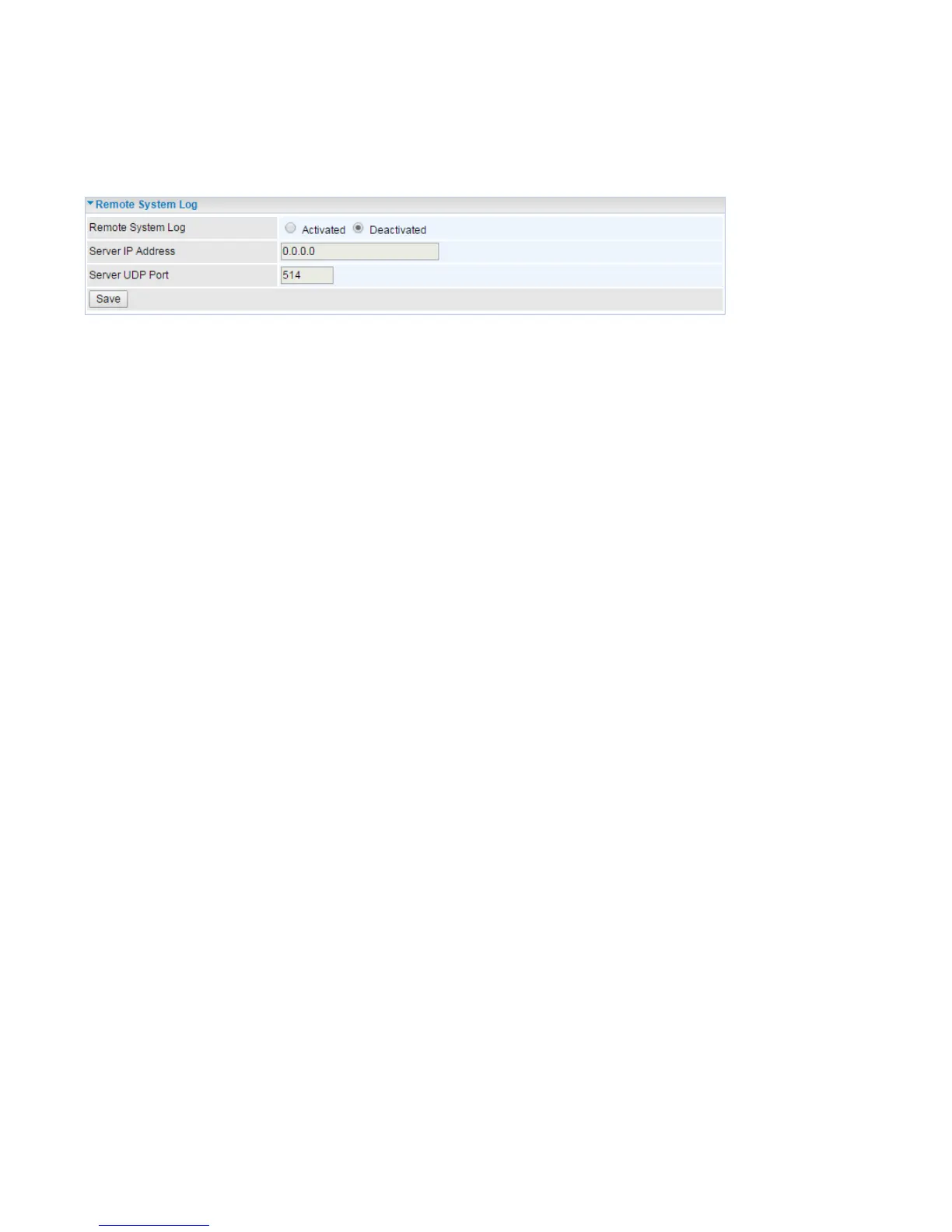
Remote System Log is designed to keep remote administrators informed of the system-operating
information. Administrator can set up a remote system log server for receiving and monitoring the
system information by enabling remote system log feature on the router.
Remote System Log: Select whether to activate “Remote System Log”.
Server IP Address: Enter the remote syslog server IP address.
Server UDP Port: Enter the UDP port of the remote syslog server.














 To Next Page