23
Device Info
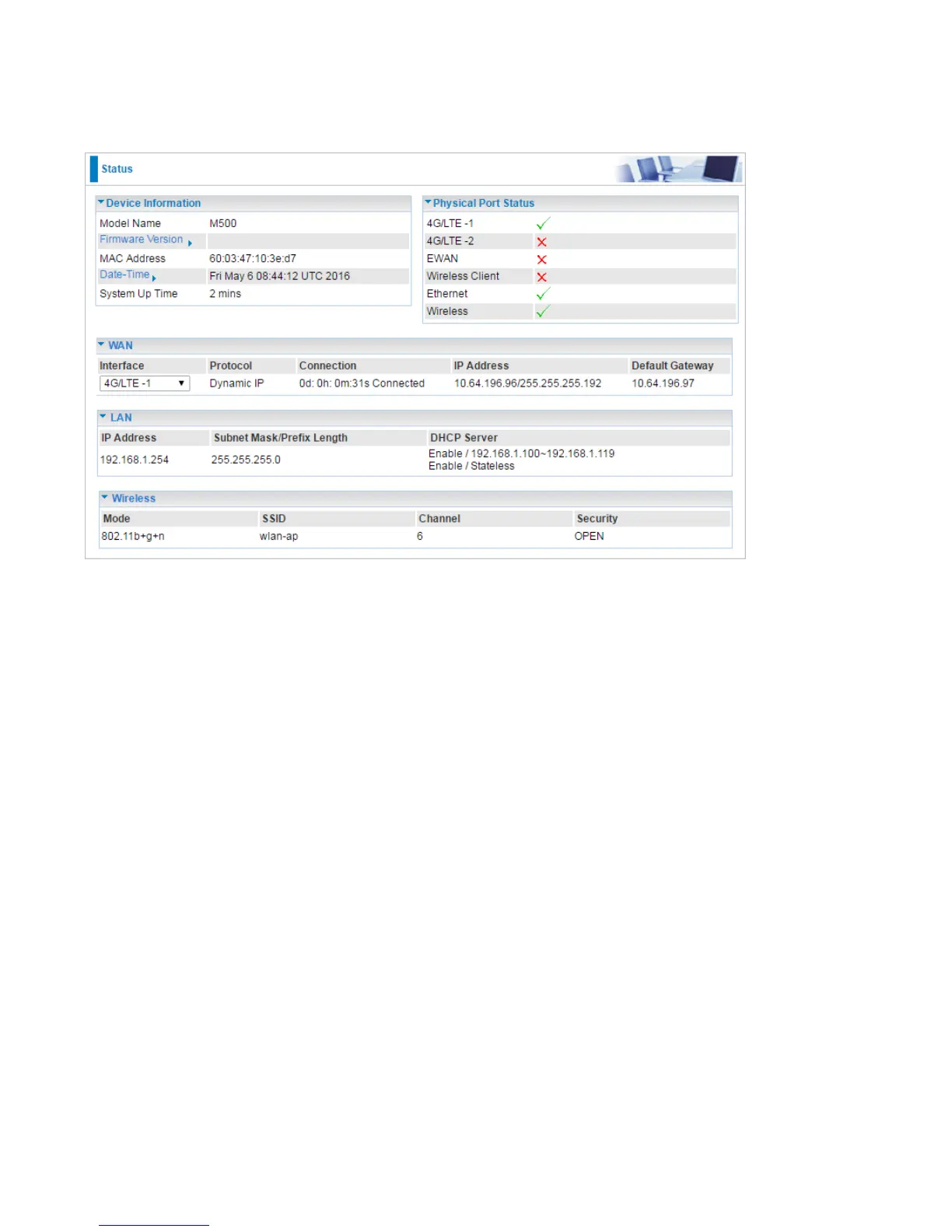
It contains basic information of the device.
Device Information
Model Name: Show model name of the router
Firmware Version: This is the Firmware version
MAC Address: This is the MAC Address
Date Time: The current date and time.
System Up Time: The duration since system is up.
Physical Port Status
Here the page shows the status of physical port of 4G/LTE, EWAN, WirelessClient, Ethernet and
Wireless.
WAN
Interface: The WAN interface, "4G/LTE-1", "4G/LTE-2", "EWAN (LAN4)" and "Wireless Client".
Protocol: The protocol in use.
Connection: The connection status of the link.
IP Address: The WAN interface IP address obtained.
Default Gateway: The default gateway address.
LAN
IP Address: LAN IP address.














 To Next Page