89
Firewall
Your router includes a firewall for helping to prevent attacks from hackers. In addition to this, when
using NAT (Network Address Translation) the router acts as a “natural” Internet firewall, since all PCs
on your LAN use private IP addresses that cannot be directly accessed from the Internet.
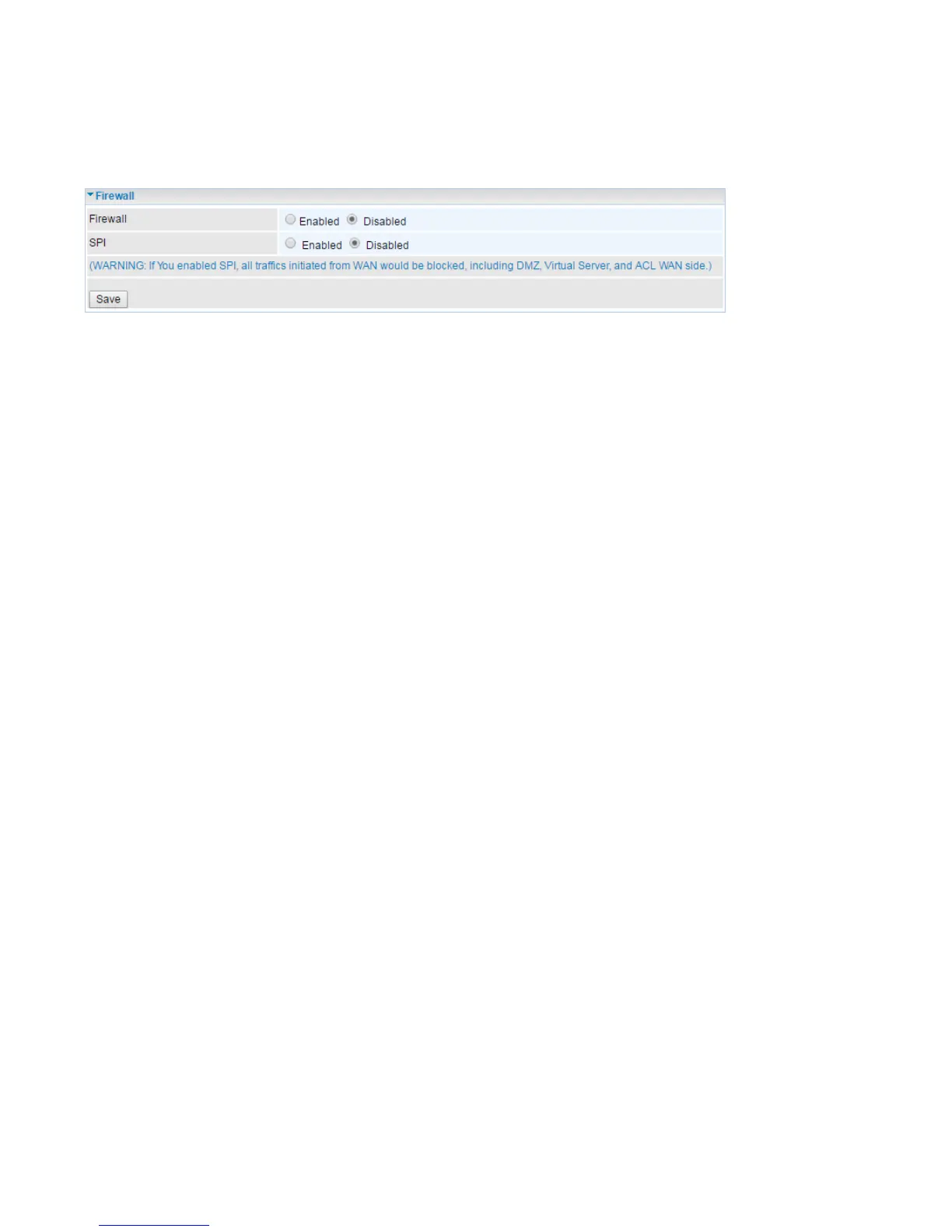
Firewall: To automatically detect and block Denial of Service (DoS) attacks, such as Ping of Death,
SYN Flood, Port Scan and Land Attack.
Enabled: It activates your firewall function.
Disabled: It disables the firewall function.
SPI: If you enabled SPI, all traffics initiated from WAN would be blocked, including DMZ, Virtual Server,
and ACL WAN side.
Enabled: It activates your SPI function.
Disabled: It disables the SPI function.














 To Next Page