Home
Billion
Network Router
M500
Page 49 (Configuration)
Billion M500 - Configuration
181 pages
Manual
Save Page as PDF
To Next Page
To Next Page
To Previous Page
To Previous Page
Loading...
45
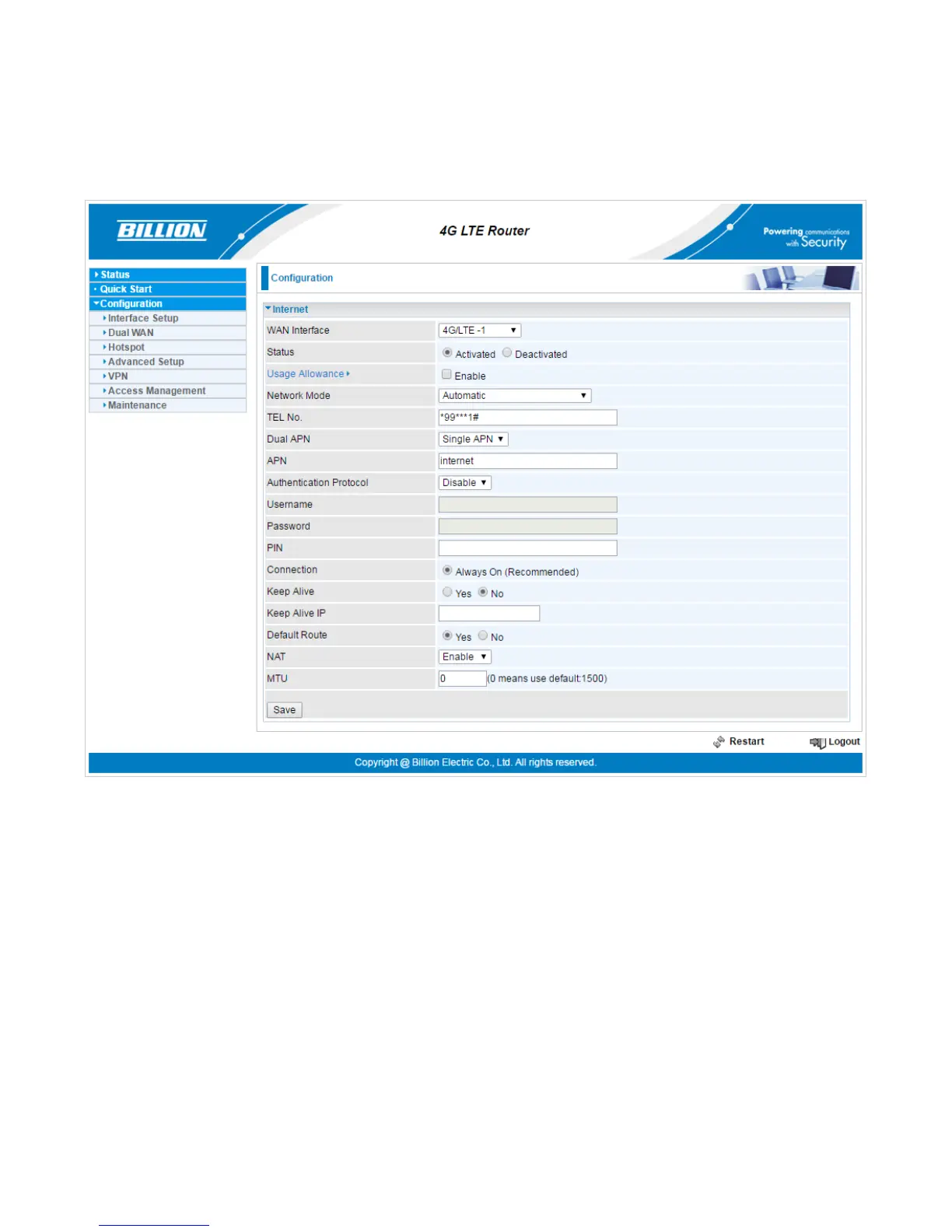
Configuration
Click
to
access
and
configure
th
e
available
fe
atures
in
the
fo
llowing:
Interface
S
etup,
Dual
W
A
N,
Hot
spot, Adv
a
nced Setup,
VPN
,
A
ccess Managem
ent,
and
Maintenance.
These functions are described in the following sections.
48
50
Table of Contents
Main Page
Default Chapter
2
Table of Contents
2
Chapter 1: Introduction
5
Introduction to Your Router
5
Features & Specifications
7
Hardware Specifications
10
Application Diagram
11
Chapter 2: Product Overview
12
Important Note for Using this Router
12
Device Description
13
The Detail Instruction in Reset Button
16
Chapter 3: Basic Installation
17
Installation Reference
18
Cabling
21
Default Settings
22
Information from Your ISP
23
Chapter 4: Device Configuration
24
Login to Your Device
24
Status
26
Device Info
27
System Log
29
4G/LTE Status
30
GPS Status
31
Hardware Monitor
32
Hotspot Status
33
Statistics
34
DHCP Table
38
Ipsec Status
39
PPTP Status
40
L2TP Status
41
GRE Status
42
Openvpn Status
43
Disk Stauts
44
ARP Table
45
Quick Start
46
Configuration
49
Interface Setup
50
Internet
51
Lan
59
Wireless
63
Wireless MAC Filter
73
Dual WAN
74
General Setting
74
Outbound Load Balance
78
Protocol Binding
79
Hotspot
80
General Setting
81
Bult-In User Account
83
Authorized of Client
84
Walled Garden
85
Advertisement
86
Session Log
87
Customization
88
Advanced Setup
92
Firewall
93
Routing
94
Dynamic Routing
95
Nat
97
Static DNS
102
Time Schedule
103
Mail Alert
104
Vpn
105
Ipsec
106
PPTP Server
116
PPTP Client
118
L2Tp
126
GRE Tunnel
136
Openvpn Server
141
Openvpn Client
143
Access Management
148
Device Management
149
Snmp
150
Remote System Log
151
Universal Plug & Play
152
Dynamic DNS
153
Access Control
155
Packet Filter
157
Cwmp (Tr-069)
160
Parental Control
162
SAMBA & FTP Server
163
Maintenance
164
User Management
165
Certificate Management
169
Time Zone
171
Firmware & Configuration
172
System Restart
174
Auto Reboot
175
Diagnostics Tool
176
Ignition Sensing
177
Chapter 5: Troubleshooting
178
Problems with the Router
178
Related product manuals
Billion Router
150 pages
Billion BiPAC 7300
131 pages
Billion BiPAC 5200
2 pages
Billion BiPAC 7700N
168 pages
Billion BiPAC 7800N
2 pages
Billion BiPAC 7300N
131 pages
Billion BiPAC 8501 R3
9 pages
Billion BiPAC 4700ZUL
138 pages
Billion BiPAC 8900X R3
261 pages
Billion BiPAC 4500NZ(L)
146 pages
Billion BiPAC 7800(N)X(L)
281 pages
Billion BiPAC 8700VAX(L)-1600
327 pages














 To Next Page