22
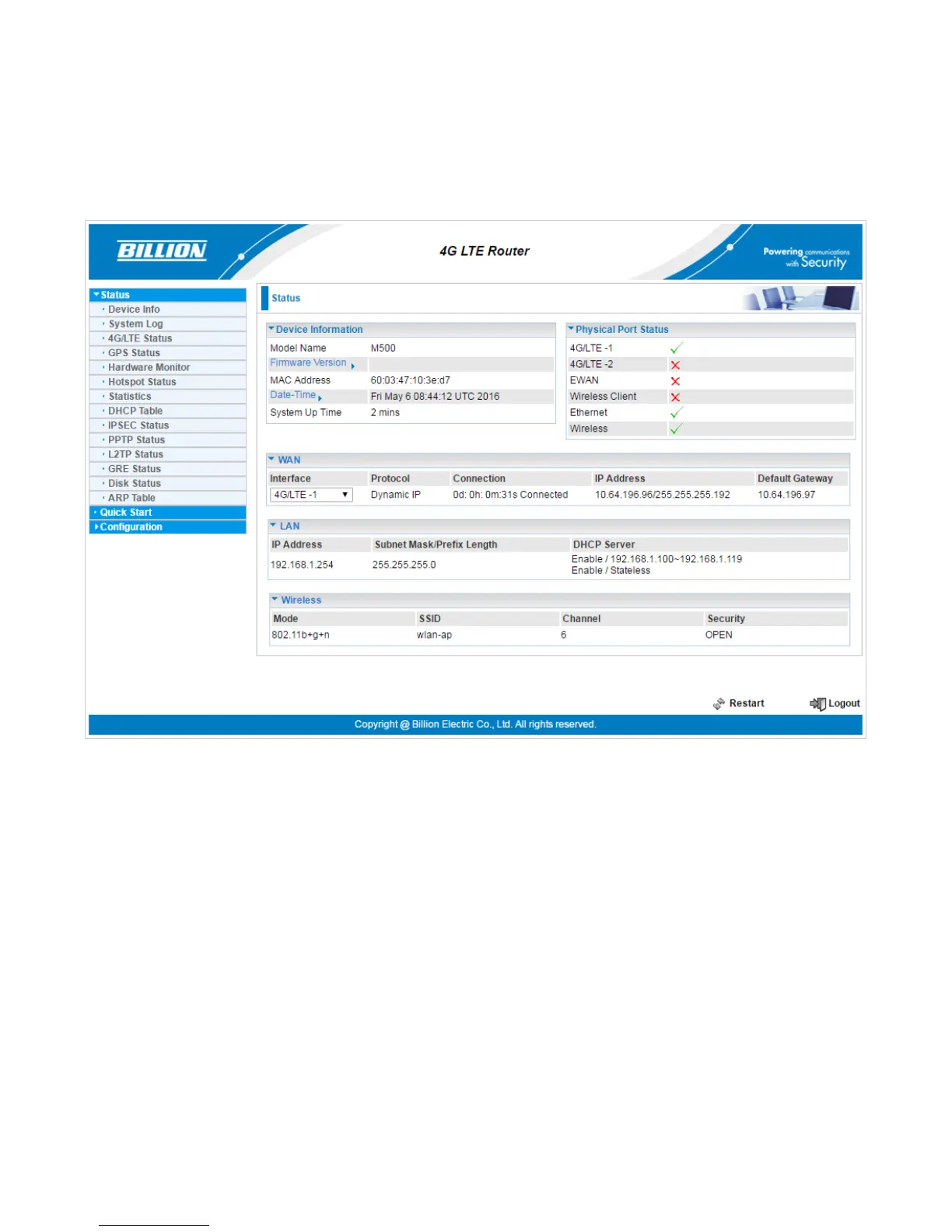
Status
In this section, you can check the router working status, including Device Info, System Log, 4G/LTE
Status, GPS Status, Hardware Monitor, Hotspot Status, Statistics, DHCP Table, IPSec Status,
PPTP Status, L2TP Status, GRE Status, OpenVPN Status, Disk Status, ARP Table.














 To Next Page