36
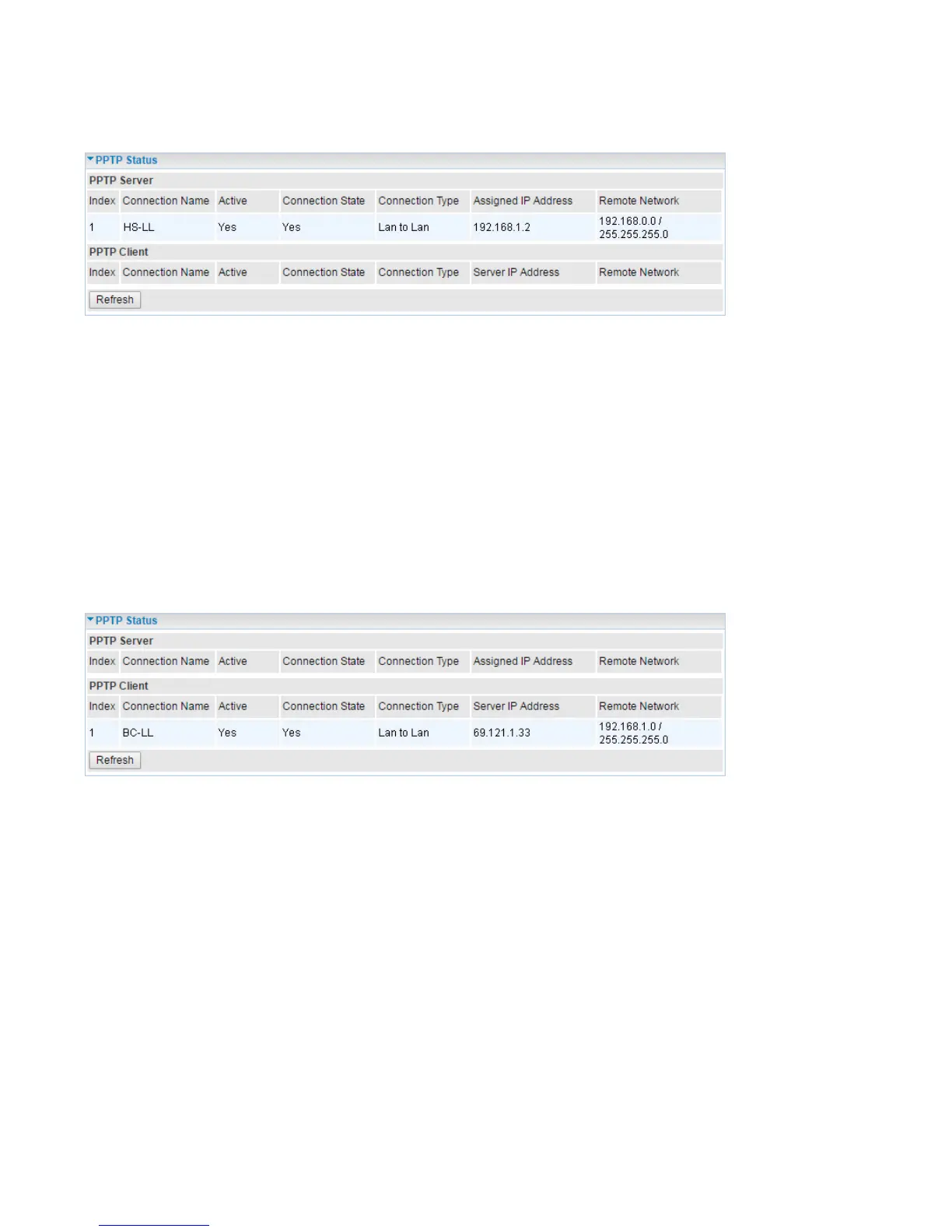
PPTP Status
PPTP Server
Index: The PPTP server tunnel index number.
Connection Name: Show user-defined PPTP VPN connection name.
Active: Show if the tunnel is active for connection.
Connection State: Show the connecting status.
Connection Type: Remote Access or LAN to LAN.
Assigned IP Address: Show the IP assigned to the client by PPTP Server.
Remote Network: Display the remote network and subnet mask in LAN to LAN PPTP connection.
Refresh: Click this button to refresh the connection status.
PPTP Client
Index: The PPTP client tunnel index number.
Connection Name: Show user-defined PPTP VPN connection name.
Active: Show if the tunnel is active for connection.
Connection State: Show the connecting status.
Connection Type: Remote Access or LAN to LAN.
Server IP Address: Show the IP of remote PPTP Server.
Remote Network: Display the remote network and subnet mask in LAN to LAN PPTP connection.
Refresh: Click this button to refresh the connection status.














 To Next Page