33
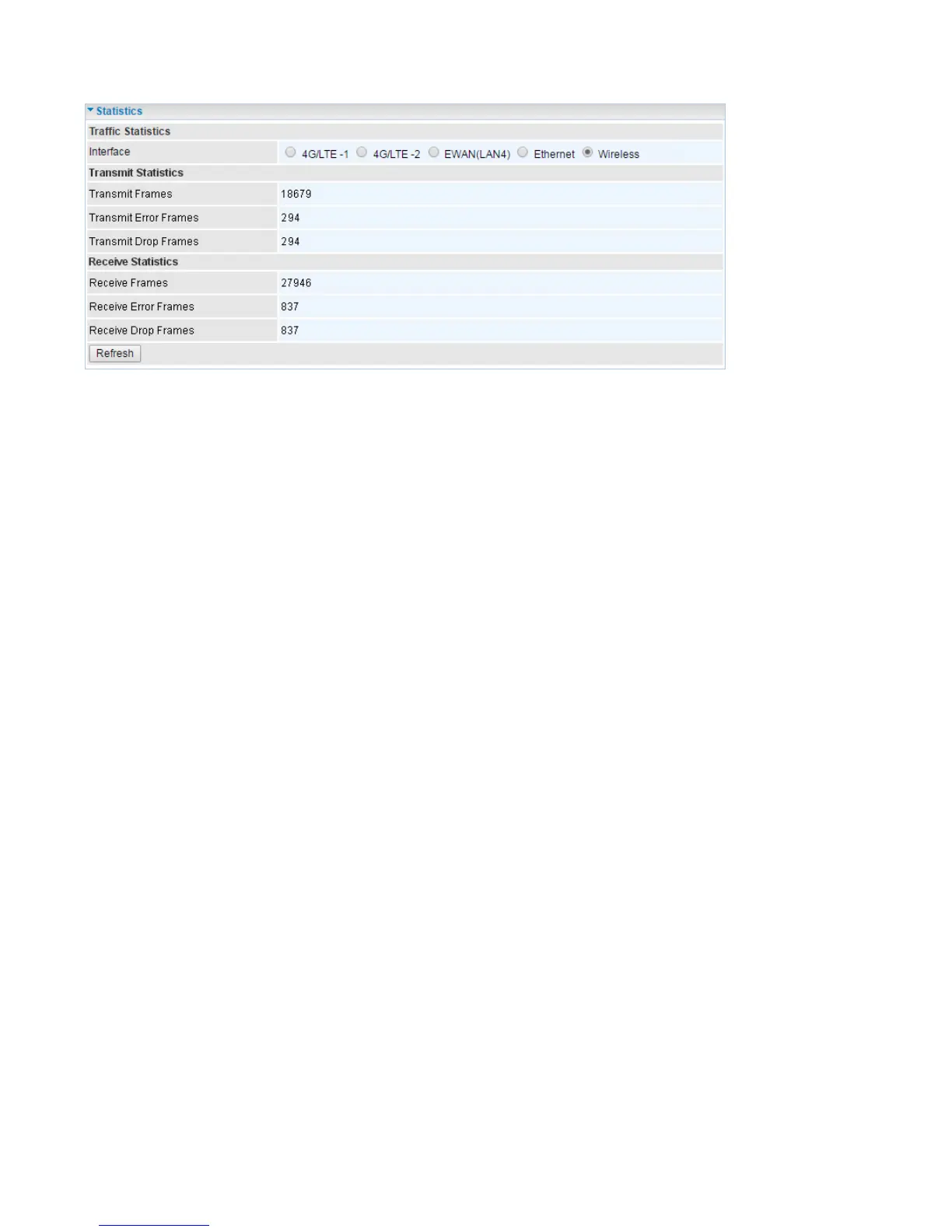
Wireless
Interface: List all available network interfaces in the router. You are currently checking on the physical
status of the Wireless.
Transmit Frames: This field displays the number of frames transmitted until the latest second.
Transmit Error Frames: This field displays the number of error frames transmitted until the latest
second.
Transmit Drop Frames: This field displays the number of drop frames transmitted until the latest
second.
Receive Frames: This field displays the number of frames received until the latest second.
Receive Error Frames: This field displays the number of error frames received until the latest second.
Receive Drop Frames: This field displays the number of drop frames received until the latest second.
Refresh: Press this button to refresh the statistics.














 To Next Page