BD / BF / ED / FD / FED (E3.1) 12/2017 page 24/105
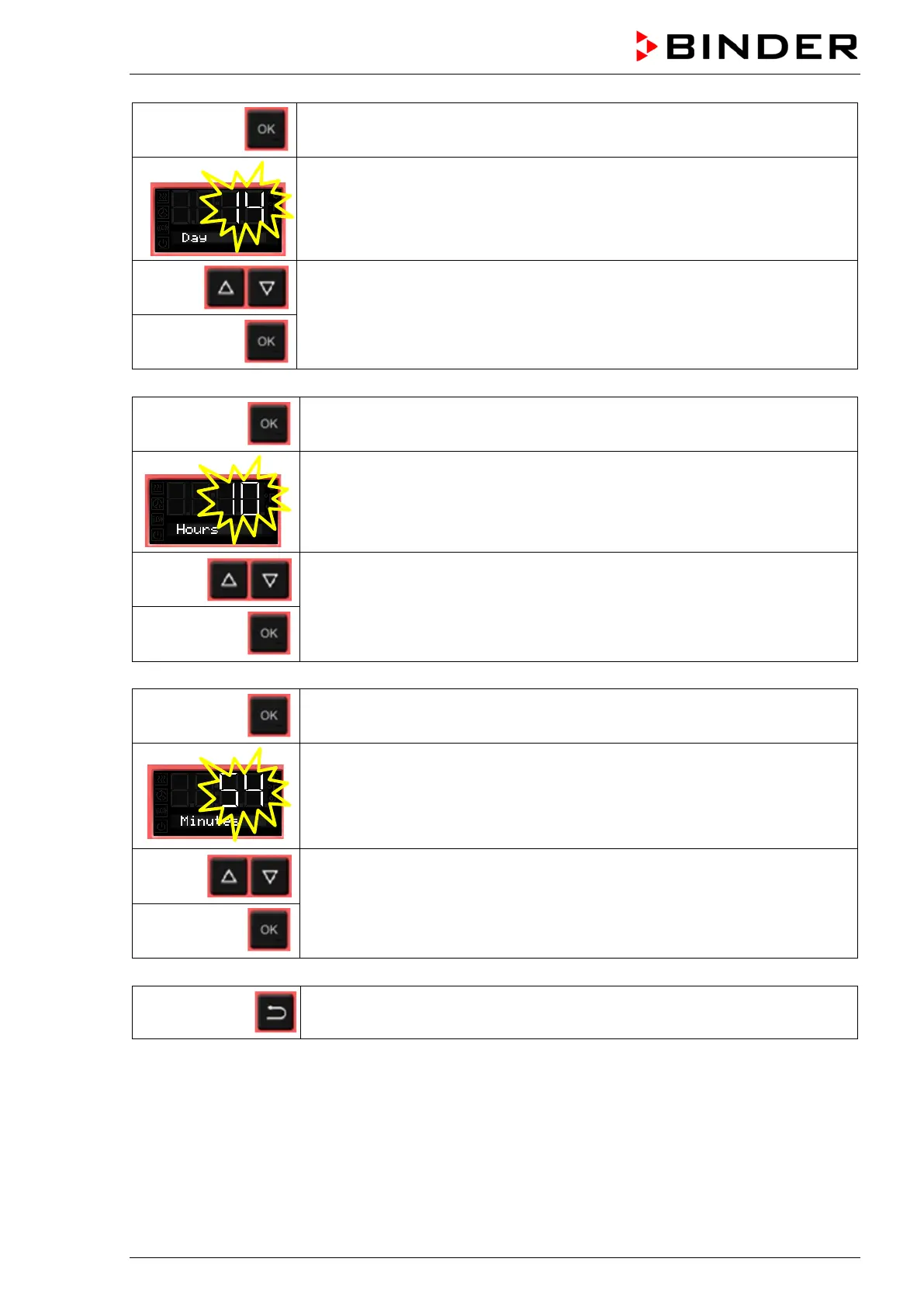
Press OK to set the day.
The setting flashes.
Enter the day with arrow buttons (1 to 31)
and confirm with OK.
Press OK to set the hour.
The setting flashes.
Enter the hour with arrow buttons (0 to 23)
and confirm with OK.
Press OK to set the minute.
The setting flashes.
Enter the minute with arrow buttons (0 to 59)
and confirm with OK.
2x
Back to Normal display.



 To Next Page