CB-S / CB-S-UL (E7) 06/2020 page 66/119
16.1.3 Showing the subnet mask
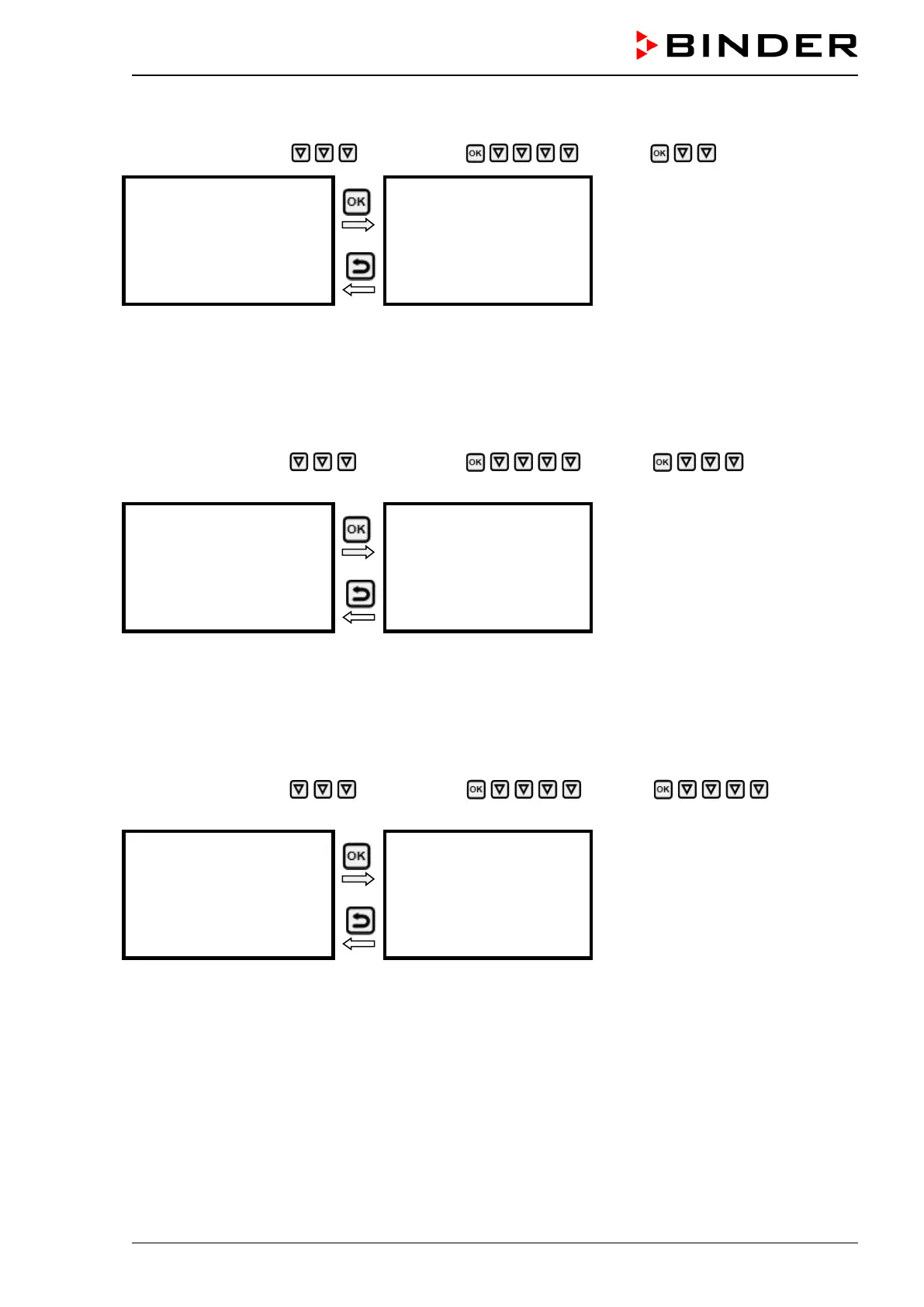
Path: Normal display Chamber info Ethernet Subnet mask
Display of the subnet mask (exam-
ple)
Toggle forth and back with the Back
button and the OK button.
With the arrow-down button you can now change to the next parameter (standard gateway).
With the Back button you can go back to the “Ethernet” submenu and, repeatedly pressing it, to Normal
display.
16.1.4 Showing the standard gateway
Path: Normal display Chamber info Ethernet Standard gate-
way
Display of the standard gateway
(example)
Toggle forth and back with the Back
button and the OK button.
With the arrow-down button you can now change to the next parameter (DNS server address).
With the Back button you can go back to the “Ethernet” submenu and, repeatedly pressing it, to Normal
display.
16.1.5 Showing the DNS server address
Path: Normal display Chamber info Ethernet DNS server
address
Display of the DNS server address
(example)
Toggle forth and back with the Back
button and the OK button.
With the arrow-down button you can now change to the next parameter (DNS chamber name).
With the Back button you can go back to the “Ethernet” submenu and, repeatedly pressing it, to Normal
display.








 To Next Page