11
5. Refill, change or empty the container
6. Carefully place the cap assembly into the container and tighten the cap
7. Place the container into position
8. Attach the quick disconnect to the cap assembly (you should hear a click)
9. Switch on the computer
10. Double-click in the ProSort icon in the desktop
11. Log in into the group account (Contact the responsible people for more log in
options)
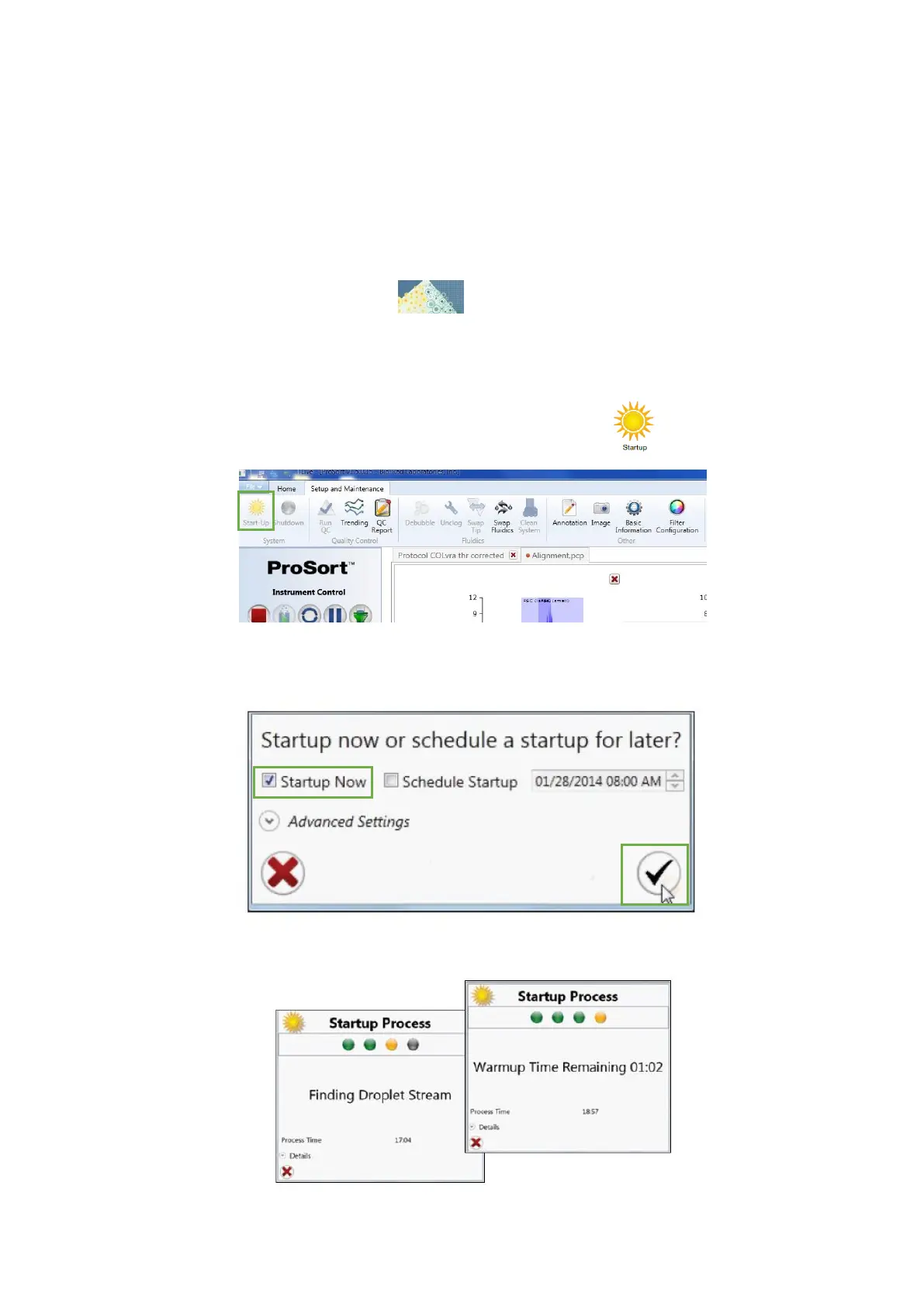
12. In the Setup and Maintenance tab, click in the Start-up button
13. Box the Start-up Now option, and then click in the checkmark button of the Start-
up Settings dialog
14. The start-up will be initiated and should take approximately 20 minutes



 To Next Page