14
Final Set Up: Low-Pressure Cleaning
The low-pressure cleaning procedure should only be performed between uses. If you
are the last user, please perform the shutdown procedure. See Final Set Up: Shut Down
to do so.
1. Fill a 5 ml tube with a minimum of 3 ml of cleaning solution (70% ethanol)
2. Load the tube into the sample station and move it into the run position
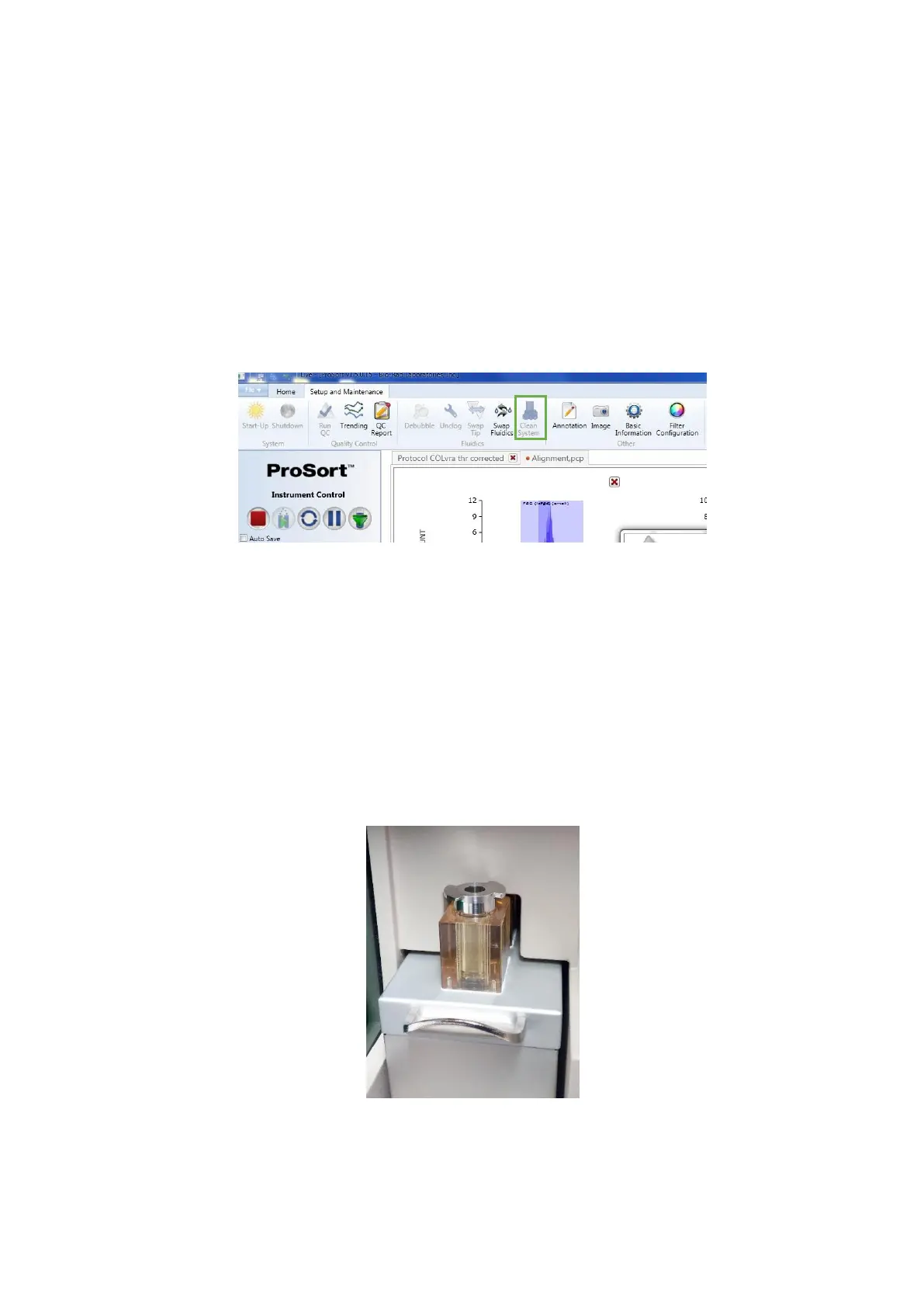
3. In the Set Up and Maintenance tab, click in the Clean System button
4. A Clean Warning dialog will open with a prompt warning for the fact that the
tube solution will be rapidly consumed. Click in the Yes option
5. In the Clean System Modes window, select the Low Pressure Clean option and
click in the checkmark button
6. A Clean System process window will be displayed
7. When the cleaning protocol is complete, the prompt “Please put Loading Stage
into the Wash Position” will appear in the Clean System process window. Move the
loading stage into the wash position to close such window
8. Repeat this procedure using MiliQ water as cleaning solution



 To Next Page