18
Acquisition
1. Go to File -> New Protocol or Open Protocol (see Protocols and Workspace)
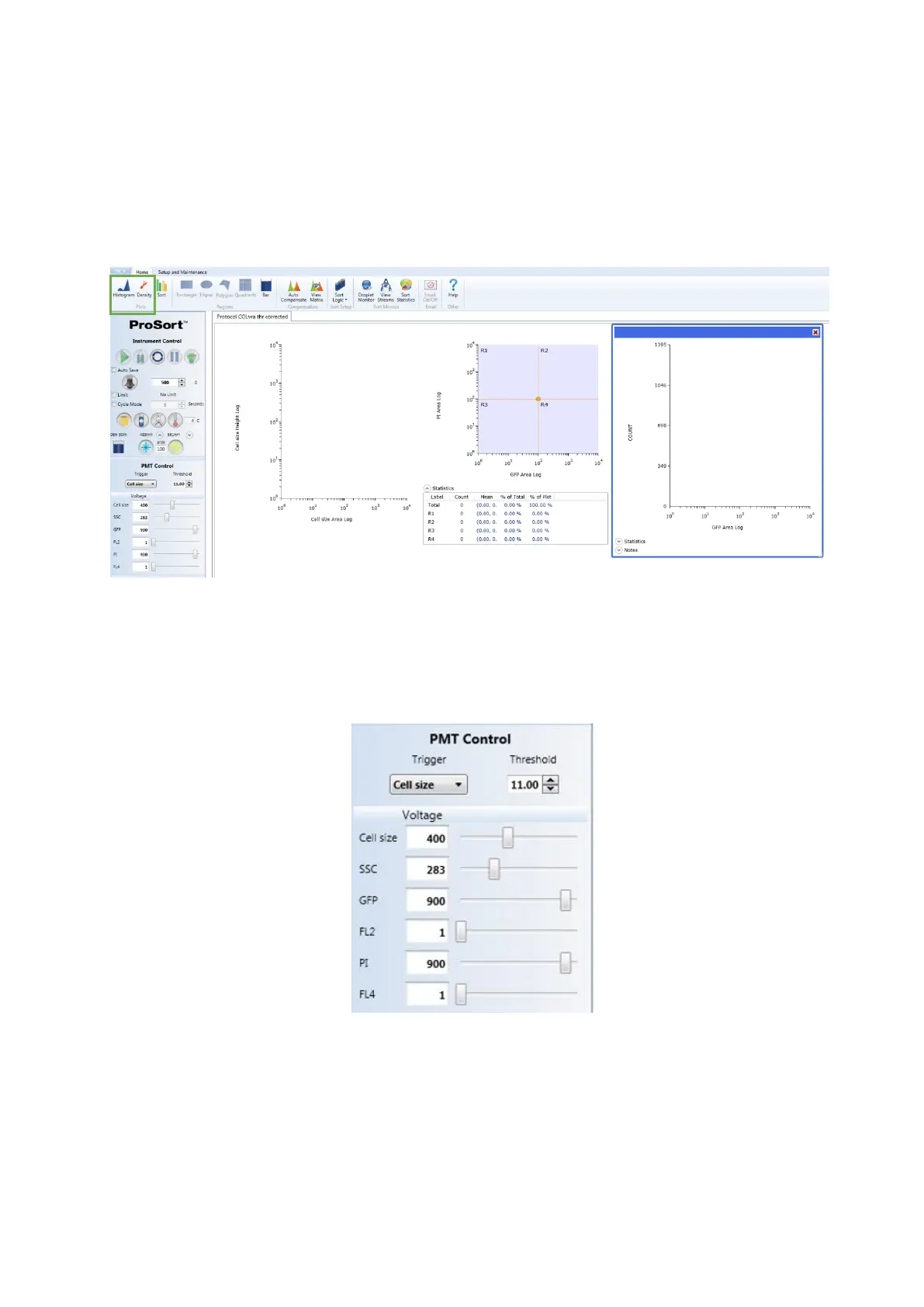
2. Create at least one histogram and dot plot by clicking in the Histogram and
Density buttons of the Home tab
3. Load the sample into the sample input station and move the loading stage into
the run position
4. Detectors can be renamed for each parameter based on the fluorophores or
markers used
5. Box the Cycle Mode option to allow refresh of the data displayed



 To Next Page