21
15. Run a single stained compensation control for each parameter
16. Set the event limit high enough to visualize a positive population, then collect
and save the file
17. Use the Auto Compensation wizard to set compensation for multi-coloured
samples (see Auto Compensation Wizard)
Sorting
1. Go to File -> New Protocol or Open Protocol (see Protocols and Workspace)
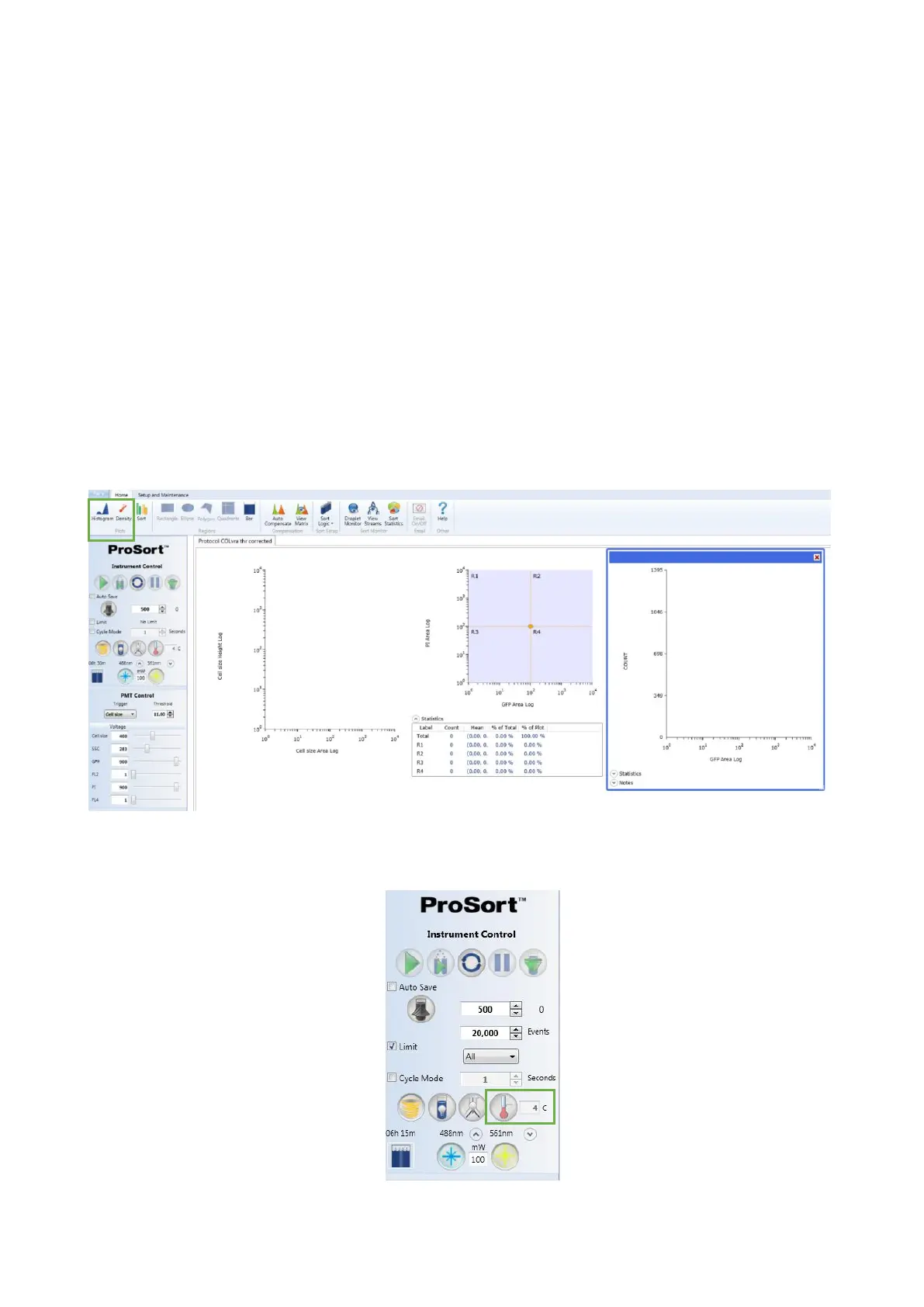
2. Create at least one histogram and dot plot by clicking in the Histogram and
Density buttons of the Home tab
3. If desired, adjust temperature control for sample input and collection area in the
Temperature Control area of the Instrument Control Panel



 To Next Page