28
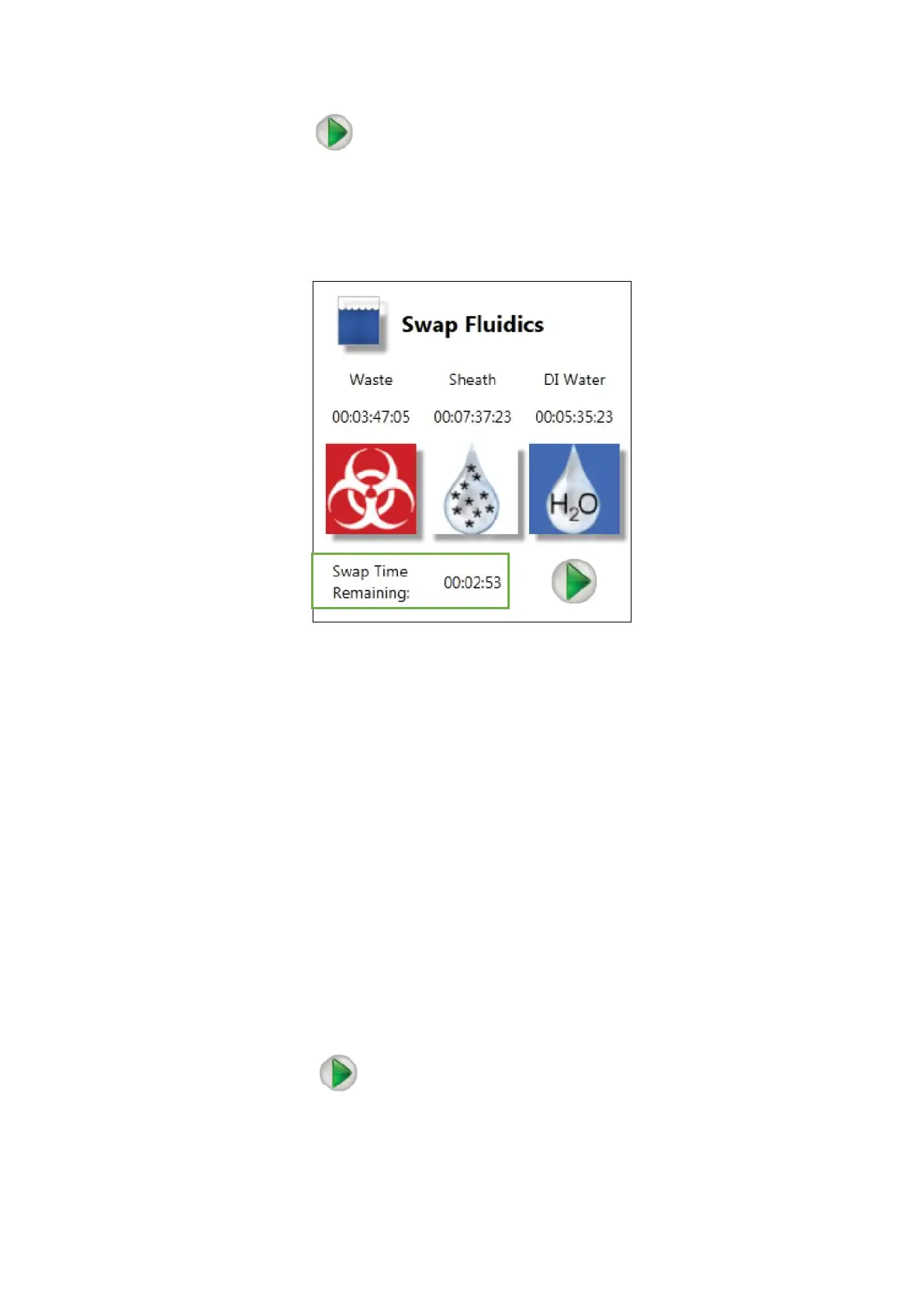
2. Click in the Play button of the Swap Fluidics window
After clicking the Play button, a countdown timer will start in the bottom of the Swap
Fluidics window
Operate quickly and carefully from now on
3. Open the fluidics door located on the left side of the sorter
4. Detach the quick disconnect from the cap assembly by pushing the metal button
5. Lift the quick disconnect until it engages the magnetic holder. This will hold the
quick disconnect away from the exchange area
6. Slightly lift and pull out the container
7. Uncap the cap assembly from the container
8. Refill, change or empty the container
9. Carefully place the cap assembly into the container and tighten the cap
10. Place the container into position
11. Attach the quick disconnect to the cap assembly (you should hear a click)
12. Click in the Play button of the Swap Fluidics window again to finish the
swapping procedure



 To Next Page