6 Safety
6.3 SAFETY FEATURES
ENERGY MONITOR
The energy monitor measures and verifies power output.
Power deviations of more than ± 20% from the selected
value will cause the display to show the error message:
“LASER CURRENT HIGH/LOW”.
The laser console will not operate until the system first
clears the error and then goes into Ready mode. If the
error message persists, please contact BIOLASE Service
at 1-800-321-6717 or your BIOLASE-authorized service
representative.
SYSTEM MONITOR
The system monitors the emergency stop switch, remote
key, wireless Footswitch connection, and output power. An
error in any one of these will stop the system. The text
display will indicate the type of error. Operation cannot
resume until the error is cleared.
POWER SWITCH
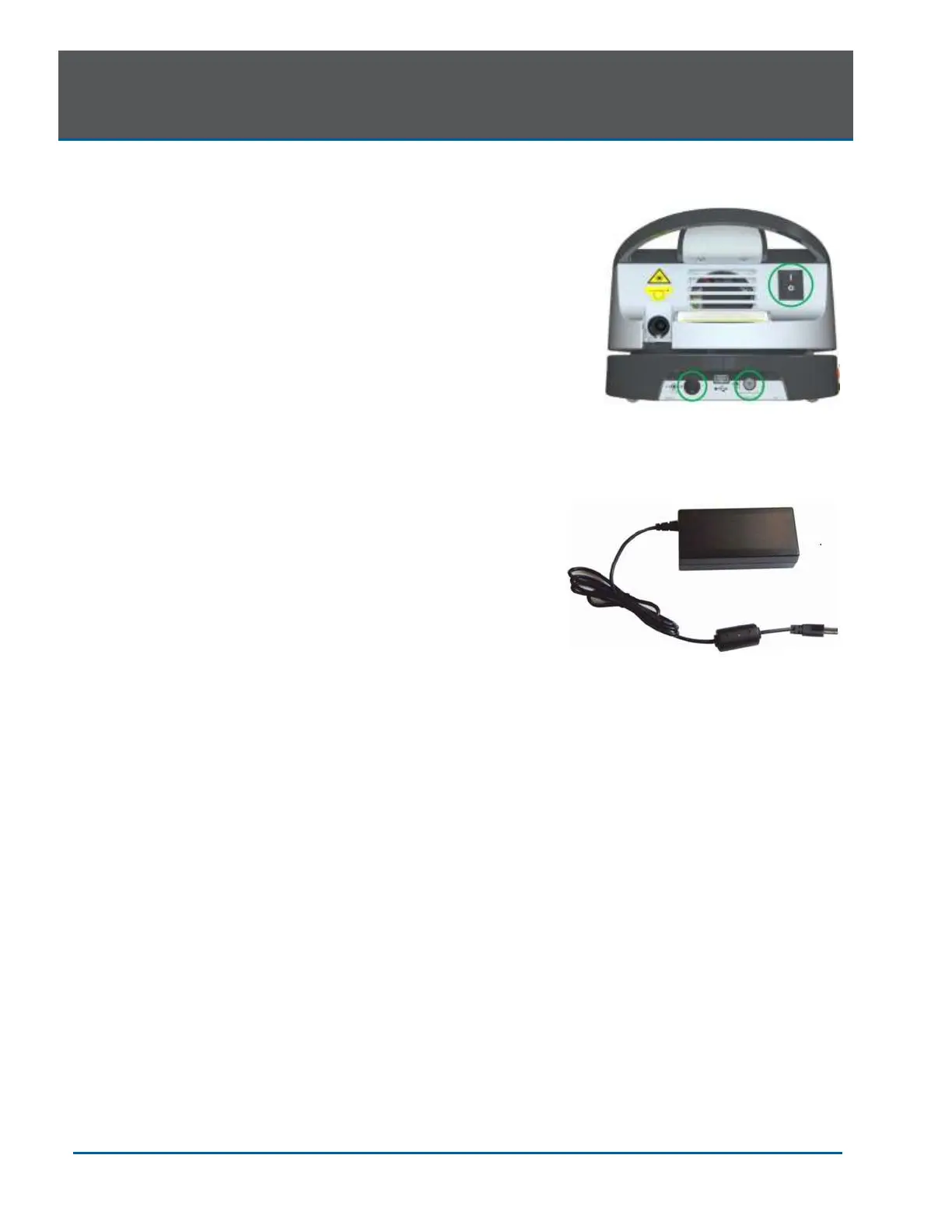
The laser console can be switched ON ( I ) or OFF (O)
using the power switch on the back of the console. Turn
the power switch OFF (O) only when the system will not be
in use for a long period of time.
ACCESS KEY CODE
The Access Key Code (888) prevents unauthorized use of
the system. It is activated every time the system is turned
ON with the power switch.
Placing the laser in Sleep mode by pressing and holding
the Control button on the front panel of the console does
not re-set the access key code.
CONTROL BUTTON
Once the power switch is set to the ON ( I ) position, enter
the access key code. After setting the desired parameters
for a procedure, press the CONTROL button on the control
panel to enter into Ready mode. The aiming beam will
illuminate to indicate that the system is ready for use.


 To Next Page