EasyManua.ls Logo

Biolase EPIC X - Epic X Troubleshooting Guide; On-Screen Message Troubleshooting

Biolase EPIC X
61 pages
Print Icon
To Next Page IconTo Next Page
To Previous Page IconTo Previous Page
Loading...
46 Epic X User Manual
12 Troubleshooting
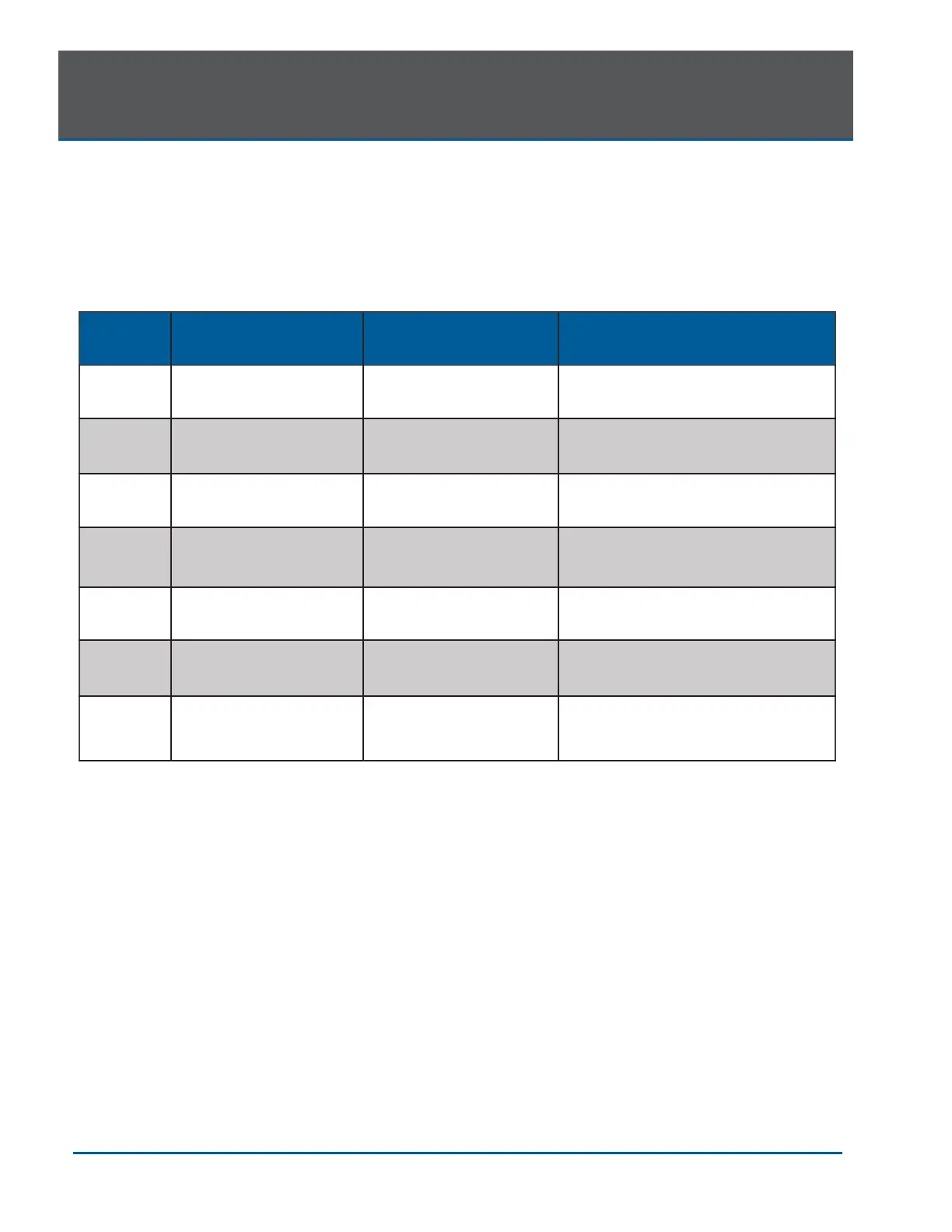
Should any of the on-screen messages listed in Figure 12.1 and Figure 12.2 appear, follow the
troubleshooting instructions for the specific message as noted below.
NOTE: For any on-screen message not listed in Figure 12.1, re-power the laser console; if the
message does not clear, call BIOLASE Service at 1-800-321-6717 or your Authorized Service
Representative.

Screen
Message
Reason
Fix
Warning 1
Temperature high
System is hot
Allow 5-10 minutes for laser to cool
down
Warning 2
Battery is low
Battery is low
Plug in DC supply
Warning 3
Battery is not connected
Plug in the battery
Warning 4
Footswitch battery is low
Battery on the Footswitch
is low
Replace Footswitch battery
Warning 5
Footswitch
Footswitch held
Release Footswitch
Alert
Wireless not paired
No wireless connection
Re-establish pairing (see sec 4)
Alert 2
System must be in
Ready mode to lase
System is not in
Ready mode
Press the control button in any
procedure screen
Figure 12.1

Table of Contents

Other manuals for Biolase EPIC X

Related product manuals