User’s Guide
6. Motion Editor
There are two ways to edit the motion. One is to use the motion editor and the
other way is to execute the program mode using the robot terminal. The motion
editor has a graphical user interface so it is easy for beginners to use. The robot
terminal uses text mode, so it lets users see all information all at once, thus more
useful to advanced users.
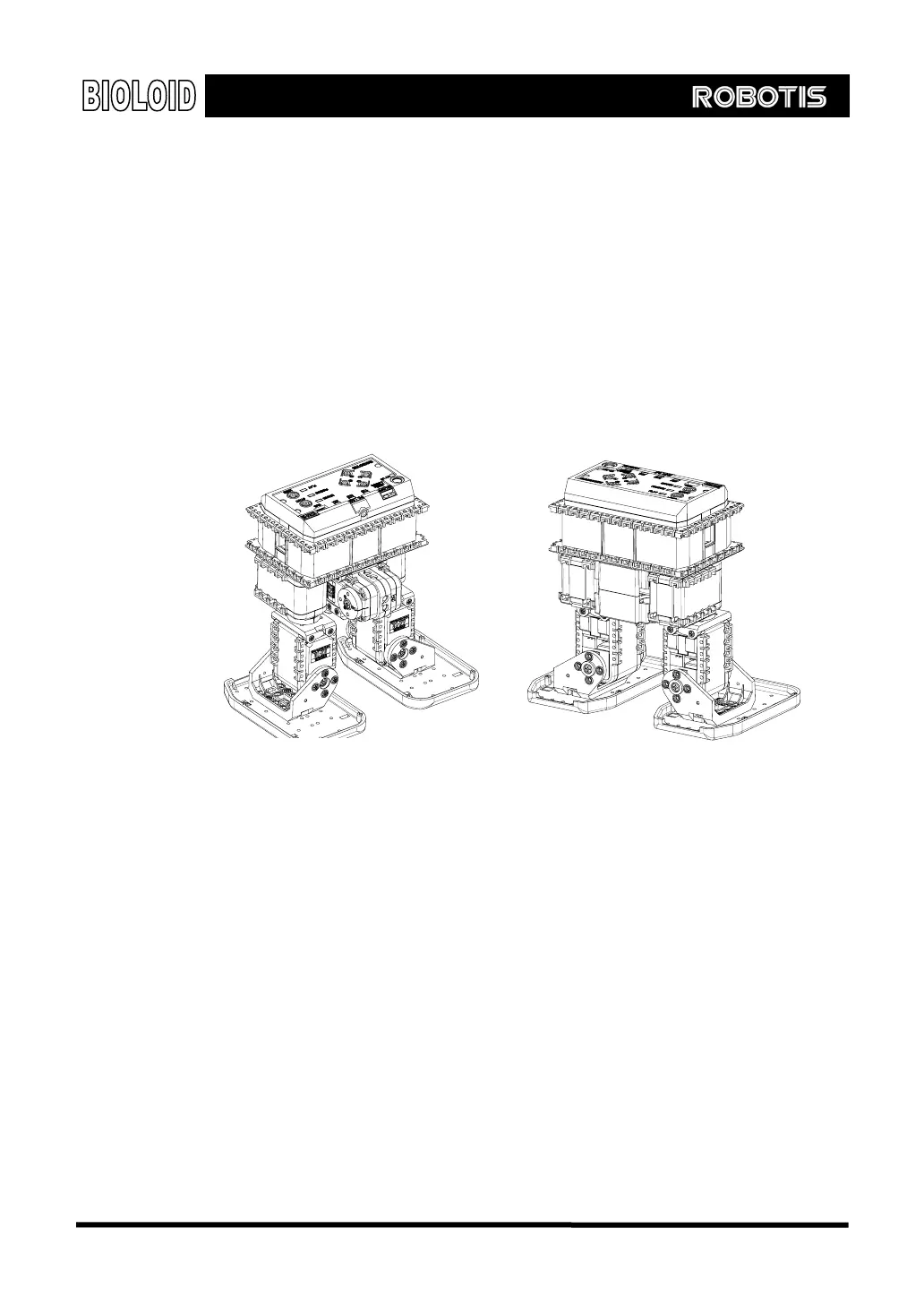
For this chapter, we will take a look at the example of simple two-legged walking
Droid. Refer to the “2-2-14 Walking Droid,” of the QuickStart and make the
hardware part in advance.
74



 To Next Page