User’s Guide
8. Management Mode
This chapter explains about using Manage Mode. In “manage mode” you can
check the robot status and check or change the Dynamixel settings.
8-1. SETTING THE ID AND DYNAMIXEL SEARCH
Robot Terminal Run the Robot Terminal program. In the previous chapter, we have explained how
the CM-5 and the PC is connected. As we have explained comport setup in detail
in previous chapter, we will omit here.
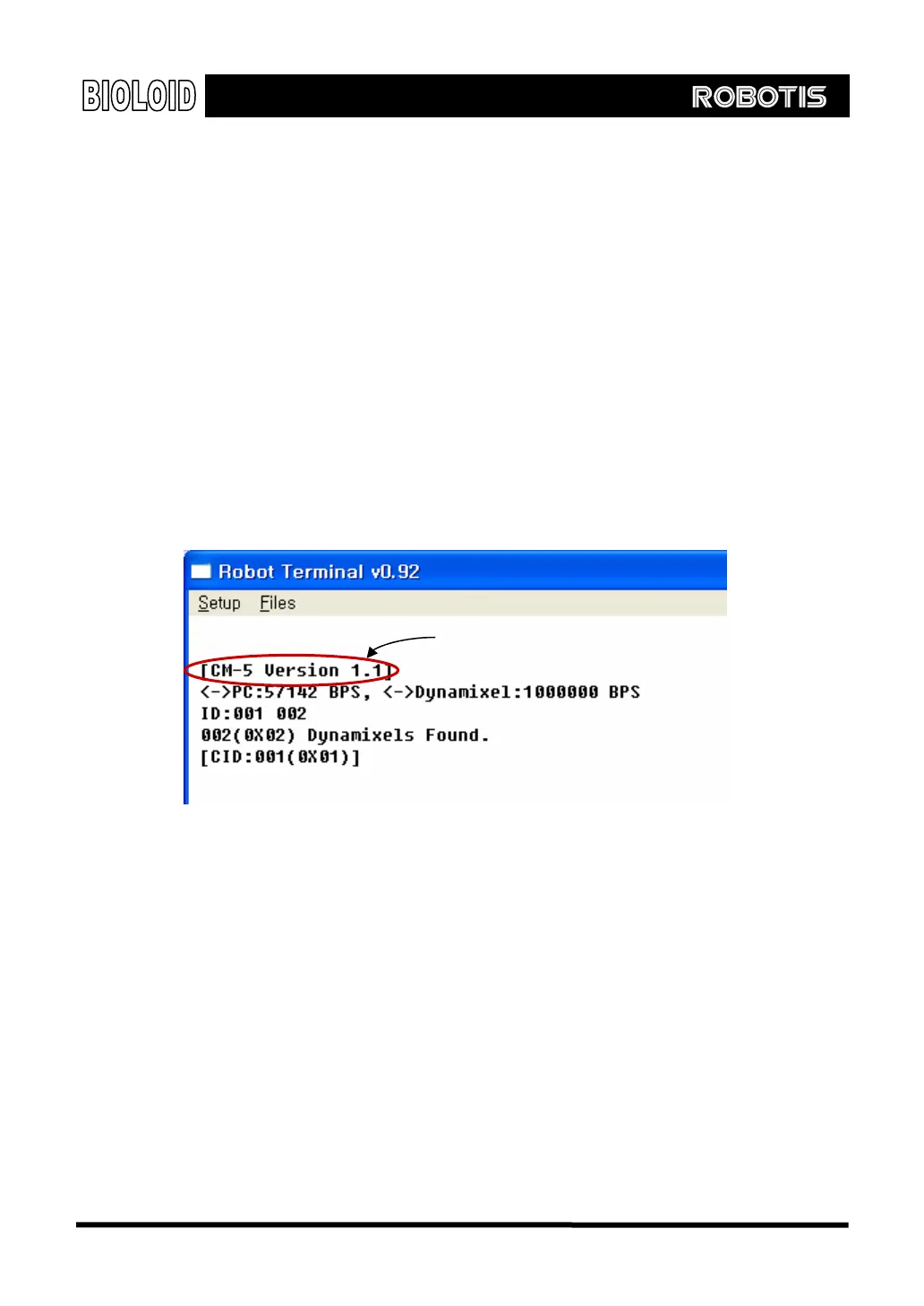
Initial State When you execute the “manage mode” the following screen will show up in the
“Robot Terminal”.
CM-5
ro
ram version
Here you can see the number and the IDs of the connected Dynamixels. If what
appears on the screen is different from the actual configuration, check the
following.
Do all the Dynamixel have different IDs?
Does the communication speeds between the Dynamixels and CM-5 agree?
Are the cables connected properly and securely?
To check the wiring, turn the power off the CM-5 and then turn it back on. Check
if the LEDs on the Dynamixels are blinking. If not, check the wiring again.
If the wires are connected properly you can check the communication speed and
find the IDs by using the SEARCH command. This will be covered later.
108



 To Next Page