User’s Guide
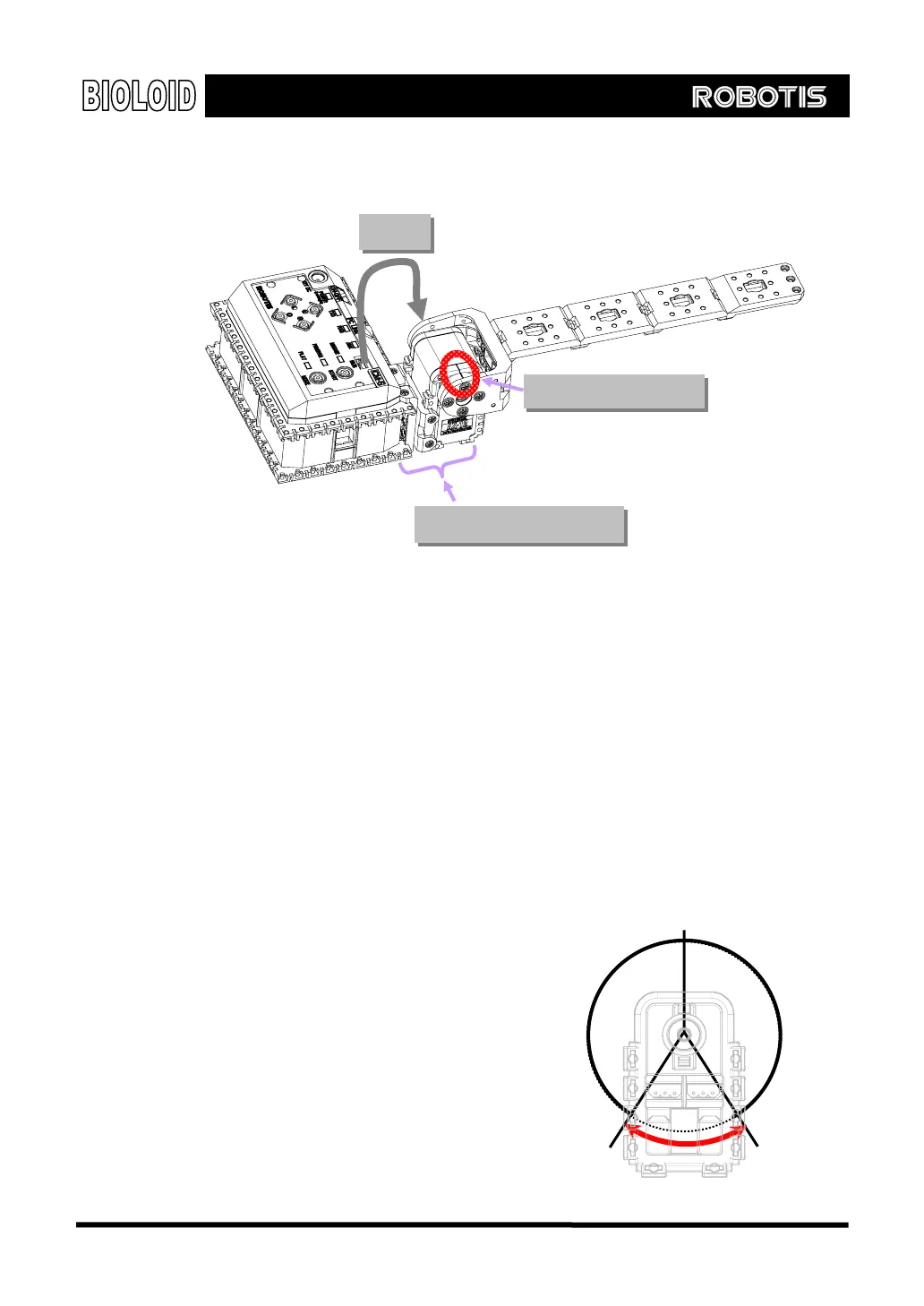
Crossing gate Let’s build a simple device as shown below. It is a crossing bar where if you
press ○
U
button, the bar goes up and down when you press ○
D
button.
Wiring
Connection and check
Check connected direction
We have to keep in mind of three things when we assemble the robots. first of all,
when the actuator is activated, make sure that the cable line is not too short or
does not get stuck between the joints. Second, keep mind of angle when you are
assembling horn for it can be assembled at an interval of 90°; and when the
horn’s assembled angle is incorrect, there exist possibility of over-current flow,
affecting joint adversely (for instance, it may burn out the fuse in CM-5). You can
check whether the horn is assembled correctly by taking a closer look at the
groove of both horn and AX-12. Additionally, you have to consider the direction
when you assemble Dynamixel. That is, as Dynamixel is symmetrical, users may
inadvertently assemble robot in a reverse direction. Thus, pay attention to the
direction of horn when you are assembling. For details, refer to the manual (2-2-
1).
3-3. Frequently Used Behavior Control
Routines
Location Unit In order to operate Dynamixel
(AX-12), you have to understand
the underlying principle of angle
unit. The AX-12 can control 300°
by 1024 unit steps. When the
groove of both horn and AX-12
150°
(Location value = 512)
0°
30
300°
0~360°
(Location value = 0)
Forbidden area
(Each value= 1023)
35



 To Next Page