User’s Guide
Assembling Process
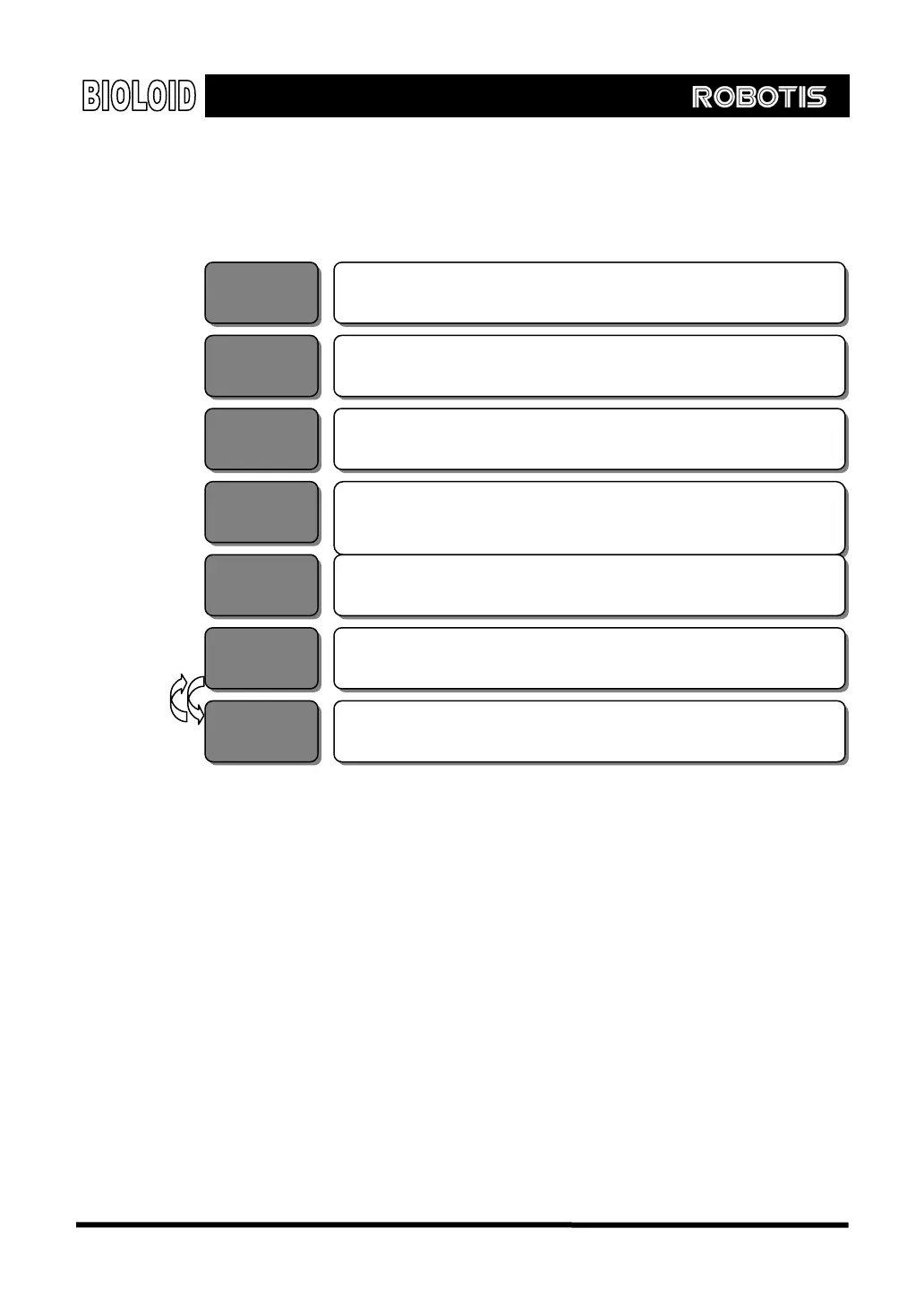
The step of developing a Bioloid robot
Read the User’s Guide
Step 1
Decide the configuration and function of the robot
Step 2
Connecting the Dynamixel units around the CM-5
Step 3
Cable connection (beware of connector direction
Step 4
and length of the cable)
Simple motion verification (use Motion Editor)
Step 5
Behavior control programming
Step 6
Step 7
Editing the motion (use Motion Editor)
Step 1 Read and completely understand the manual before trying to build a robot. The
manual consists of nine chapters and the first five chapters are intended for
beginners. The User’s Guide presents examples of developing the Robot Arm and
the Walking Droid (two-legged robot). Once you have completely understood the
User’s Guide, you can explore various robot configurations and experiment with
the program in depth.
Step 2 This is where you decide what kind of robot you will be building. With the Bioloid
kit, you can make all kinds of robots. If you are a beginner, however, we
recommend that you first make the robot that is shown in this User’s Guide.
Step 3 Step 3 is the building stage. First, connect the Dynamixel units to the CM-5 unit as
the center unit. Connect other Dynamixel units to this to create joints and expand
to complete the robot. Secure each part with nuts and bolts.
8



 To Next Page