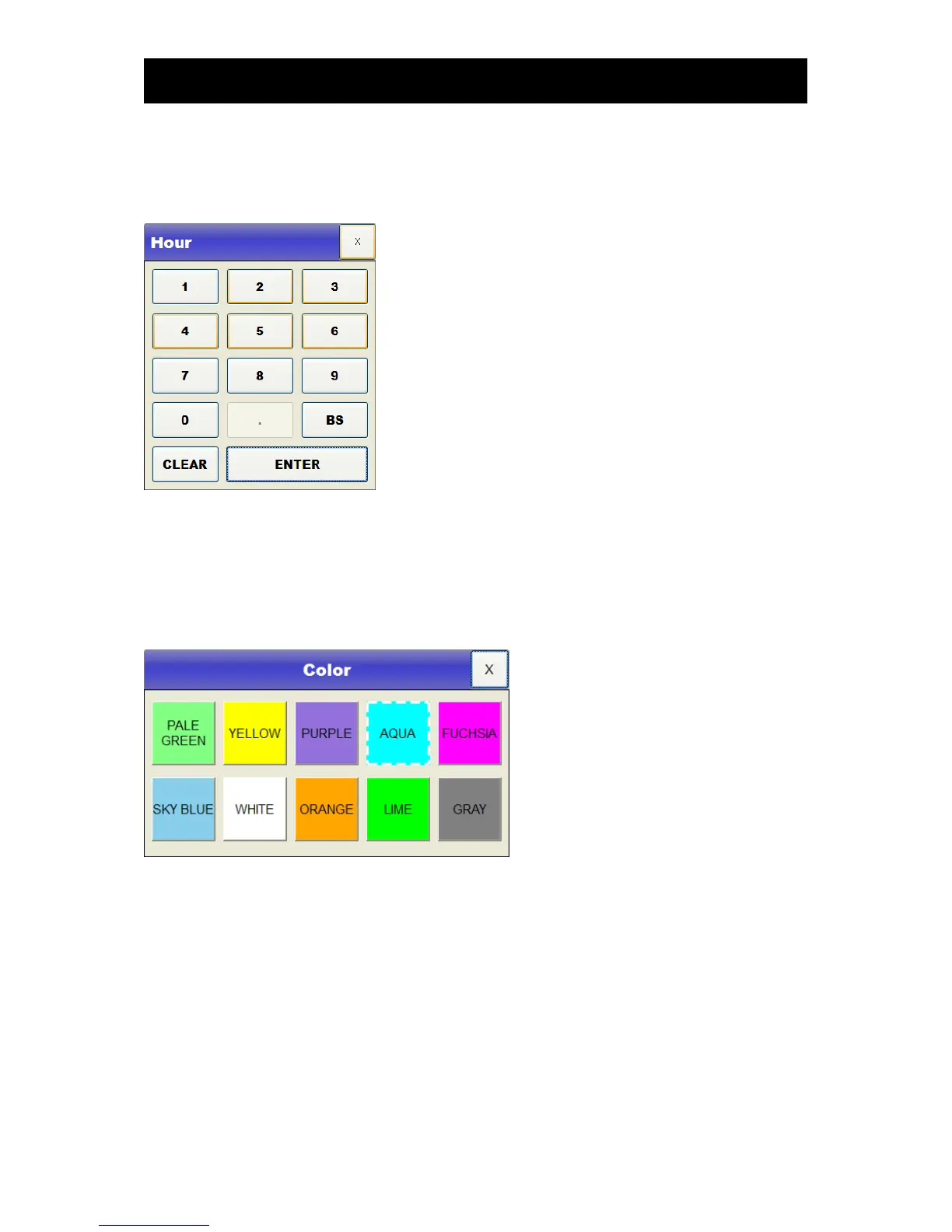
▣ Value entry
To enter a value, drag the cursor to the value using the wheel and then touch the selection key or the
screen.
▣ Color selection and entry
To select the color of a line or a numerical value, drag the cursor to the desired color and touch the
selection key or color on the screen.
▣ Line selection
To select the thickness of a line of a trend graph or a waveform to be printed, drag the cursor to the
desired line thickness and touch the selection key or the line thickness on the screen.



 To Next Page