6) Power connection
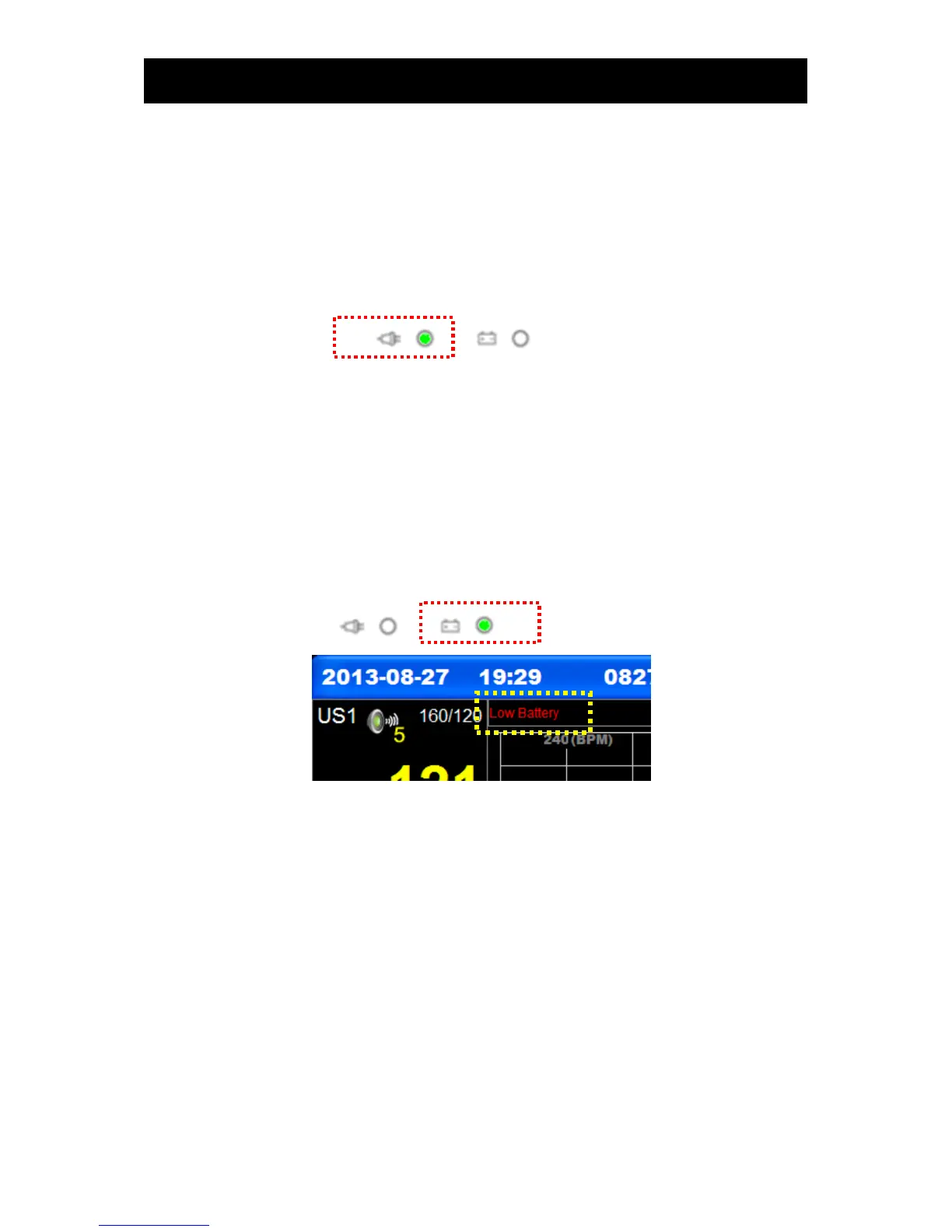
▣ AC power
If AC power is connected to the main body of the equipment, the Power LED on the front side of the
equipment will emit a green light; if a battery has been installed, the power mode will be automatically
changed to automatic charging mode, and the battery will be charged.
▣ Battery power
If the AC power is disconnected, and the equipment is used, power will be supplied by the battery
when the power switch has been turned on; if AC power is connected to the main body of the
equipment, the Power LED on the front side of the equipment will emit a green light. In case a battery
has been installed, the power mode will be automatically changed to automatic charging mode, and
the battery will be charged.
If the battery power is insufficient (8.6V or lower), alarms will sound, and “Battery low” will be displayed
on the LCD screen for a few minutes before power to the equipment is automatically turned off. In this
case, AC power should be immediately connected to the equipment to use it.
- Charging time: Minimum of 4 hours ( Standby status)
- Continuous use time: Maximum 2 hours



 To Next Page