Chapter 14. General setting
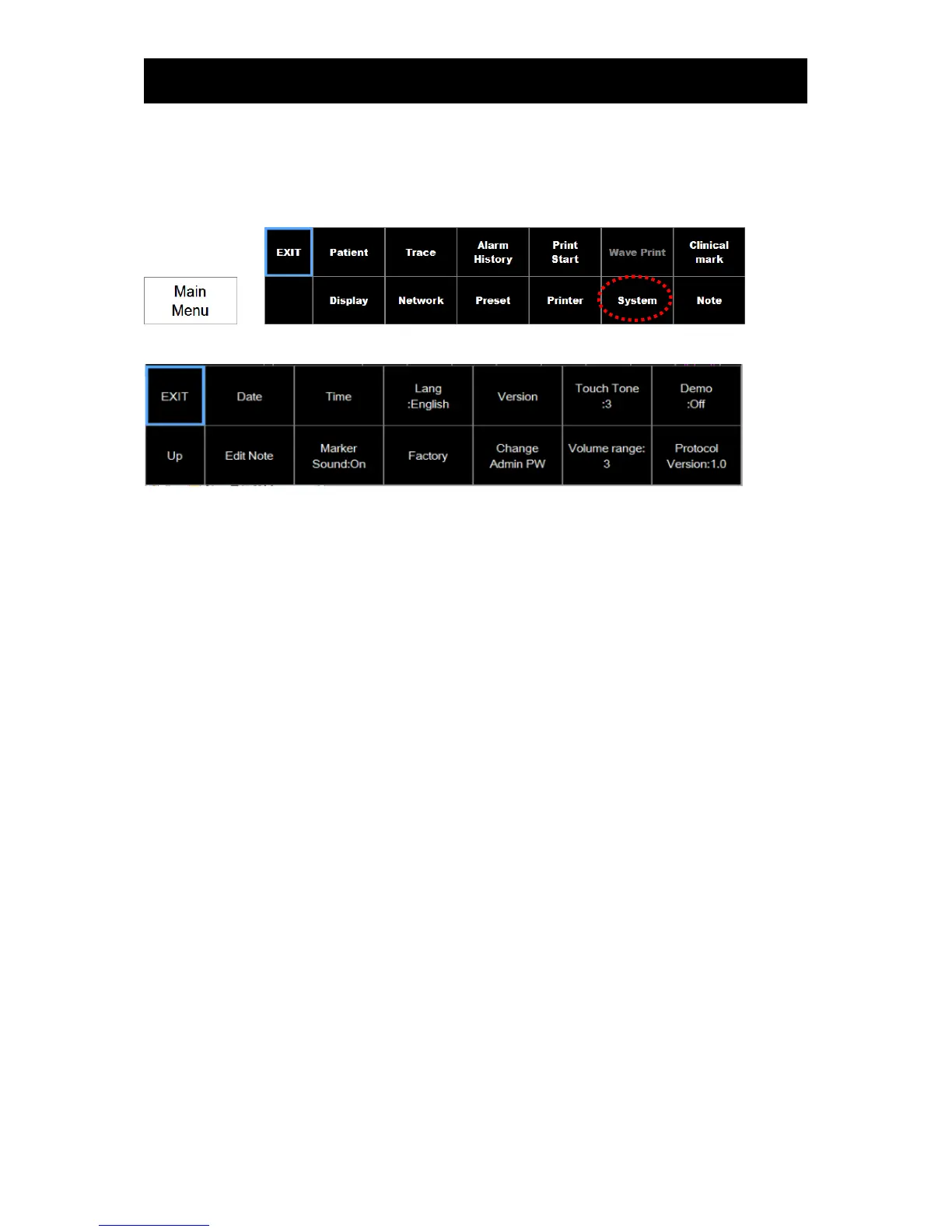
Go to “System” in the main menu to define the general settings.
=>
The following is the setting menu:
1) Date changing
To set up a date, touch the Date in the setting menu.
2) Time changing
To set up a time, touch the Time in the setting menu
3) Language changing
To set up a language, touch the “Lang” in the setting menu



 To Next Page