▣ Changing the type of printing paper
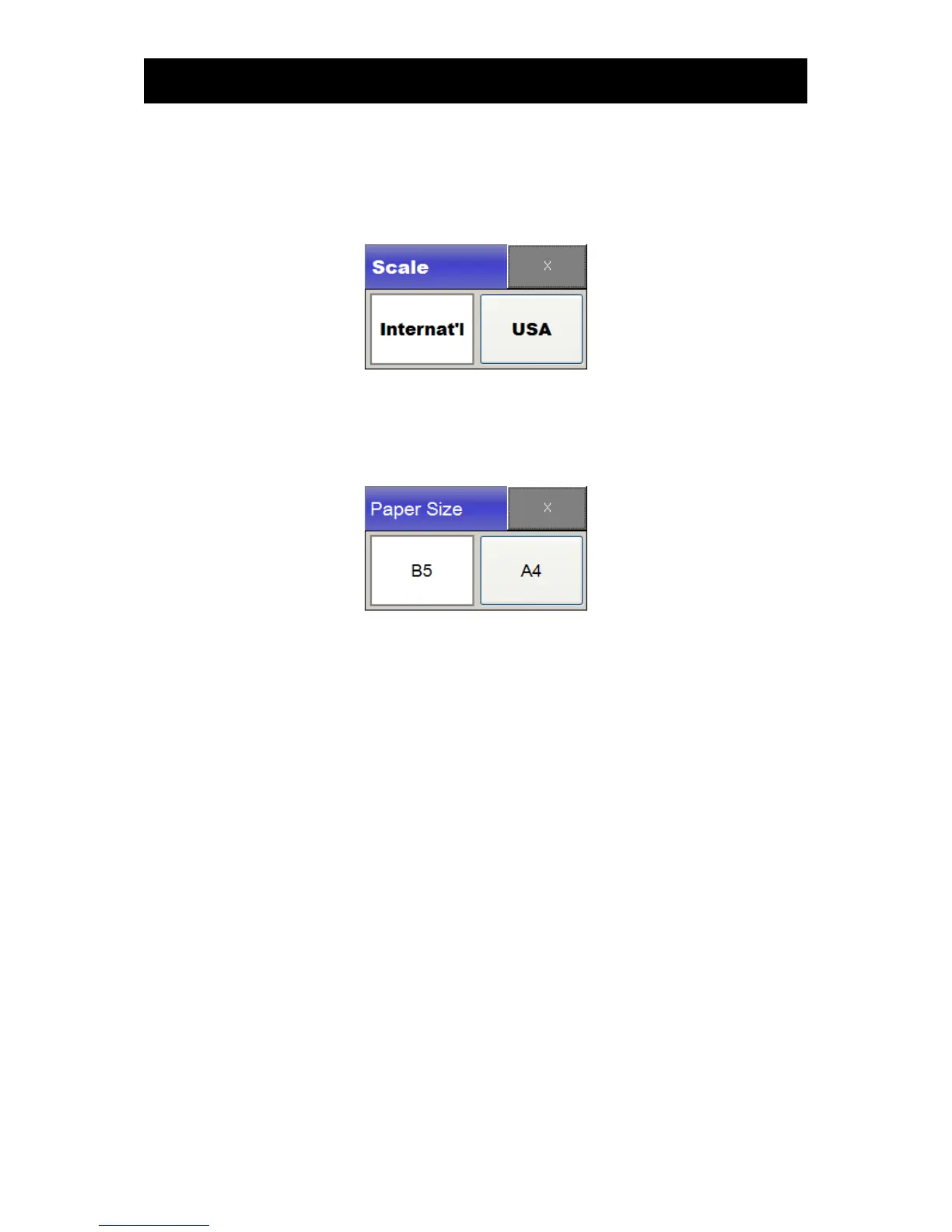
To change the type of paper, touch the main menu Printer. Touch the item “Scale” in the menu and
select the desired type of paper to change the type
▣ Changing the size of printing paper
To change the size of printing paper, touch the main menu Printer. Touch the item “Size” in the
menu and select the desired size of printing paper to change the size.
▣ Changing the grid line printing
To print grid line on the paper touch the main menu Printer. Touch the item “grid” in the menu. If the
grid is on, the grid line is printed on the paper.
2) Trend printing
To print trend data, please move to the point from which you want to print on the Trend window and
press Print. The trend will then be printed up to the next measurement or for the time designated in
advance. When trends are printed, the printing speed will be high at 25CM/sec.
3) Paper replacement
If the paper is off during printing, "No paper" alarm occurs.
If "No paper" alarm occurs, load paper or push "alarm silence" button to clear "no paper" alarm status
You can open printer cover by pushing “Printer cover open” lever to the right. Load paper with
printable side up and close the cover.



 To Next Page