10) Setting all alarms ON/OFF
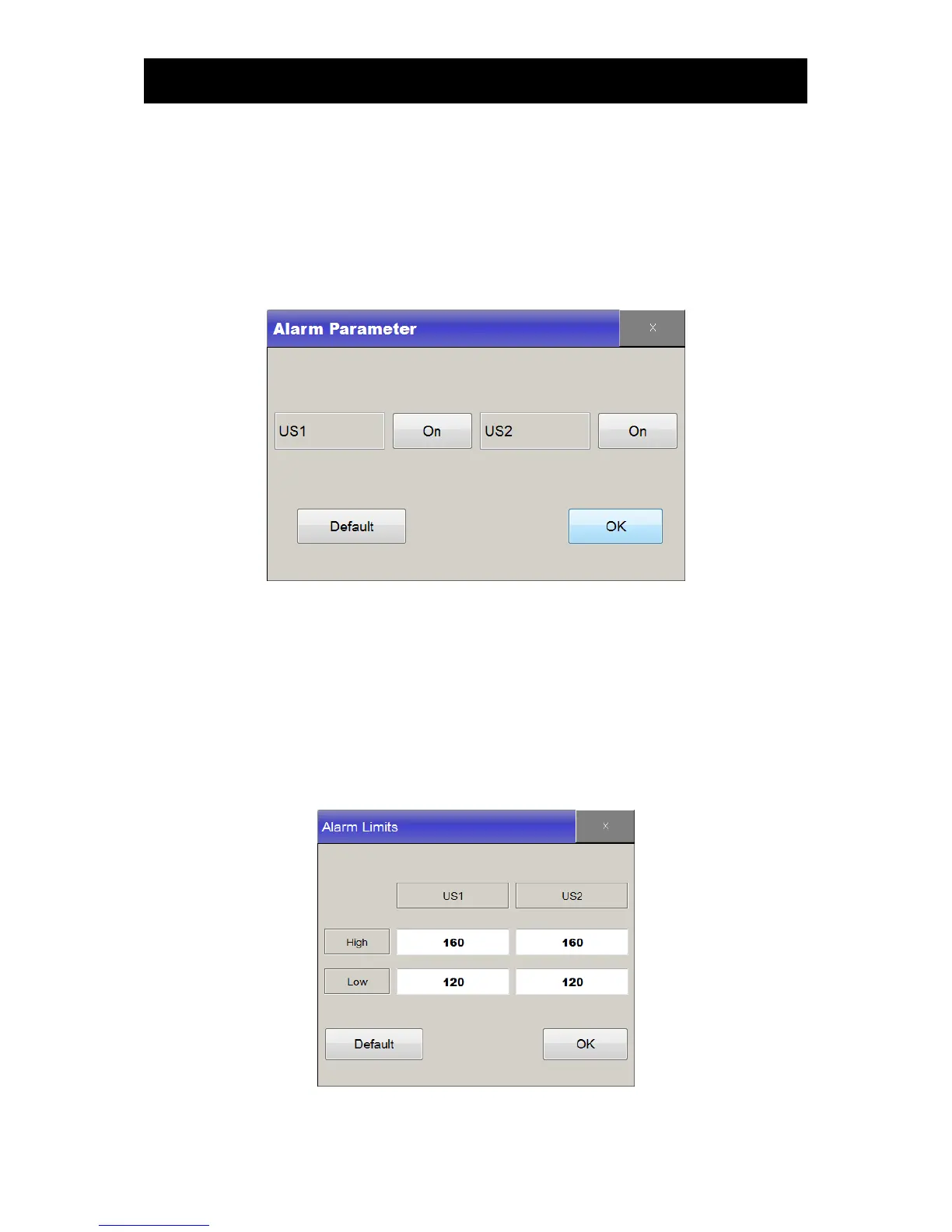
This function is either to activate or deactivate alarm for each parameter. Touch Main Menu->Preset-
>Alarm On/Off and set the condition by pressing in Alarm Parameter window.
Default Value: FHR1 : On
FHR2 : On
11) Setting all alarms ranges
This function allows users to select alarm ranges for each parameter. Touch “Main Menu->Preset-
>Alarm Limit”, and click button on “Alarm Limit” window to change, in order to set the default values,
touch “Default” then select “OK” button.
Default Value: FHR1 : 160~100 bpm
FHR2 : 160~100 bpm



 To Next Page