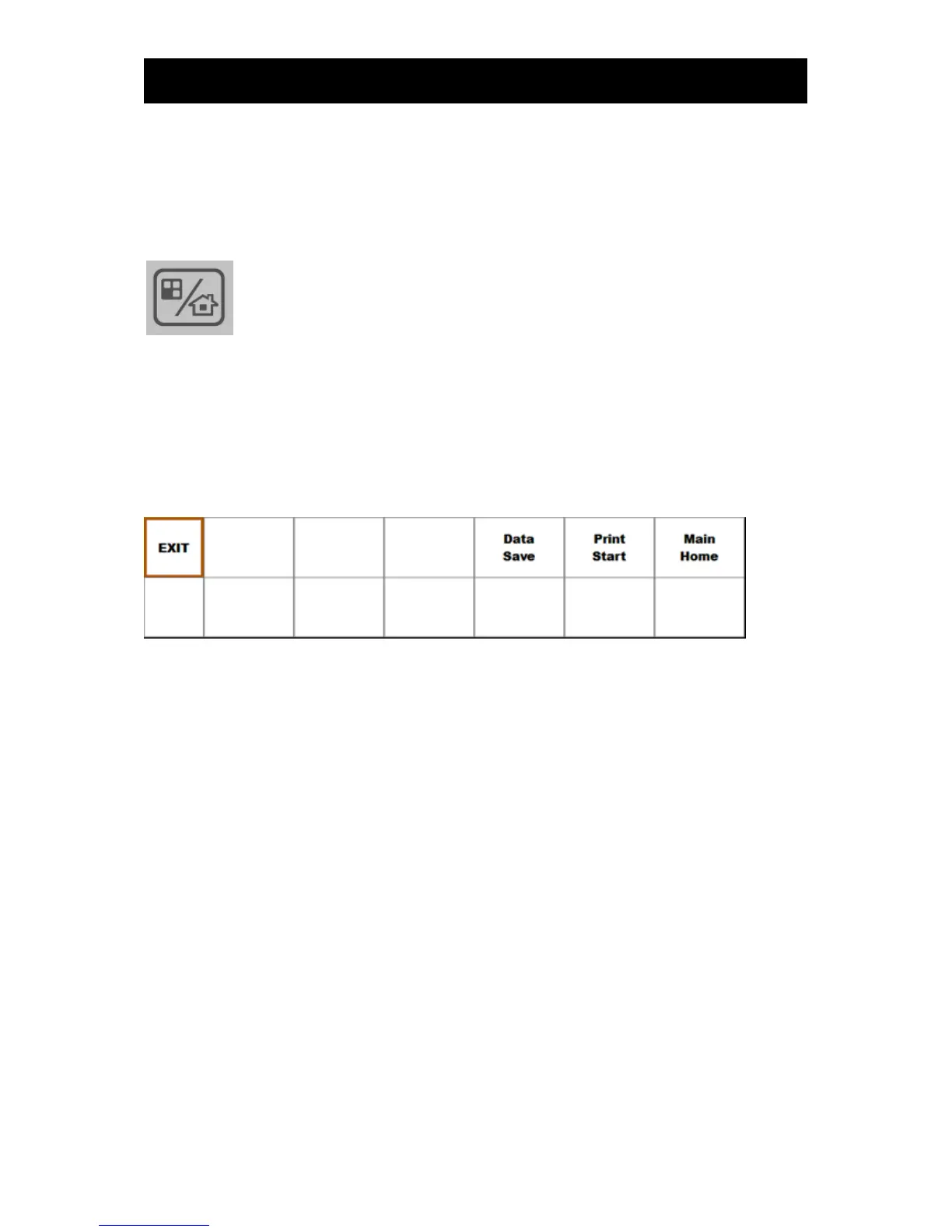
▣ Exiting the Trace screen
To view data entered in real time when the Trace screen is displayed, touch the Main Home of the
Trace menu or the “screen switching or function key” on the operation panel.
: Home and function key
3) Setting up trace modes
Touch the menu in the Trace screen. The Trace menu will then appear.
▣ Print
Print 'Trace' data of a fixed duration. In this function, the device will print up to 1 hour of data starting
from the point of 'Trace' on the current screen. If the patient is discharged before the 1 hour mark, then
only the data up to discharge will be printed.



 To Next Page