12) Setting all alarm levels
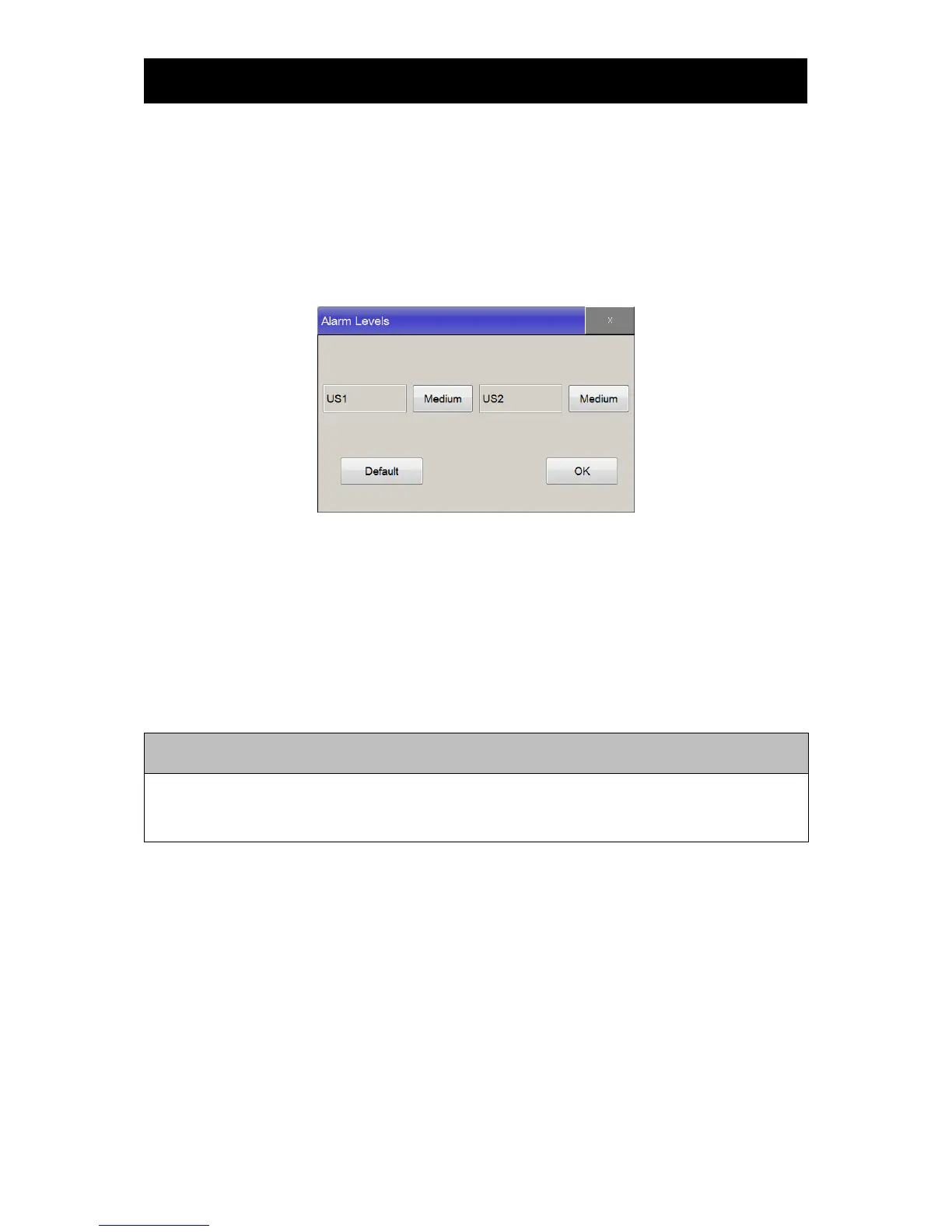
This function allows users to select alarm levels for each parameter. Touch “Main Menu->Preset-
>Alarm Level”, and click button on “Alarm Level” window to change, in order to set the default values,
touch “Default” then select “OK” button.
Default Value : FHR1 : Medium
FHR2 : Medium
13) Default Setting
This function is used when setting values in “Alarm Parameter”, “Alarm Limit” and “Alarm Level”
sections to their default values. Click on the menu button to apply setting.
To set the Default value, touch "Main Menu->Preset->Default Setting". Refer Chapter 19 for default
value.
When using the device through FC central, all setting values will be synchronized once the device is
out of main menu and parameter window.



 To Next Page