2) Trace
▣ Trace
To view trace data, touch Trace in the main menu.
: Trace Key
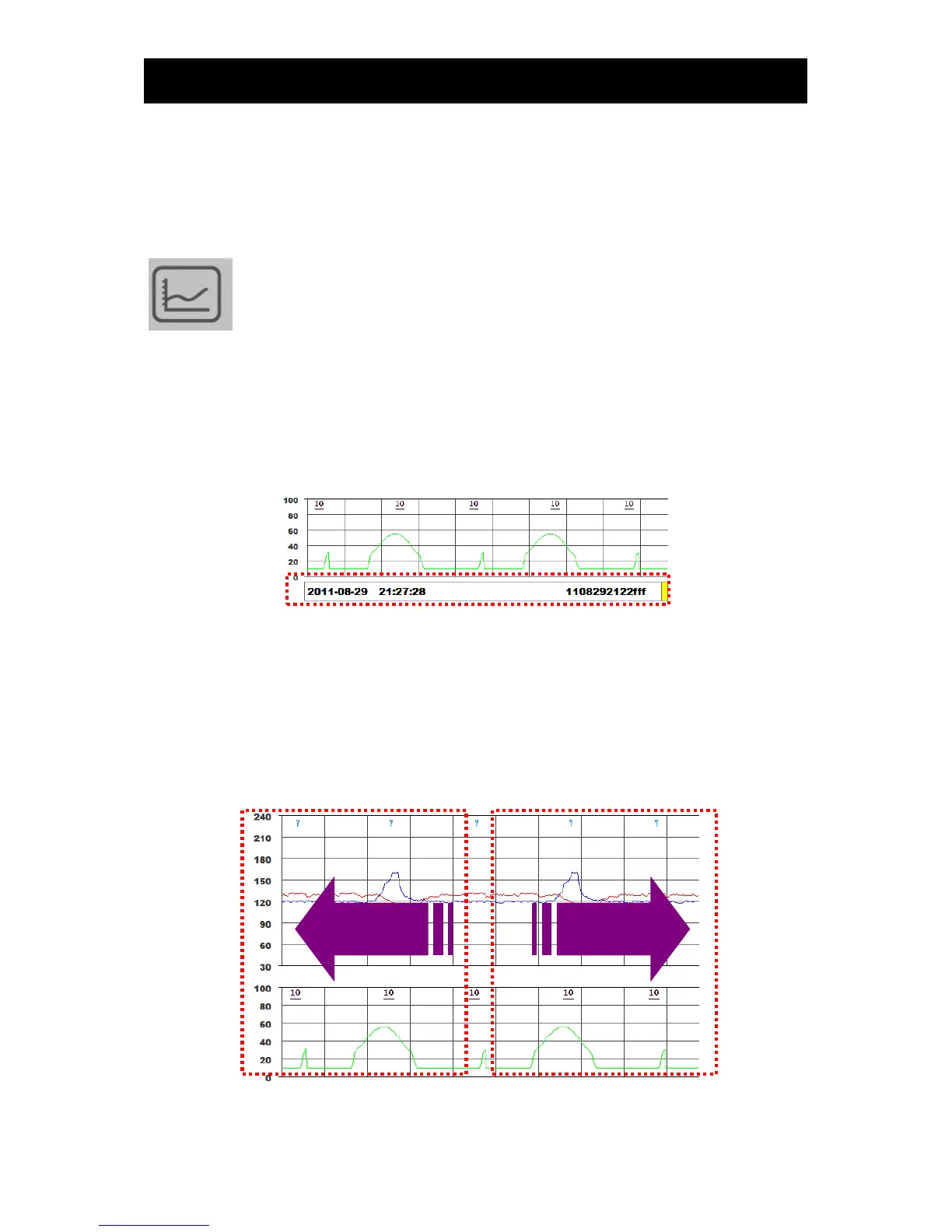
▣ Changing trace time
Trace data times may be changed by moving the scroll bar on Trace, by using volume adjustment
keys on the operation panel or by touching the left or right of trace window.
If US1 volume up key is pressed, the view will be moved to earlier 1 min; if US2 volume up key is
pressed, the view will be moved to later 1 min.
If US1 volume down key is pressed, the view will be moved to earlier 6 secs; if US2 volume down key
is pressed, the view will be moved to later 6 secs.
If the left side of LCD is touched, the view will be moved to earlier 10 min; if the right side of LCD is
touched, The view will be moved to later 10 mins.



 To Next Page