⑪ Home and function key: General screens and large value screens can be swapped; the function of
a home key to move from a sub-menu to the main screen can be executed.
⑫ Printing start/stop key and Paper feeding key
Short key :
A. This is used to record data on the recording sheet in real time in the monitoring mode.
B. This is also used to print data on the recording sheet at high speeds in the data view
mode.
Long key : Paper feeding key Used when feeding paper while printing is stopped.
5) Menu
▣ Menu selection
To go to a menu, touch the main menu or parameter window on the screen.
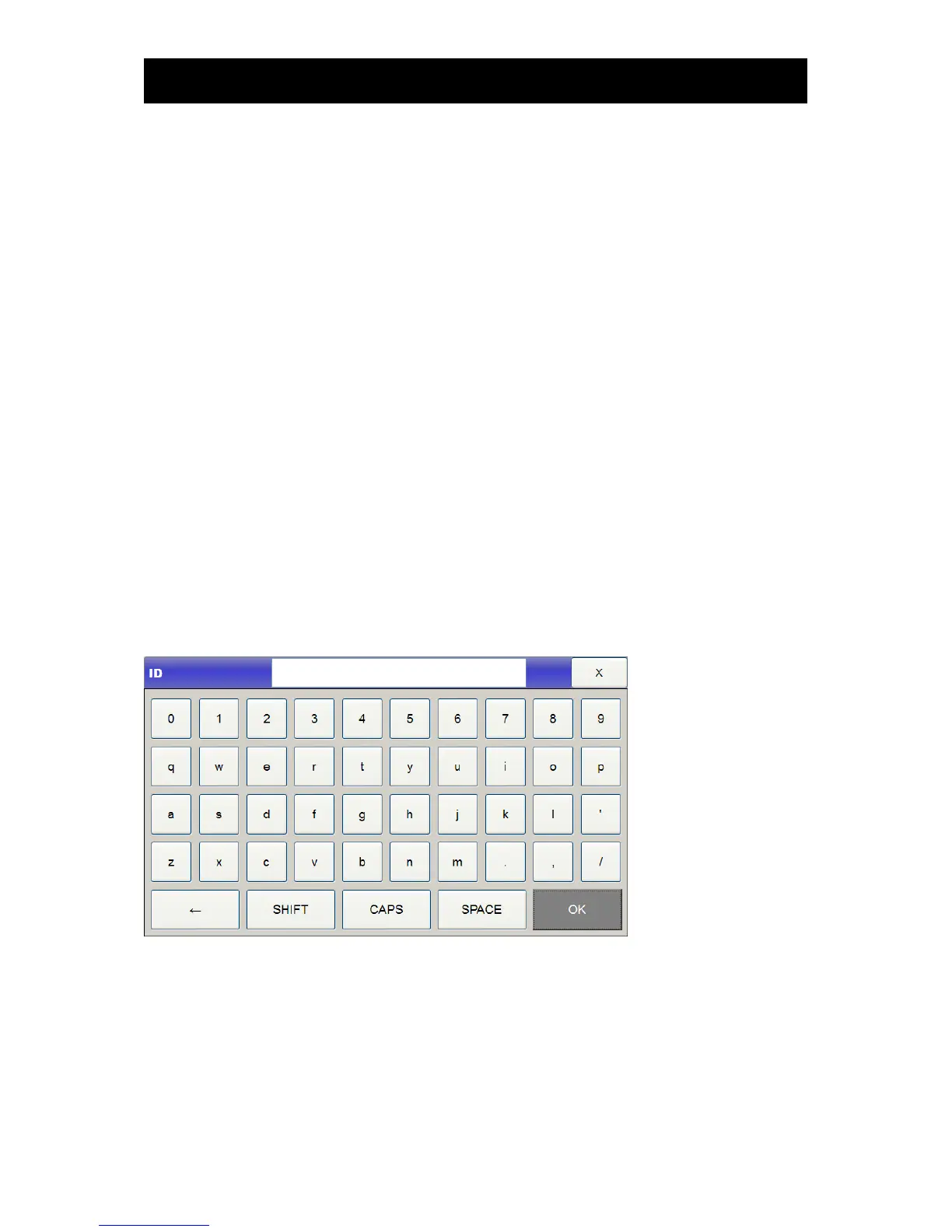
▣ Letter entry
To enter a letter, drag the cursor to the letter using the wheel and then touch the selection key or the
screen



 To Next Page