Chapter 13. Network
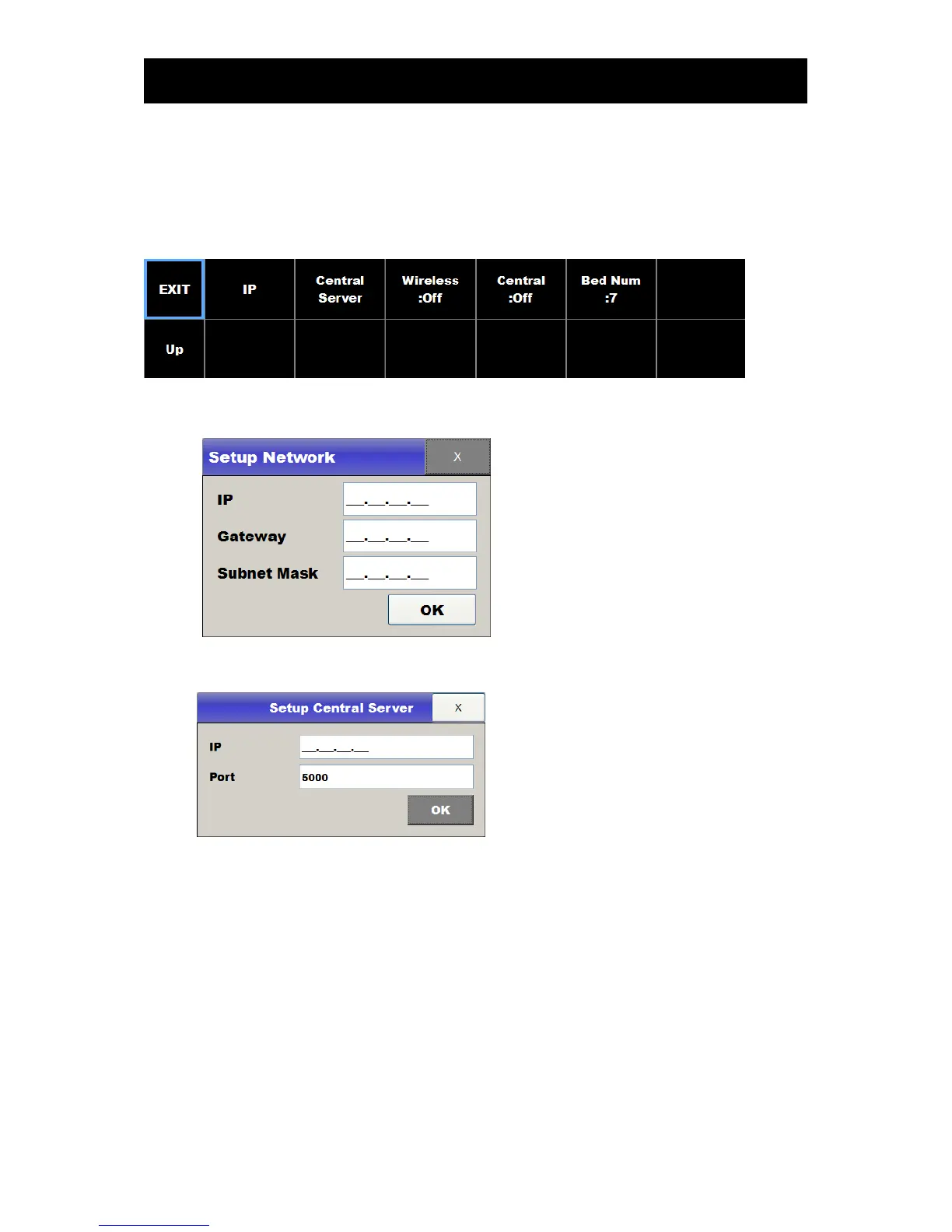
To set up network configuration, touch the Network in the menu.
IP : NewFC1400 Network information
Central IP : Central server information
Wireless setting
If you use the Wireless LAN, wireless LAN module is inserted into the USB slot on the rear side,
and the touch the Wireless menu, and the touch the central menu
When “On” the wireless LAN function is activated. IP button then touch the screen that appears
depends. When “Off” wired LAN function works.
Using wireless LAN FCCentral II for more information, please refer to the separate document on
how to connect.



 To Next Page