▣ FHR Sound Volume adjustment
Touch the Sound Volume menu. Select the value to be set from Off or volumes at levels 1~9.
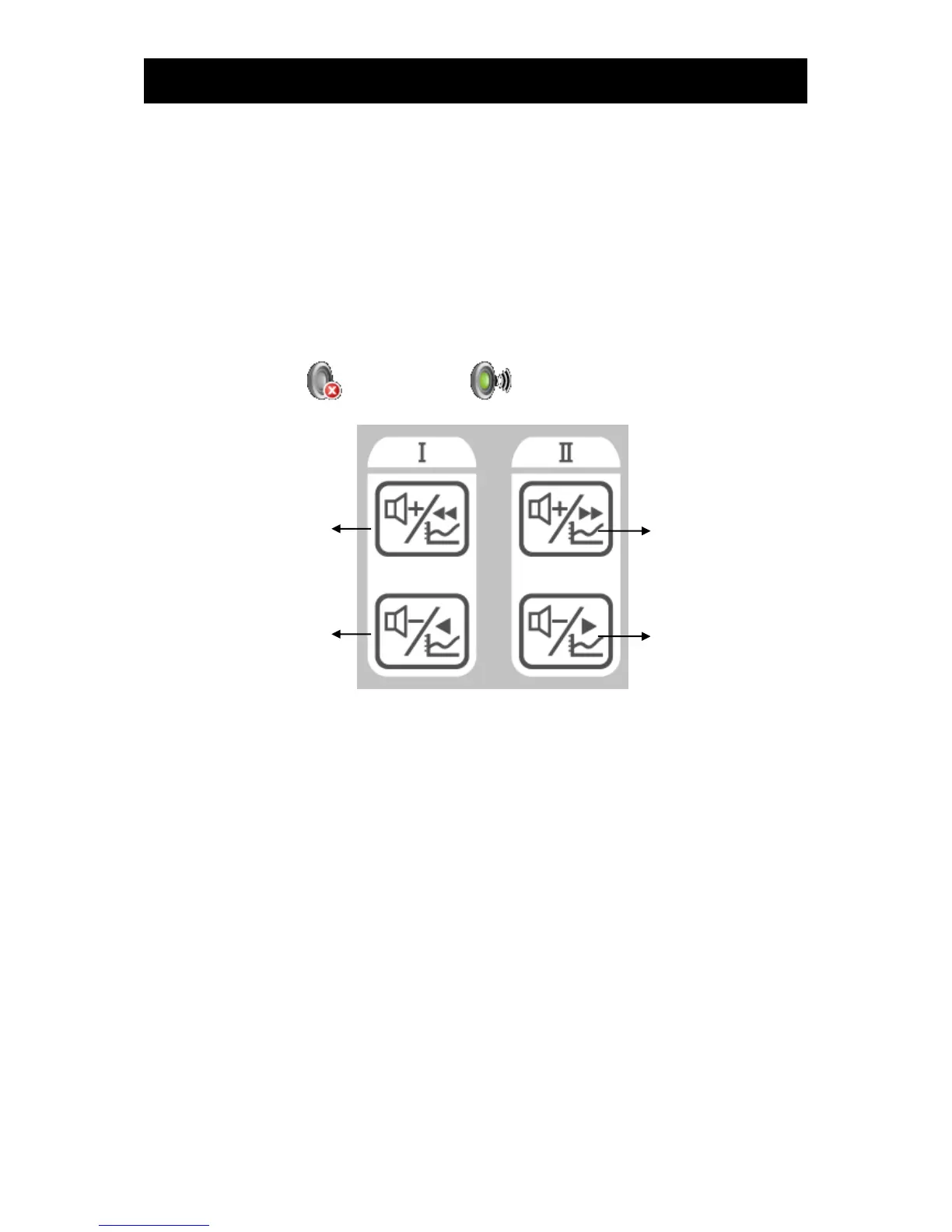
FHR sounds can be adjusted using the operation panel or LCD screen touch the volume adjusting
icon and select a volume from the popup window. And to adjust the volume of US2, touch the volume
adjusting icon.
In addition, you can directly go to the Sound Volume window using the speaker icon in the US area.
: Volume Off : Volume
Volume adjusting key of operation panel
▣ Alarm
FHR alarms for US1 and US2 can be adjusted separately.
Please set up whether alarm functions for FHRs will be used.
▣ Alarm level
Set up the levels of alarms for FHRs. Patient condition alarms can be set to Medium and Low alarms.
Please refer to the alarm section in Chapter 6 for details.



 To Next Page