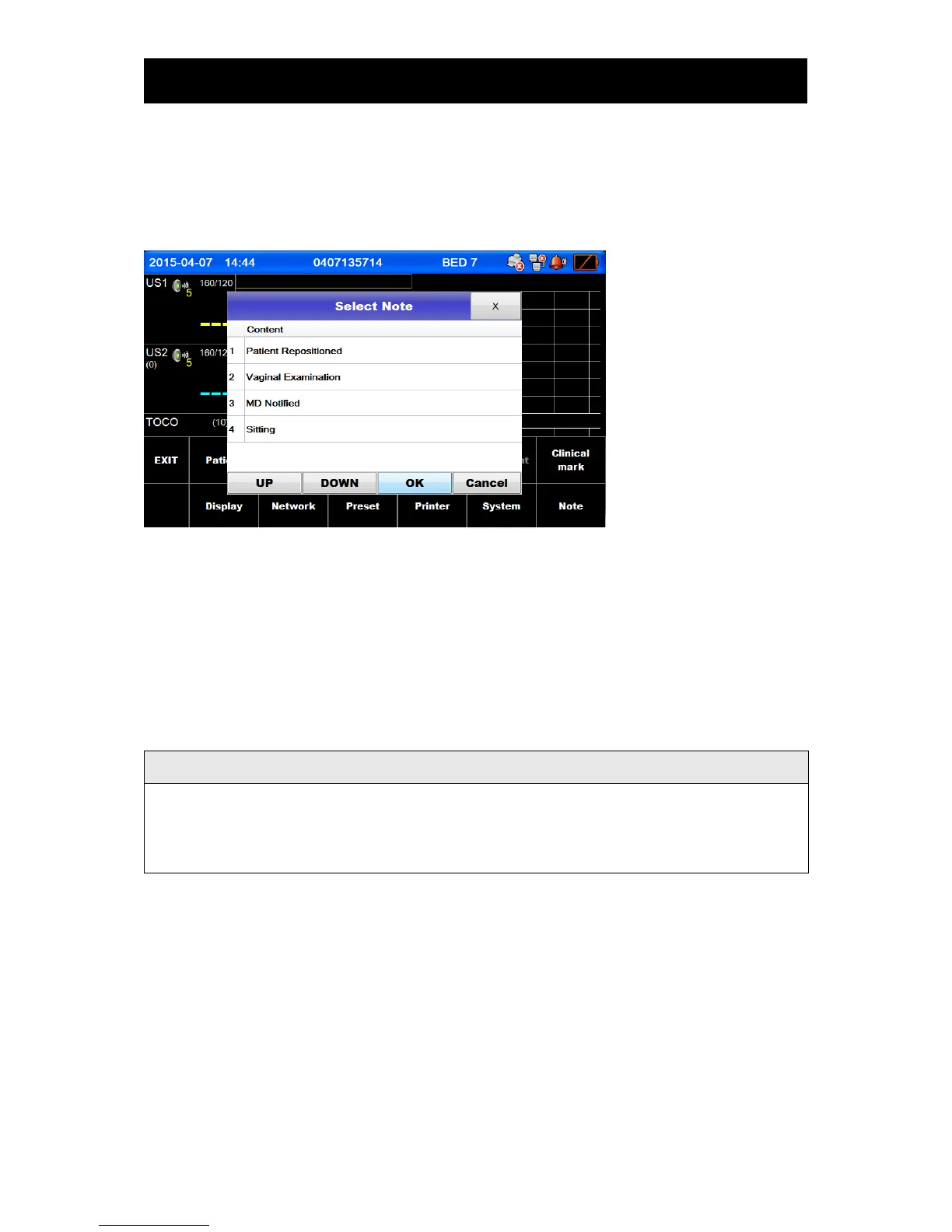
▣ Entering Note
When Clinical Mark key is long pressed, Note screen will be printed. Press OK after selecting related
item from the list, and Trace and Real time Note will be printed.
▣ Adding Note
Note lists can be added and edited by Users having Administrator rights. Touch Main menu->system-
>Edit Note and enter the Admin password, and then set the user environment using New/Edit/Delete
button.
However, the additional number of notes that can be saved is only 100.
Preset four lists cannot be edited nor deleted.
To preset password, refer to Chapter 11, alarm and preset setting.



 To Next Page