Rev AO-18
DE
VICE
LO
T
NU
MBER
(
L/N)
T
o retrieve QC Sample results based on the lot number of the test devices used:
1. Press the key to power The Triage MeterPro on.
2. From the
MAIN MENU select RECALL RESULTS using the keys.
3. Press the key.
4. Select QC RESULTS using keys.
5. Press the key.
6. Select the appropriate menu,
INTERNAL QC RESULTS or QC SAMPLE RESULTS
using keys.
7. Press the key.
8. Select
DEVICE L/N using keys.
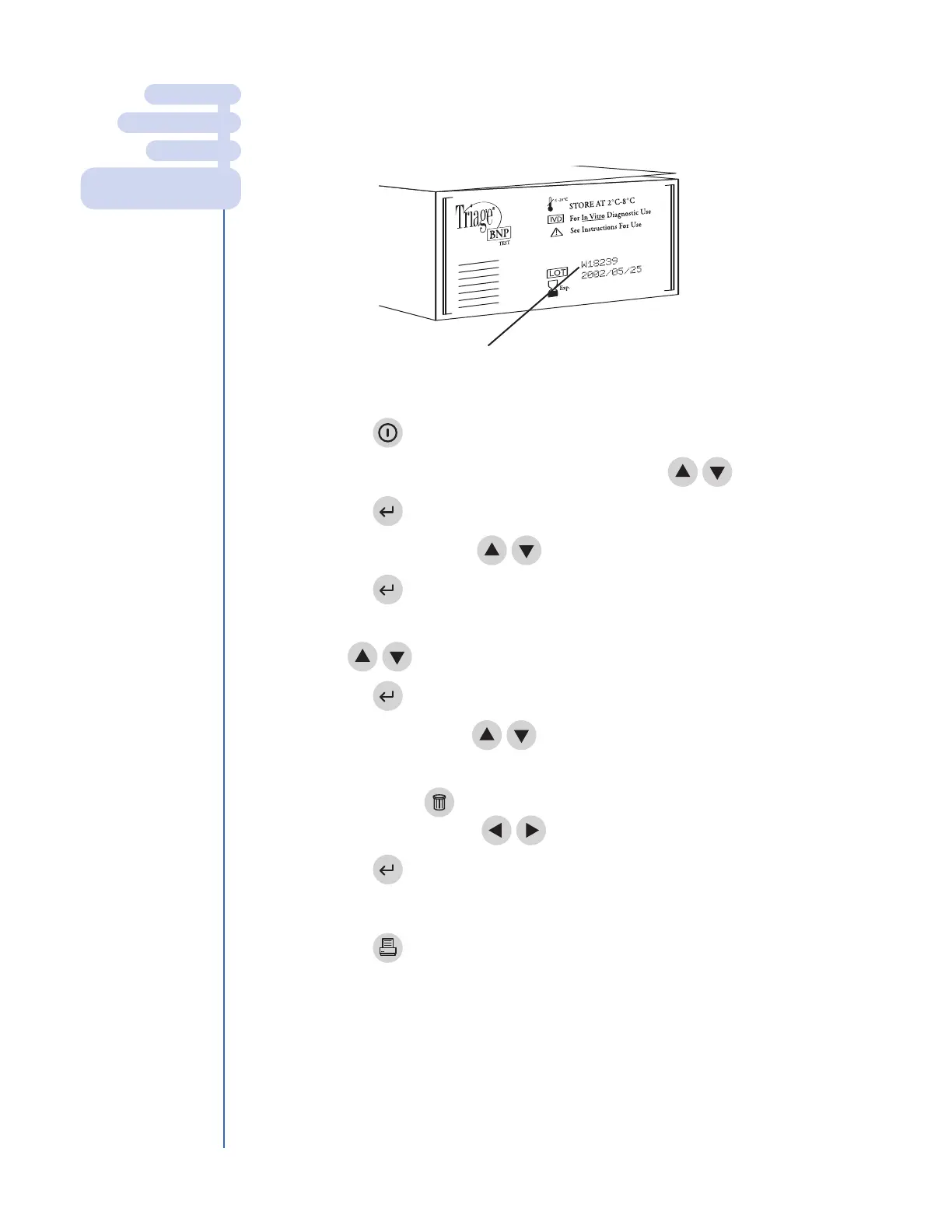
9. Type in the device lot number from the side of the box of test devices. To
cor
r
ect, press the key to clear the entire number, or select the
incor
r
ect digit by using the keys. Then type in the correct number.
10. Press the key.
11. All QC results that have been run on the requested lot number are displayed.
12.
Press the key to make a printed copy.
MAIN MENU
RECALL RESULTS
QC RESULTS
INTERNAL QC RESULTS
Q
C S
AMPLE RESULTS
The lot number of the test devices is on the
box that contains the test devices.



 To Next Page