BP-007 User’s Manual
- 10 -
2.7 Installing Bluetooth Interface Driver
Note: Select to install this driver according to the chosen model.
1. Adjust the printer serial to 38400bps, 8 data bits, no check bit, 1 stop bit and the protocol is
DTR/DSR.
2. Choose the appropriate Bluetooth adapter, the operation system is Window XP or above which with
Bluetooth adapter driver.
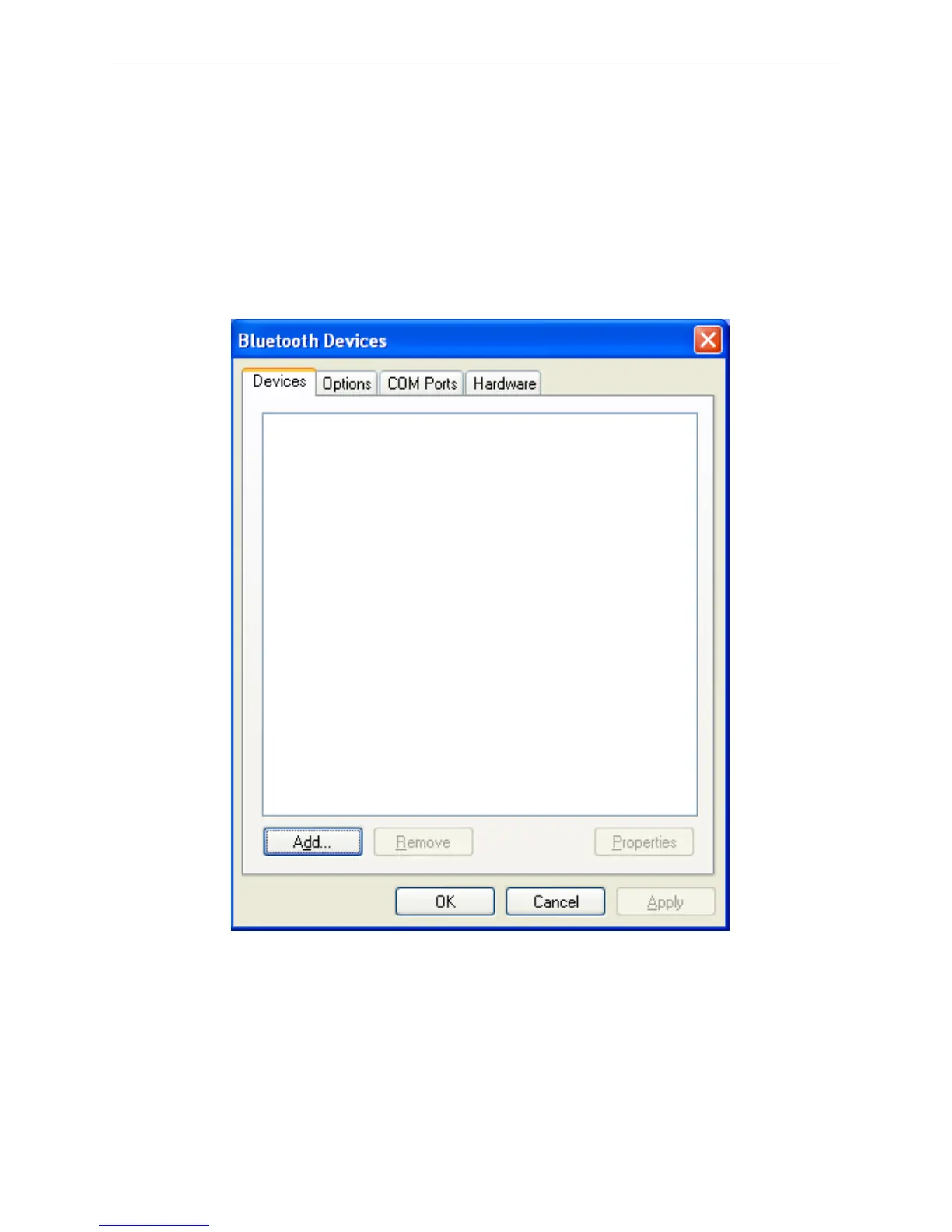
3. Turn on the printer, search Bluetooth device in Window XP system, and click “Add”.
4. Tick off the option of “My device is set up and ready to be found.” Click “Next” to continue.



 To Next Page