BP-007 User’s Manual
- 37 -
5.2.4 Serial Interface
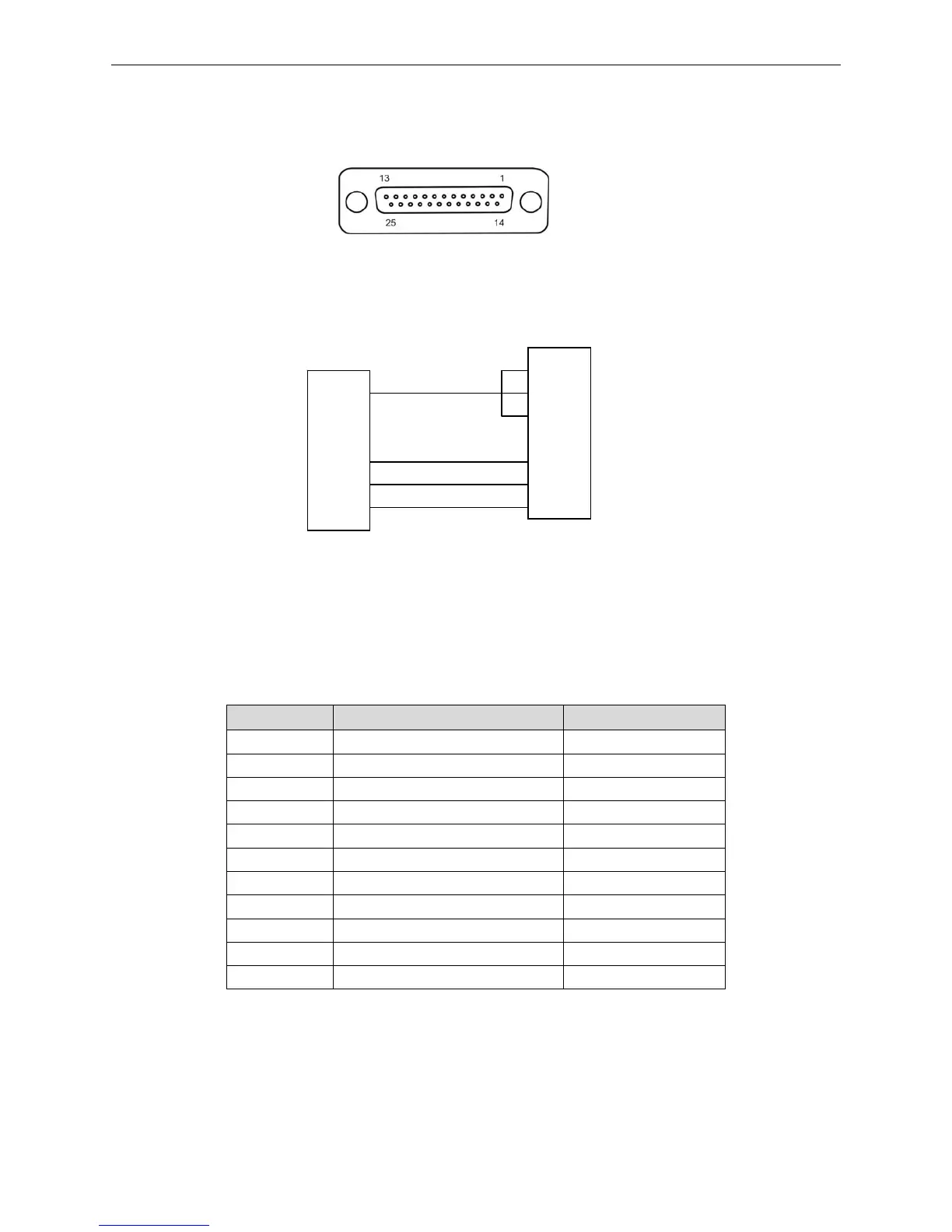
(1) Serial interface is RS-232 type and the connector type is DB-25.
The DB-25 connector is shown as Figure 5-6.
(2) Connecting figure of printer and computer with serial interface
The figure is shown as follows:
(3) Definition of pins
Definition of each pin of RS-232 serial interface is shown in Table A-3:
Table A-3 Definition of pins of RS-232 serial interface
Pin NO. Signal name Signal Direction
1 FG Frame GND
2 TXD Data output Output
3 RXD Data input Input
4 RTS Ask for Sending Output
5 CTS Allowable to Send Input
6 DSR Data Set Ready Input
7 GND power GND
8 DCD Data Carrier Detect Input
……
20 DTR Data Terminal Ready Output
……
(4) Interface protocol
1. DTR/DSR interface protocol
The DTR from the printer controls the data flow between the printer and Host. When the DRT is
high level means the printer is FREE and it can receive the data from the Host. DTR is High level
when it belongs to the following three conditions:
Figure 5-7 Connecting figure of printer and computer with serial interface
Host computer’s 9PIN connector
Print



 To Next Page