BP-007 User’s Manual
- 14 -
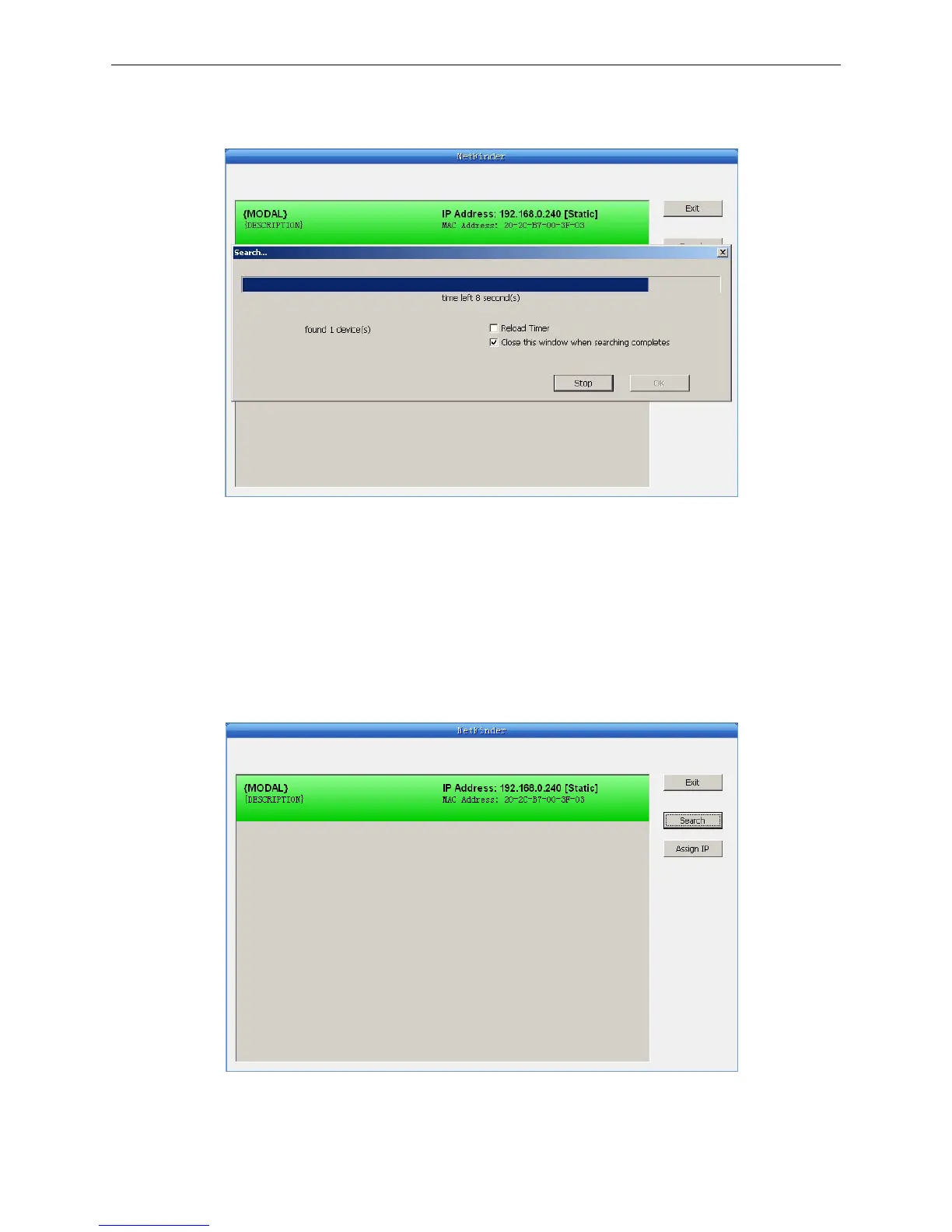
counting down in the progress bar (10s in total) and the search will finish as soon as the time is over.
When going on searching, press “search” button again.
If the printer still can not be found out when the network connection is correct in the same network,
Please check whether the network fire wall on the PC open or not. If there is fire wall, please close it
temporarily, open again after finishing searching and setting a printer completely.
3. Setting printer’s IP address
The printer’s information is listed in the main interface, the left side of which is the model and
description and the right is the IP and MAC address. What’s more, the assign mode (dynamic/static)
is noted behind the IP address.
1) Correlative description for IP address settings
In order to search and set printer’s IP address conveniently for the first time, the factory default



 To Next Page