Software Interfaces
27
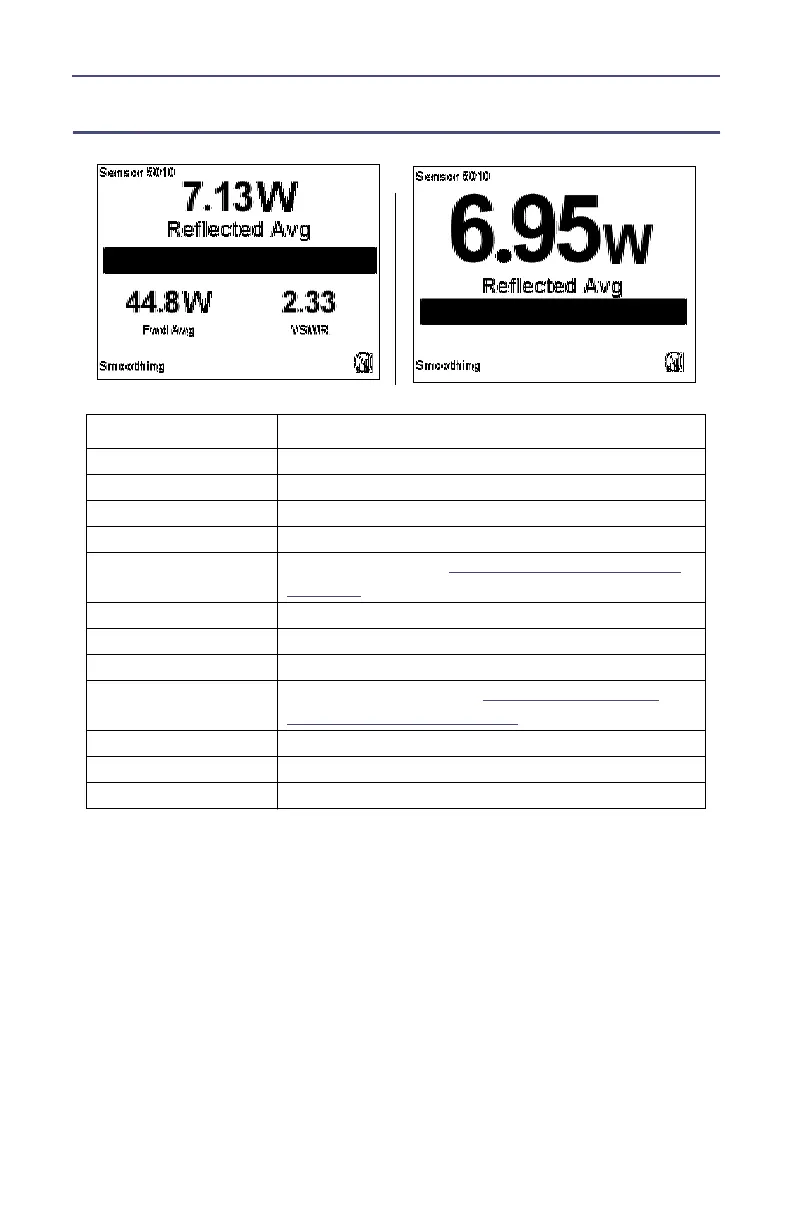
Reflected Avg Interface
Note: 5010 only supports APM/DPM Elements – No Element Type
Select on Menu.
Note: The main measurement is in the larger display located
above the graph bar. The two smaller, secondary measurements
are located below the graph bar. All of these measurements vary
depending on the main measurement displayed.
Key Button Action
Right Arrow Changes the Main Measurement to Match
Left Arrow Changes the Main Measurement to Forward Avg.
Up Arrow Switch True Avg (W, uW, mW, kW, dBm)
Down Arrow Switch True Avg (W, uW, mW, kW, dBm)
OK Button
Initiates Shutdown.
See "Shutting Down" on
page 11
.
Menu Button Goes to Main Menu.
Log Button Goes to Logging submenu.
+/- Toggles between “Small” and “Large” Display.
. (2 Sec)
Performs a screen shot.
See "Performing a
Screen Shot" on page 12
.
0 (2 Sec) No effect
8 (2 Sec) Turn On/Off Smoothing
Menu & Log (2 sec) Language Selection Screen
Small Display
Large Display



 To Next Page