Software Interfaces
43
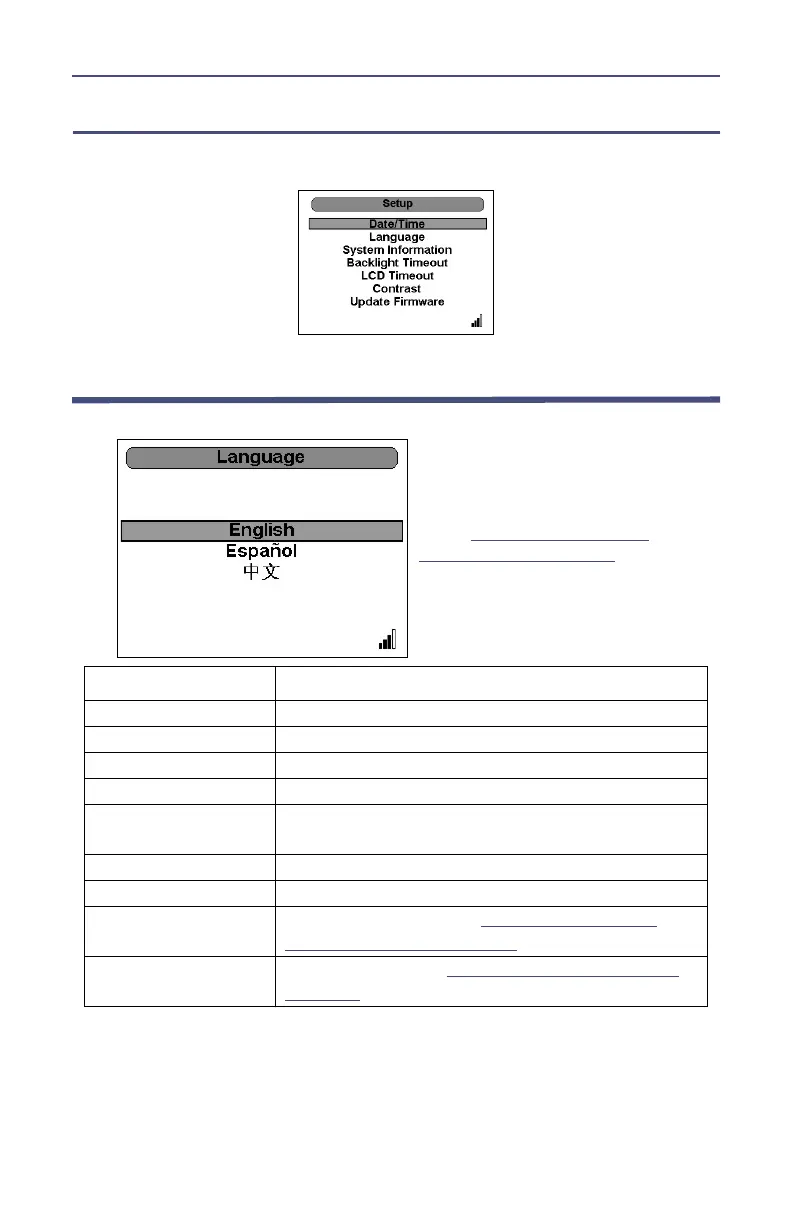
Setup Menu
Controls all the preferences of the DPM.
Language Selection Menu
Key Button Action
Right Arrow No effect.
Left Arrow Return to Main Menu
Up Arrow Up through menu
Down Arrow Down through menu
Ok Button
Select language and change all screens to reflect
the language selected
Menu Button No effect.
Log Button No effect.
. (2 Sec)
Performs a screen shot.
See "Performing a
Screen Shot" on page 12
.
OK (2 Sec)
Initiates Shutdown.
See "Shutting Down" on
page 11
.
Note: This screen appears
either when the unit is
turned on for the first time
or when the unit has been
reset (
see "Resetting the
5000-XT" on page 10
).



 To Next Page