Digital Power Meter Model 5000-XT
40
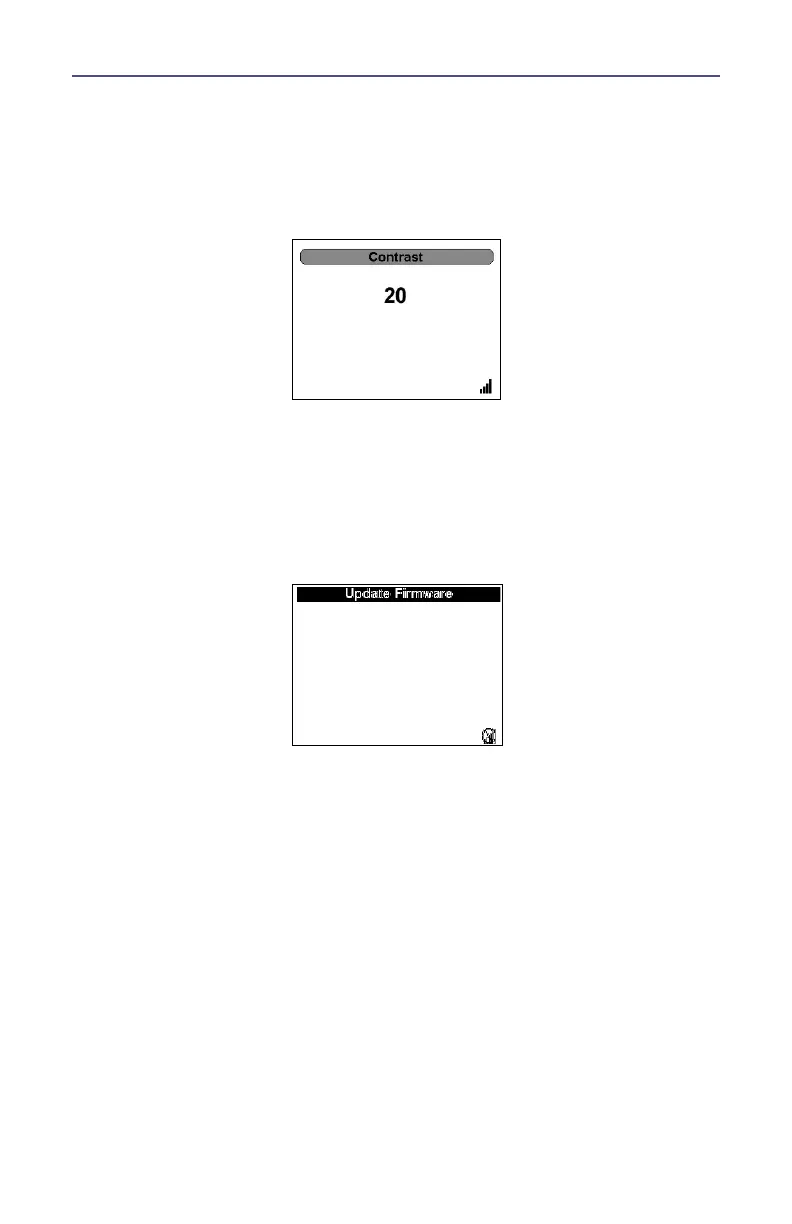
Contrast
Sets the contrast of the display.
The Up and Down arrows control the settings.
The “OK” button locks the settings.
Update Firmware
Updates the firmware of the DPM.
Note: A connection to a PC must be made before updating can be
done. Disconnect from the PC, though, before file operations, such
as logging, are done. If logging when connected to a PC, the log-
ging is automatically stopped.



 To Next Page