EasyManua.ls Logo

BitaTek Cyclops Series - Data Transfer Via SPP Master Mode; Data Transfer Via SPP Slave Mode

Default Icon
75 pages
Print Icon
To Next Page IconTo Next Page
To Previous Page IconTo Previous Page
Loading...
CYCLOPS-I BT Scanner Configuration Guide 22
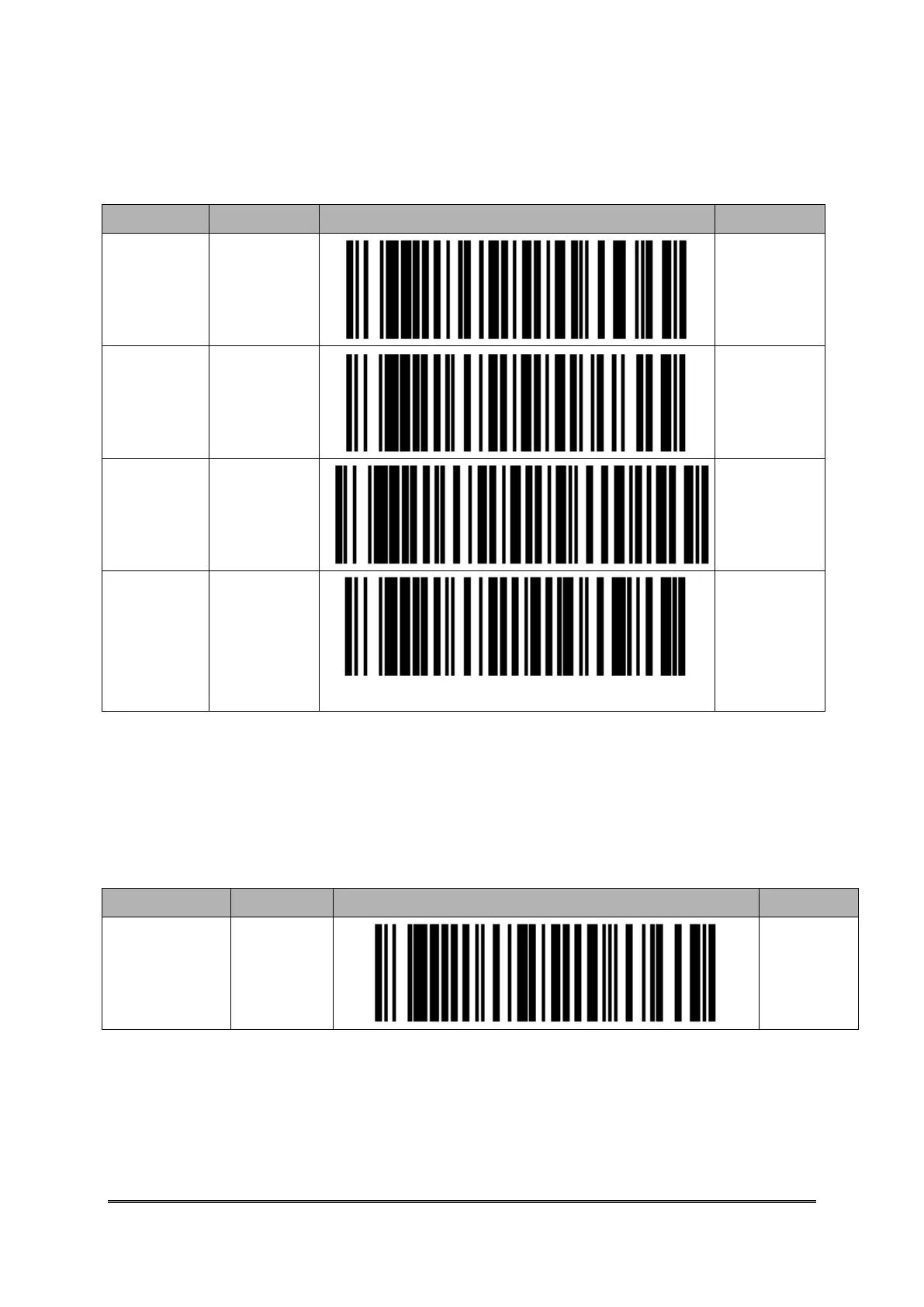
8.1.2. Data Transfer via SPP Master Mode
Function
Parameter
Setting Barcode
Code ID
Enter
Physical
Address of
BT Module
Input
B001A
Commu.
Start
Enter SPP
Master
Mode
A001B
Operat.
Mode
Setting
Batch Mode
A014A2
Wait Host
Command
under
Bluetooth
Commu.
Start Data
Transfer
via
Bluetooth
Commu.
A033A
Please refer to <Setting Barcode About Bluetooth Device Name of CYCLOPS-I> of
<9.2.1 System Mode Setting>
8.1.3. Data transfer via SPP Slave Mode
Function
Parameter
Setting Barcode
Code ID
Commu.
Setting
SPP Slave
Mode
A002A

Related product manuals