CYCLOPS-I BT Scanner Configuration Guide 23
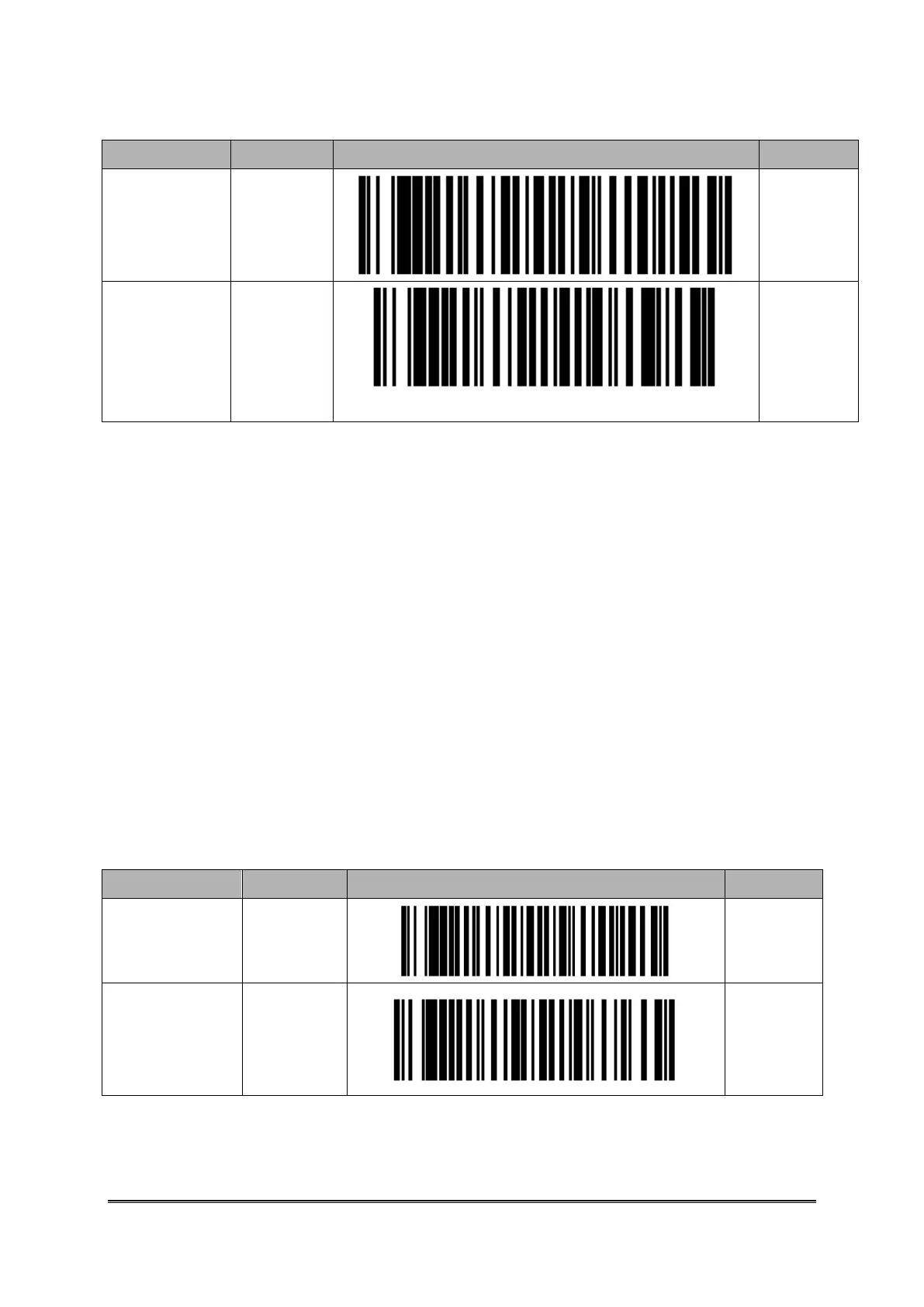
Wait Host
Command
Under
Bluetooth
Commu.
Start Data
Transfer
via
Bluetooth
Commu.
8.2. Real-Time Mode Setting Under HID Mode
CYCLOPS-I, when been paired with iPhone, iPad of Apple product, or other host devices like
Android smart phone, tablet, or PC and CYCLOPS-I acts like a keyboard input of these host
devices. Please use Real-Time Mode under HID Mode.
Real-Time Mode and HID Mode are factory default status of CYCLOPS-I. These host devices
can be quickly paired with CYCLOPS-I.
※ If CYCLOPS-I wants to be connected with iPhone, iPad of Apple products, version of
the iOS must be 5.0 or beyond.
※ If CYCLOPS-I wants to be connected with smart phone of Android products, version of
Android OS must be 4.0 or beyond.
※ If CYCLOPS-I wants to be connected with BT dongle of a PC or laptop, version of the BT
dongle must be 2.0 or beyond.



 To Next Page