CYCLOPS-I BT Scanner Configuration Guide 48
Setting Barcodes for Key Code Sent When Press FUNCTION Key
The Key code setting must 2 digital word, and the word can only 0~9, A ~ F.
For example, Scan the barcode Id「B019A」 first, then 「3」、「 3」、「 EOC」, Key code is 『,』
Please use barcode of 【9.2.6 Alpha-Numerical Setting barcode】to enter the Key code。
Please reference key code on Append 2
Key Code
Sent When
Press
FUNCTION
Key
Key Code
Sent When
Press
FUNCTION
Key
9.2.4. Batch Mode Settings
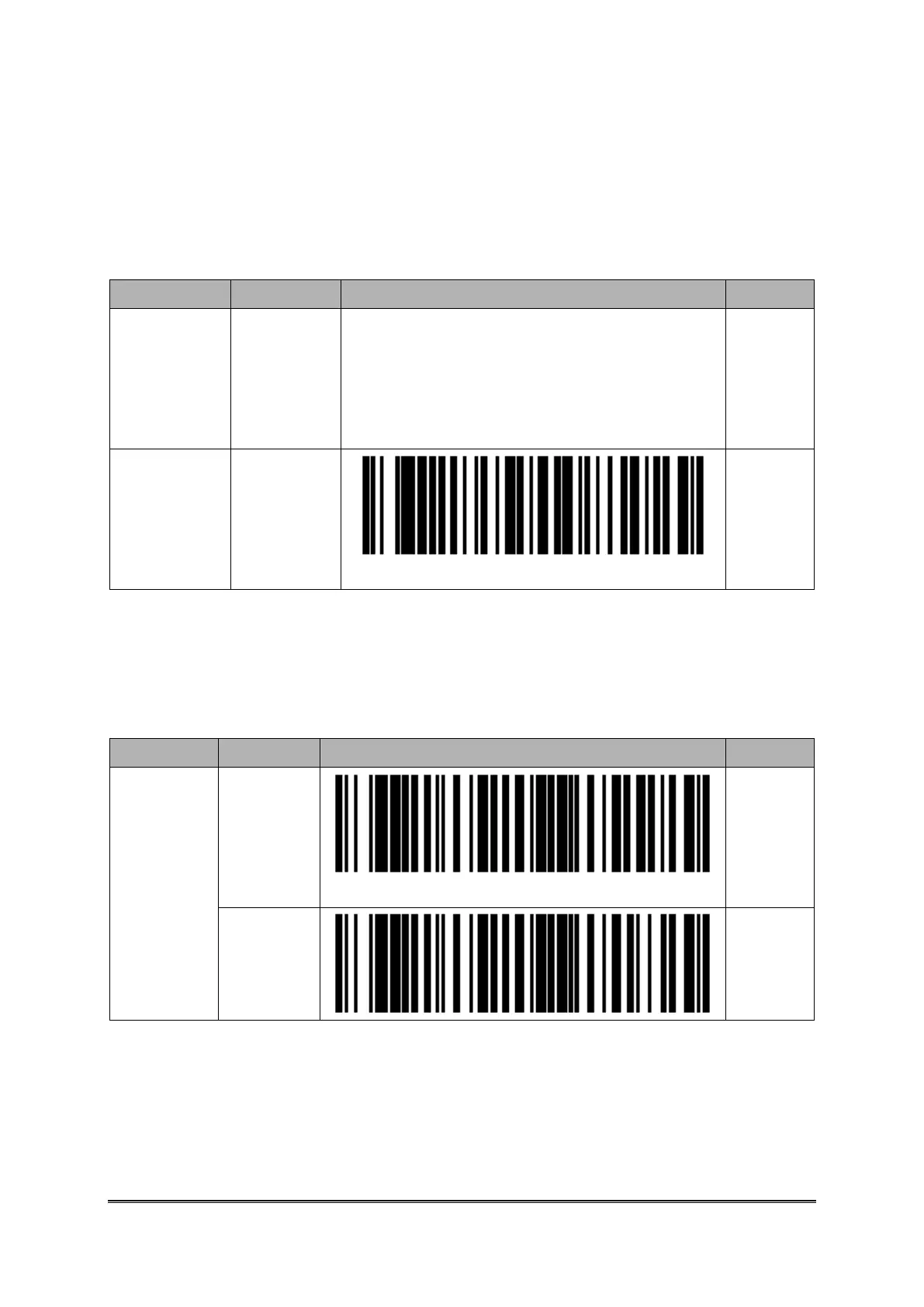
Setting Barcodes for Time Stamp
Disable
(_____#
____)
※_ is
space
Enable
(YYYY/
MM/DD#
hh:mm:ss)
※ “#” is a Termination Character. Please refer to <Termination Character Setting> in the
following table.



 To Next Page