CYCLOPS-I BT Scanner Configuration Guide 74
10. Appendix 1
How to make the setting Code
Code type of the configuration and setting barcodes for CYCLOPS-I is Code128
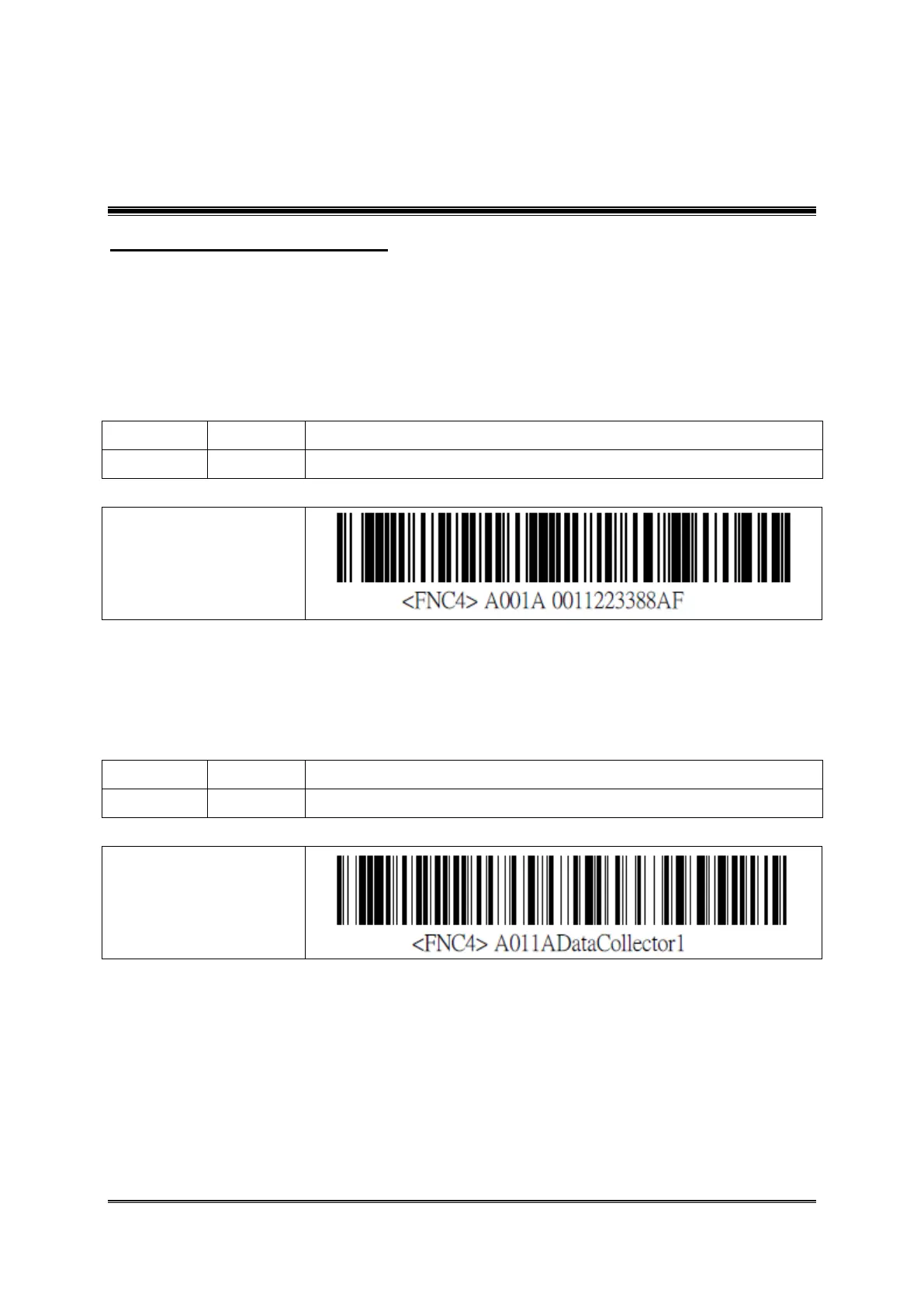
You can make the setting barcodes of BT Driver Address and BT Device Name by yourself.
Example: How to make the setting barcode of Bluetooth Driver Address
Address ( Alpha-Numeric )
※ The barcode muse has a “space” between FNC4 and A001A.
Example . How to make the setting barcode of Bluetooth Device Name
Address ( Alpha-Numeric )
※ The barcode muse has a “space” between FNC4 and A001A.



 To Next Page