44
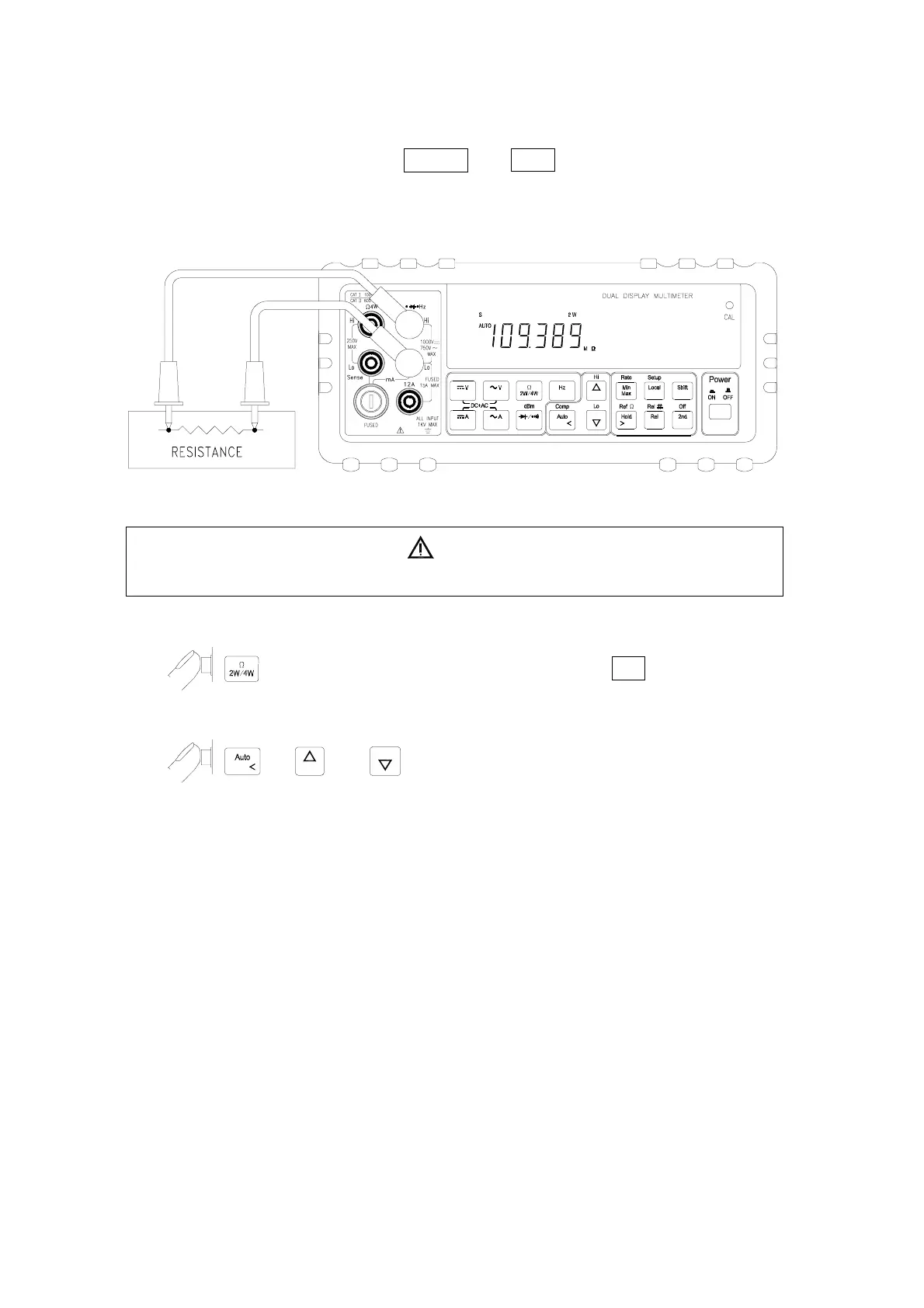
4-3 Measuring Resistance by using 2-wire Mode
1. Connect a resistor under test to V
(
Ω
(
Hz and Lo input terminals as shown
below:
WARNING!
Do not apply a voltage exceeding 500 V peak between
V
(
((
(
Ω
(
((
(
Hz
and
Lo
input terminals.
2.
to select the 2-wire
Ω
measurement function, 2 W annunciator will
be on in the primary display.
3.
, or to select auto-ranging or manual range for
primary display.
Note: When measuring low resistance, use “REL” modifier function to reduce the
measurement error created by the test leads resistance and contact resistance in
the test loop (0.1Ω ~ 0.5Ω typical).



 To Next Page