51
6-4 Using Commands
Note: All RS-232 commands must be entered in the upper case.
6-4-1 Types of Commands
The RS-232 commands are grouped in three types:
KEY commands, SET commands, and QUERY commands.
! Key Commands
There are 16 pushbutton keys on the front panel of the meter. User may use the
Key commands <
K1> to <K16> for directly simulating a single keystroke by
pressing on the front panel push button via RS-232 interface. User may also
use other Key commands <
K17> to <K20> for simulating combination
keystroke functions (see complete Key commands description on Table 6-3).
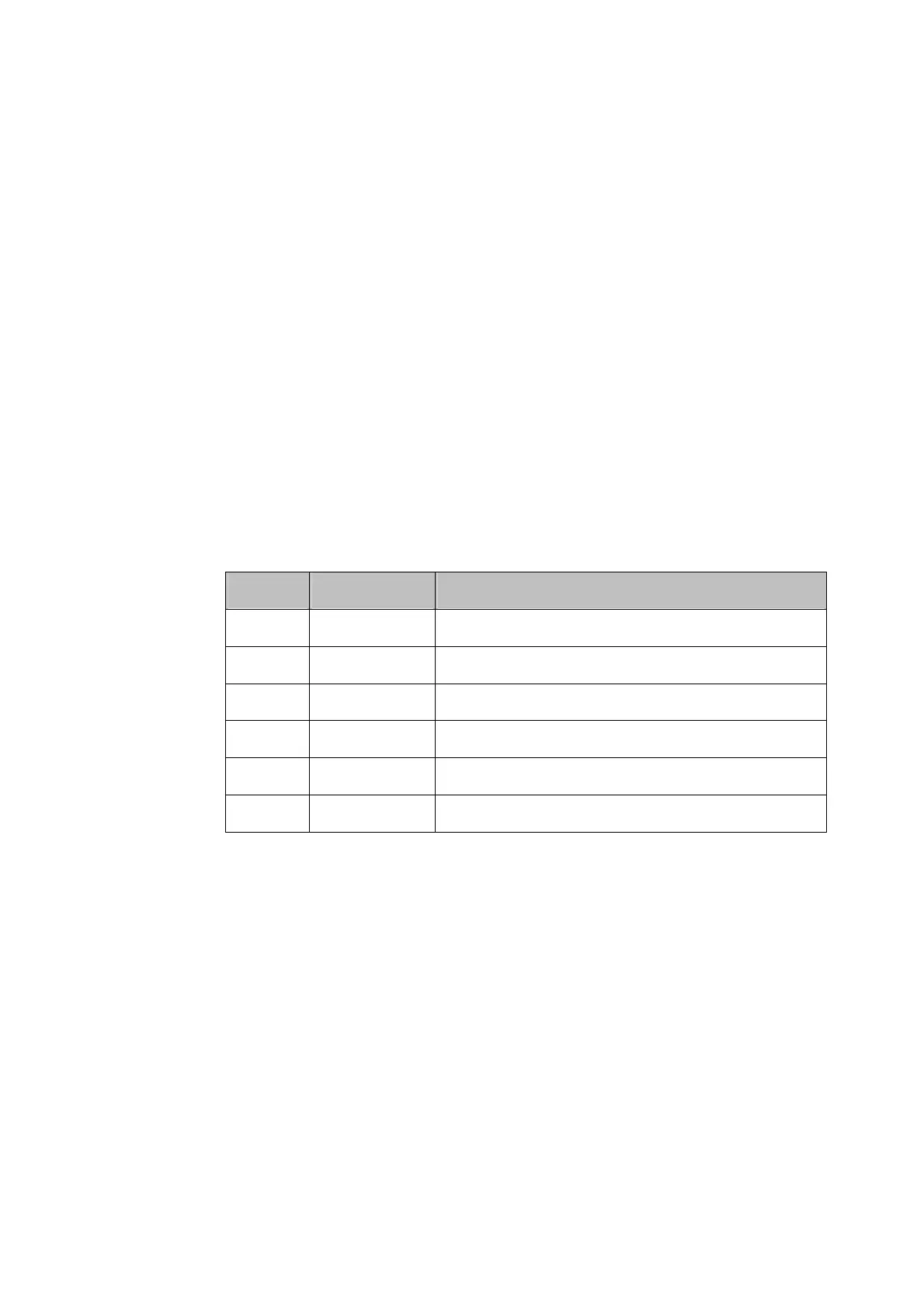
For example, user may use the following command sets to select the meter at
Vdc 120V measurement range.
Step Command Equivalent Keystroke Response
1 <K1> Select Vdc function
2 <K9> Select one range up
3 <K9> Select one more range up
4 <K9> Select one more range up
5 <K9> Select one more range up at 1000Vdc
6 <K10> Select one range down to 120Vdc
This above operations will be more complicated and time consuming, but it
would be convenient for special applications and make a virtual instrument
application easier.
Please refer to Section 6-5-1 for detail information about Key Commands.
! Set Commands
Unlike Key commends, Set command controls the meter operations through
a string of commands. For example, to set the meter at Vdc 120V range,
user may only need one command string <
S104>:
<S> for setting, <1> for primary display,
<
0> for Vdc function, <4> for 120V range.
Please refer to Section 6-5-2 for detail information about Set Commands.



 To Next Page